
Floob para PC
TEAPOT Games
Descarga Floob en PC con GameLoop Emulator
Floob en PC
Floob, proveniente del desarrollador TEAPOT Games, se ejecuta en el sistema Android en el pasado.
Ahora, puedes jugar Floob en PC con GameLoop sin problemas.
Descárgalo en la biblioteca de GameLoop o en los resultados de búsqueda. No más mirar la batería o llamadas frustrantes en el momento equivocado nunca más.
Simplemente disfrute de Floob PC en la pantalla grande de forma gratuita!
Floob Introducción
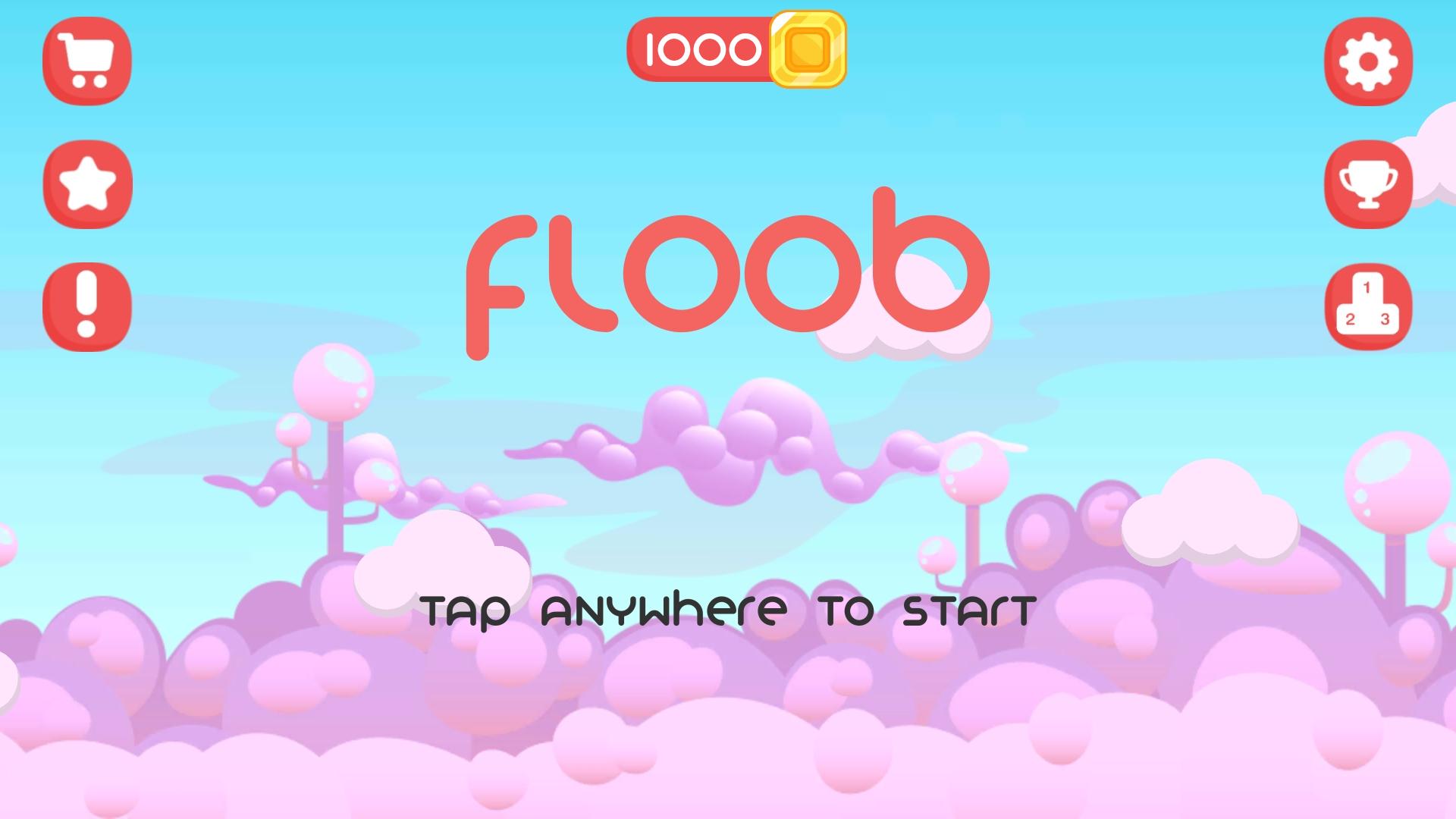
Floob LOVES lollipops. But he HATES falling to his death. Help Floob get his sugar-fix by guiding him through a world full of sugary snacks and dreams.
Tap on a lollipop and Floob will lick it. Tap again, and he will let go. Time your taps to perfection, and he will glide through the sky, swinging effortlessly from one lollipop to the next. But miss-time a single tap and he will fall! See how far you can get!
FEATURES:
- Simple single-tap controls that make for an addictive gameplay experience!
- Compete against your friends and the world with global leaderboards!
- Unlock cool skins, hats and trails!
- Free to play!
**SAVE YOUR PROGRESS!**
- Go to the settings menu and sign in to Google Play to save your high score, skins, hats, trails and coins!
- Stay signed in to ensure your progress is always saved!
- If you need to restore your game progress, simply sign back in to Google Play with your same account
Have any problems or suggestions? Contact me at floob.play@gmail.com
Avance

Etiquetas
AcciónInformación
Desarrollador
TEAPOT Games
La última versión
1.0
Última actualización
2020-12-04
Categoría
Acción
Disponible en
Google Play
Mostrar más
Cómo jugar Floob con GameLoop en PC
1. Descargue GameLoop desde el sitio web oficial, luego ejecute el archivo exe para instalar GameLoop.
2. Abra GameLoop y busque "Floob", busque Floob en los resultados de búsqueda y haga clic en "Instalar".
3. Disfruta jugando Floob en GameLoop.
Minimum requirements
OS
Windows 8.1 64-bit or Windows 10 64-bit
GPU
GTX 1050
CPU
i3-8300
Memory
8GB RAM
Storage
1GB available space
Recommended requirements
OS
Windows 8.1 64-bit or Windows 10 64-bit
GPU
GTX 1050
CPU
i3-9320
Memory
16GB RAM
Storage
1GB available space