
Tube Browser: Blocks Ads Video PC
Tube Browser Studio
GameLoopエミュレーターを使用してPCにTube Browser: Blocks Ads Videoをダウンロードします
Tube Browser: Blocks Ads Video PC版
開発者Tube Browser StudioからのTube Browser: Blocks Ads Videoは、過去にAndroidsystermで実行されています。
これで、GameLoopを搭載したPCでTube Browser: Blocks Ads Videoをスムーズにプレイできます。
GameLoopライブラリまたは検索結果にダウンロードしてください。 バッテリーに目を向けたり、間違った時間にイライラしたりすることはもうありません。
大画面でTube Browser: Blocks Ads VideoPCを無料でお楽しみください!
Tube Browser: Blocks Ads Video 序章
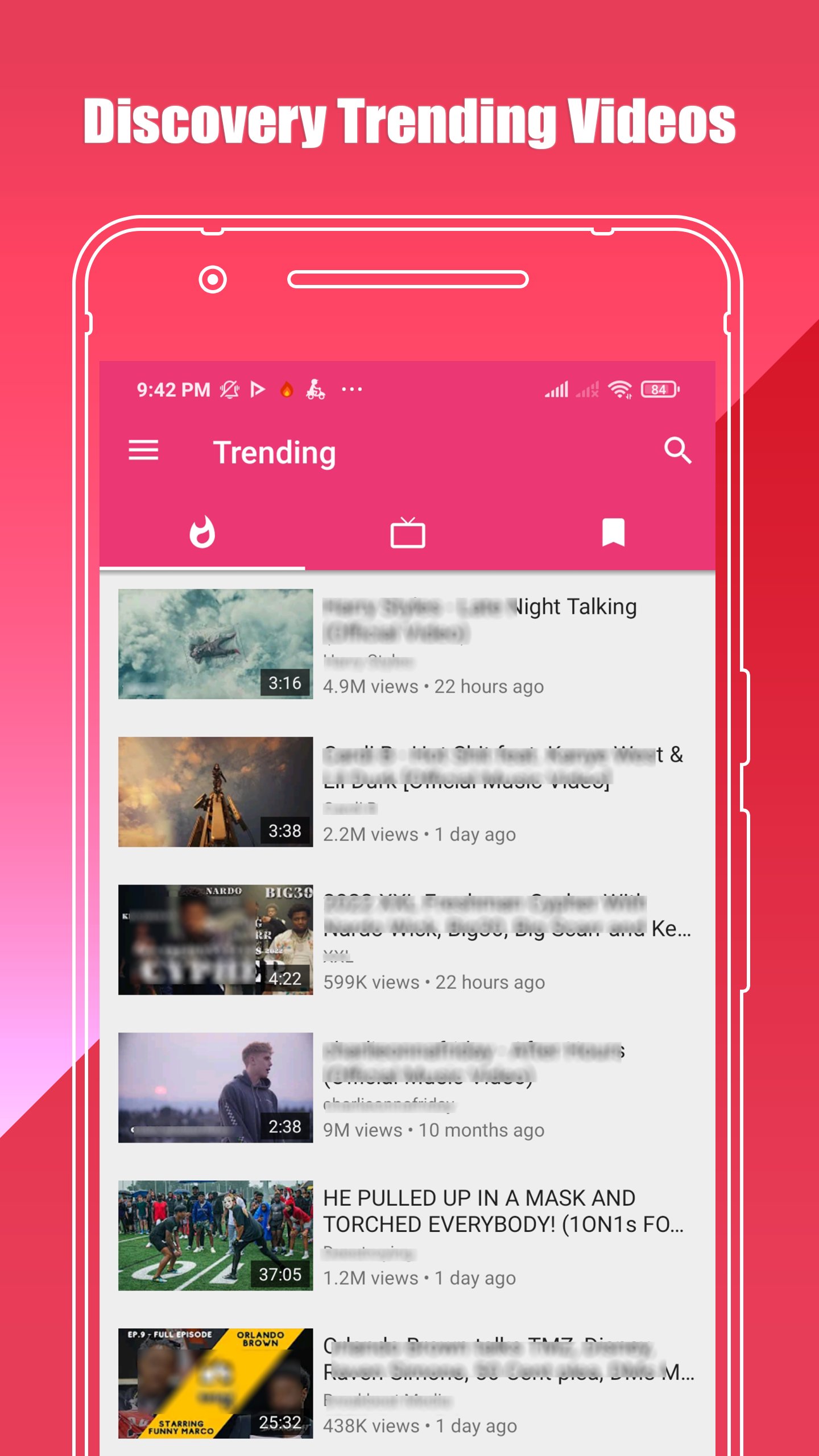
Tube Browser - Tube ad blocking ad blocker application.
Tube Browser is a lightweight mobile browser that' s makes streaming and play music & video from Tube easier and faster - undoubtedly a new optional for fast, private, secure and enjoyable browsing experience
Have you been irritated when you are playing Tube, as the advertisement is displayed and the video stops on the way?
Tube Browser that should eliminate such irritation was developed.
--------
[Features]
1. Remove & Blocks all video ads and recommended ads on the page
2. The player is on top, watching the comments or recommendations while watching the video
3. Play video in a small window,While browsing the page, watch the video
4. Support NO AD from Tube Browser
5. Support night dark display mode
6. Support player multiple speed playback
-------
[Features in Detail]
* Ad Blocker - Block Ads for Video
- Block Ads for Video, free premium has collected millions of ad-free videos through AI engine, bringing you the unexpected watching experience
- Ad Guard Video Player, so that you can enjoy ad free experience when watching all the Tube videos
- Ad Blocker for Pop-ups, this pop up blocker also helps block pop-up ads. Turn on ad blocker to remove all kinds of unwanted ads or annoying pop-ups
- Auto skip ads, block adverts and filter all video ads with in-built free ad blocker
* Floating Video Player
- Allows you to play videos in Floating Popup Play Mode.
- Play in both full screen or floating popup window mode as you wish
* Background Video Player
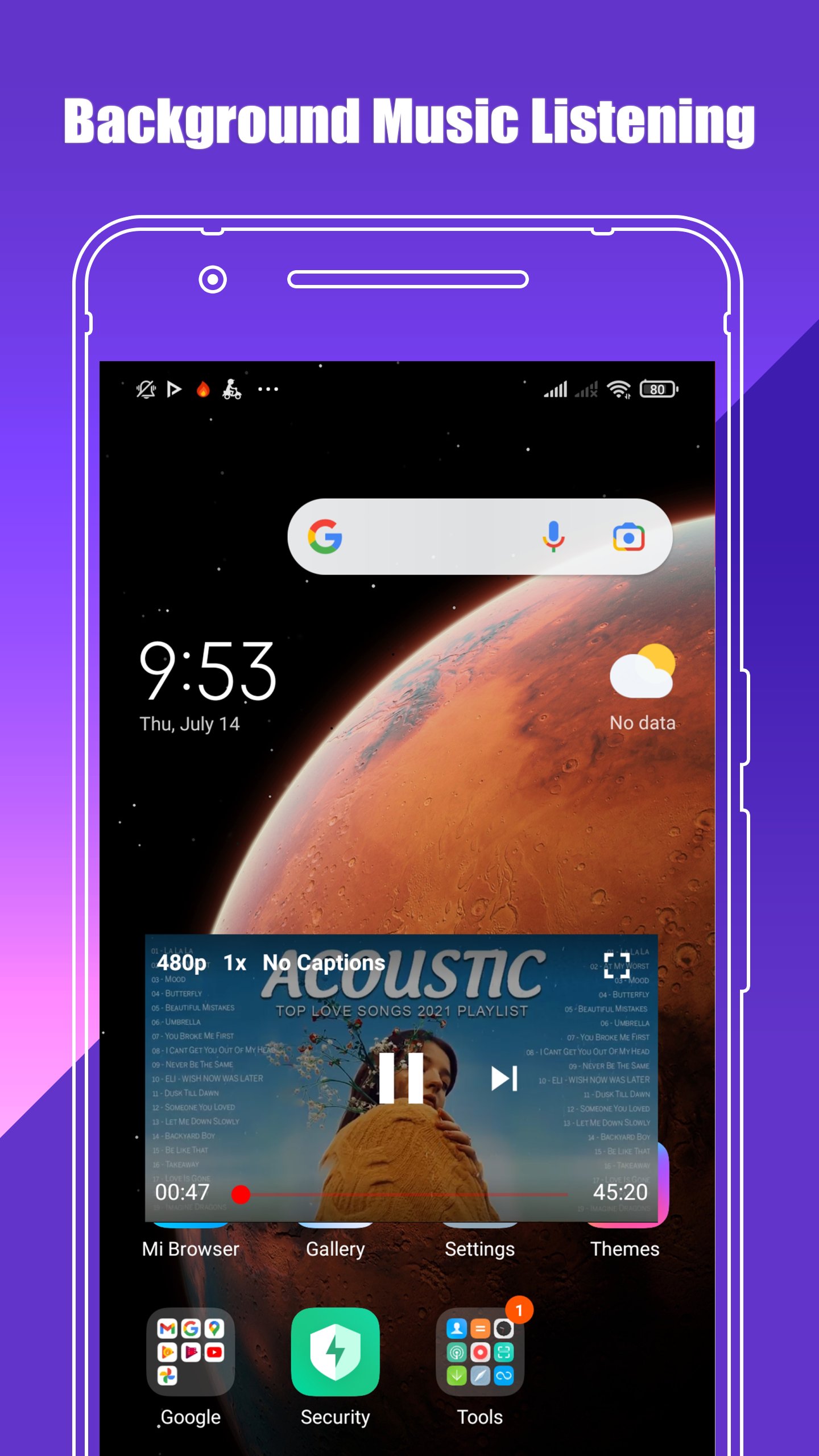
- Allows you to play videos in background, in which way the video will continue to play when you exit Pure Tuber for other social media apps, such as Line, Messenger, WhatsApp, etc.
- Use the Minimize function to fit Tube videos, on a small resizable and movable window in the corner of your screen. Now you can play your favorite game, check your email or perform any other task!
* Up to 8K Resolution
- Maximum resolution of videos active by default.
- able to play videos with all resolutions from 144p to 8K, enjoy the best user experience.
プレビュー
タグ
Video-Players情報
デベロッパー
Tube Browser Studio
最新バージョン
1.0.4
最終更新
2022-08-26
カテゴリー
Video-players-editors
上で利用可能
Google Play
もっと見せる
PCでGameLoopを使用してTube Browser: Blocks Ads Videoをプレイする方法
1. 公式WebサイトからGameLoopをダウンロードし、exeファイルを実行してGameLoopをインストールします
2. GameLoopを開いて「Tube Browser: Blocks Ads Video」を検索し、検索結果でTube Browser: Blocks Ads Videoを見つけて、「インストール」をクリックします。
3. GameLoopでTube Browser: Blocks Ads Videoを楽しんでください
Minimum requirements
OS
Windows 8.1 64-bit or Windows 10 64-bit
GPU
GTX 1050
CPU
i3-8300
Memory
8GB RAM
Storage
1GB available space
Recommended requirements
OS
Windows 8.1 64-bit or Windows 10 64-bit
GPU
GTX 1050
CPU
i3-9320
Memory
16GB RAM
Storage
1GB available space