
Square Blur Video Editor - Crop, Cut & Blur Video PC
Photo Editor & Video Maker Zone
GameLoopエミュレーターを使用してPCにSquare Blur Video Editor - Crop, Cut & Blur Videoをダウンロードします
Square Blur Video Editor - Crop, Cut & Blur Video PC版
開発者Photo Editor & Video Maker ZoneからのSquare Blur Video Editor - Crop, Cut & Blur Videoは、過去にAndroidsystermで実行されています。
これで、GameLoopを搭載したPCでSquare Blur Video Editor - Crop, Cut & Blur Videoをスムーズにプレイできます。
GameLoopライブラリまたは検索結果にダウンロードしてください。 バッテリーに目を向けたり、間違った時間にイライラしたりすることはもうありません。
大画面でSquare Blur Video Editor - Crop, Cut & Blur VideoPCを無料でお楽しみください!
Square Blur Video Editor - Crop, Cut & Blur Video 序章
Want to create blurry videos to share on social media application ?
Want to crop & crop specific part from videos ?
Want to create blur video background with customization tools ?
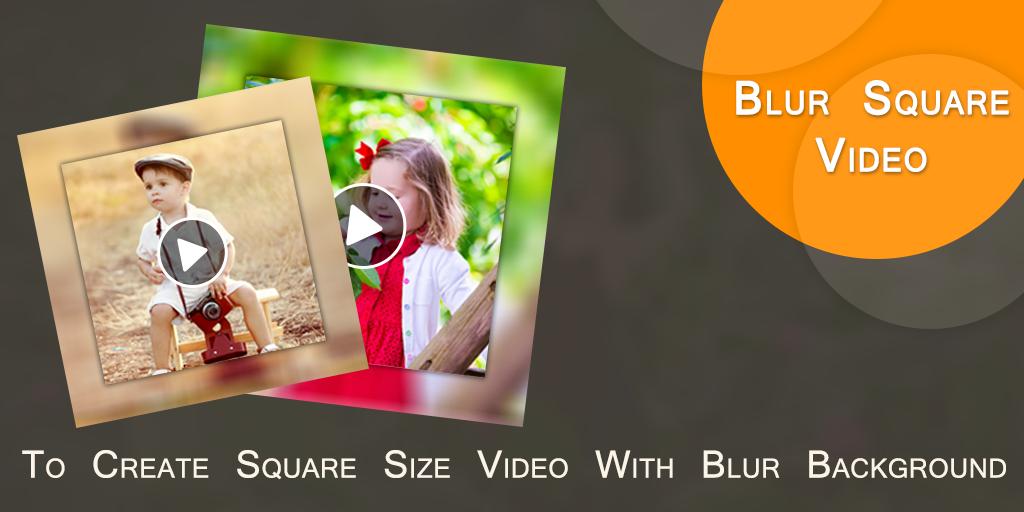
Square Blur Video Editor is an useful application which helps to create square size blur video for you.
Now your background video became totally blur.
Features :-
* Now create square size video with blur background.
* You can also create no crop blur video background also.
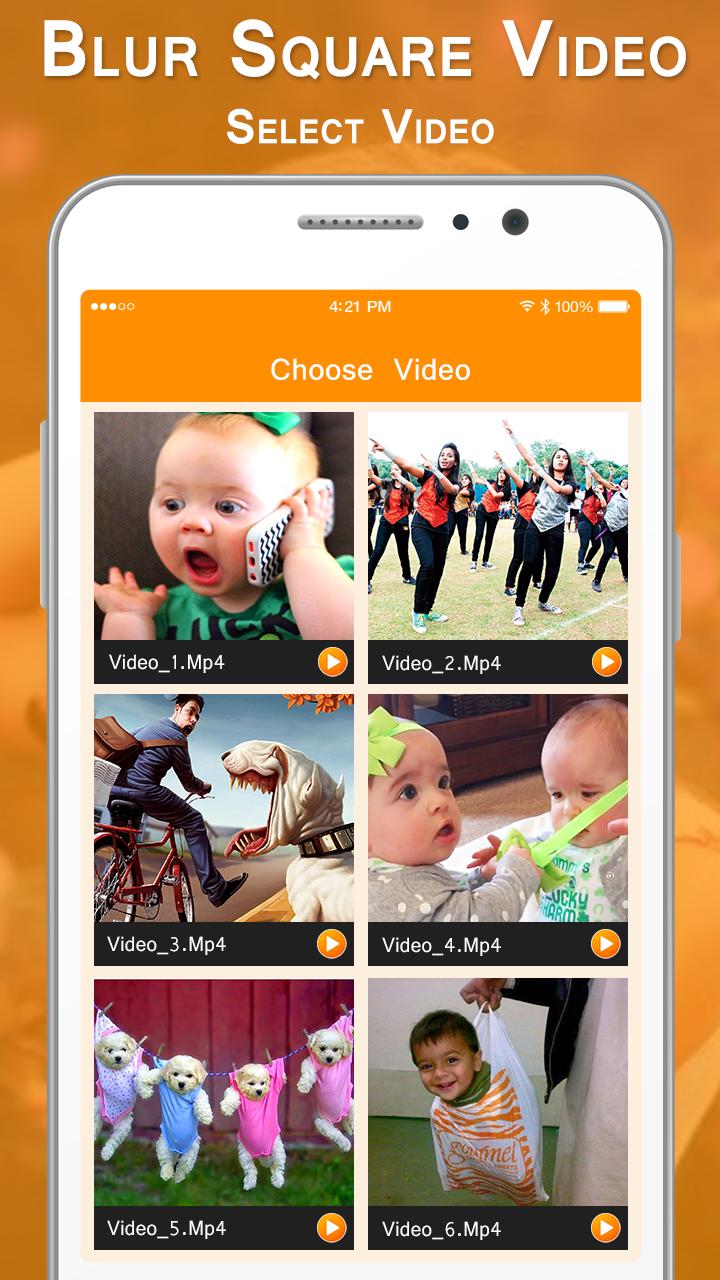
* Select video from custom gallery provided here.
* Easy to cut/ remove unused part from video.
* Easy to crop video for specific part of video.
* You can adjust blur opacity.
* Here you can crop or cut video at the same time.
* Add your own music from your album.
* Remove old music or you can create mute video also.
* Easy preview any time to play here how your Blur Square Video looks like
* One click to save final created Square Blur Video in your phone storage.
* Share blur videos with your friends.
In short you can create Square Blur Video in just a simple steps :-
- Select a video.
- Cut or crop video.
- Set video background's blur ratio.
- Add or remove music.
- Easy preview.
- One click to save & share Square Blur Video.
Square Blur Video Editor - Crop, Cut & Blur Video, is an useful application to create square size video with blur background as well as no crop blur videos.
プレビュー
情報
デベロッパー
Photo Editor & Video Maker Zone
最新バージョン
1.3
最終更新
2021-03-11
カテゴリー
Video-players-editors
上で利用可能
Google Play
もっと見せる
PCでGameLoopを使用してSquare Blur Video Editor - Crop, Cut & Blur Videoをプレイする方法
1. 公式WebサイトからGameLoopをダウンロードし、exeファイルを実行してGameLoopをインストールします
2. GameLoopを開いて「Square Blur Video Editor - Crop, Cut & Blur Video」を検索し、検索結果でSquare Blur Video Editor - Crop, Cut & Blur Videoを見つけて、「インストール」をクリックします。
3. GameLoopでSquare Blur Video Editor - Crop, Cut & Blur Videoを楽しんでください
Minimum requirements
OS
Windows 8.1 64-bit or Windows 10 64-bit
GPU
GTX 1050
CPU
i3-8300
Memory
8GB RAM
Storage
1GB available space
Recommended requirements
OS
Windows 8.1 64-bit or Windows 10 64-bit
GPU
GTX 1050
CPU
i3-9320
Memory
16GB RAM
Storage
1GB available space