Screen Mirroring with TV - Mirror Screen PC
Real App Zone
GameLoopエミュレーターを使用してPCにScreen Mirroring with TV - Mirror Screenをダウンロードします
Screen Mirroring with TV - Mirror Screen PC版
開発者Real App ZoneからのScreen Mirroring with TV - Mirror Screenは、過去にAndroidsystermで実行されています。
これで、GameLoopを搭載したPCでScreen Mirroring with TV - Mirror Screenをスムーズにプレイできます。
GameLoopライブラリまたは検索結果にダウンロードしてください。 バッテリーに目を向けたり、間違った時間にイライラしたりすることはもうありません。
大画面でScreen Mirroring with TV - Mirror ScreenPCを無料でお楽しみください!
Screen Mirroring with TV - Mirror Screen 序章
Screen Stream Mirroring is the most powerful app for mirroring and broadcasting.
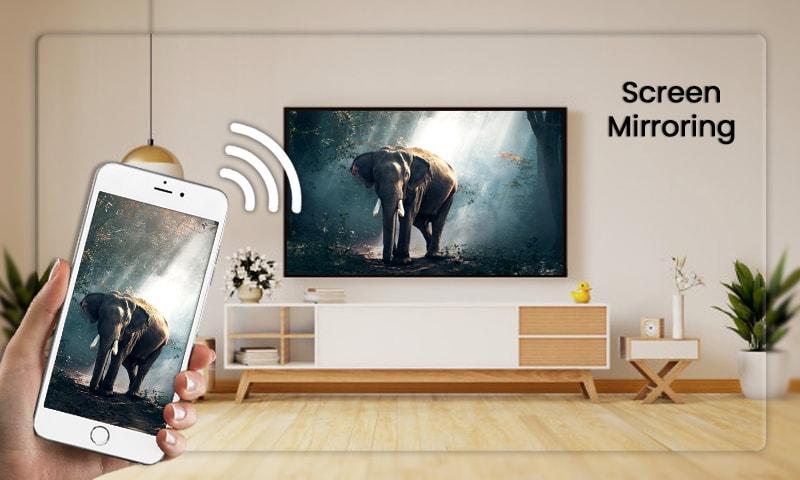
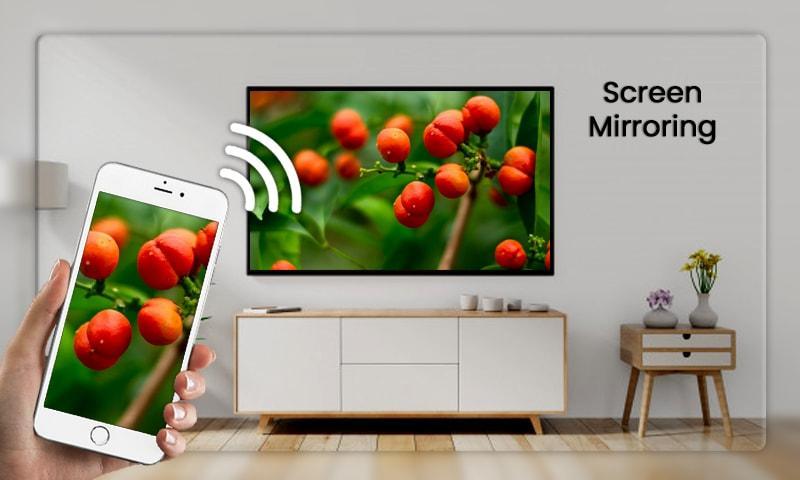
Screen mirroring assistant app helps to open window in smart TV screen from your phone. Share second screen throw wireless and wifi and connect phone dongles with Samsung smart TV mirroring assistant.
Screen Stream Mirroring is the most powerful app for mirroring and broadcasting your Android screen and audio in real time !
Little smartphone and tablet screens are good on the run, but when you’re in your family area then why not use your TV’s much larger screen instead? Sharing your phone screen With the Television now is easier with this Connect Phone To TV App.
You can enjoy your personalized Smart Hub experience on your smartphone or tablet with all the benefits of touch. Browse across your favorite live TV and streaming apps more. Discover and launch your movies, shows, sports, music or games directly from your phone without interrupting your viewing experience on the TV.
Screen mirroring work your TV should support Wireless Display and TV must be connected to wifi network same as your phone. use Screen Mirroring App to mirror your mobile screen to smart TV.
Steps to connect your android device with TV :
⌨ Check your TV weather it supports WIFI Display / Screen Mirroring.
⌨ Make sure that your TV and device connected by same WIFI network.
⌨ Make sure your device inbuilt hardware of Display sharing.
⌨ Enable cast screen display on your TV.
⌨ Start Wireless Display option on your phone.
⌨ Click Select button and choose your TV.
Feature's of Screen Mirroring :
⌨ Support most of android device
⌨ Easily change resolution and density
⌨ Many settings to optimize performances
⌨ Lock screen orientation to landscape
⌨ Compatible with Network Tethering (WIFI, Bluetooth, USB)
⌨ Display Phone Screen On TV
This App also known as : -
➠ Screen mirroring app
➠ Mirror screen
➠ Screen mirroring Samsung TV
➠ Mirror TV
➠ MiraCast
➠ Mobile Screen to TV Screen
➠ Connect Mobile with TV
➠ Mobile Video to TV Screen
➠ Screen mirroring Samsung smart TV
➠ Samsung screen mirroring
➠ Mirror cast
➠ Screen mirroring Samsung
➠ Cast screen android
➠ Samsung mirroring app
➠ Screen mirror
➠ Mirror screen android
➠ Screen mirroring for Samsung TV
➠ Mirroring to TV
➠ Screen mirroring laptop
If you like this app then don’t forget to rate it with 5 star and If you like this app please send your feedback and suggestions to my gmail.
Thank You :)
プレビュー
情報
デベロッパー
Real App Zone
最新バージョン
1.0.1
最終更新
2020-01-30
カテゴリー
Video-players-editors
上で利用可能
Google Play
もっと見せる
PCでGameLoopを使用してScreen Mirroring with TV - Mirror Screenをプレイする方法
1. 公式WebサイトからGameLoopをダウンロードし、exeファイルを実行してGameLoopをインストールします
2. GameLoopを開いて「Screen Mirroring with TV - Mirror Screen」を検索し、検索結果でScreen Mirroring with TV - Mirror Screenを見つけて、「インストール」をクリックします。
3. GameLoopでScreen Mirroring with TV - Mirror Screenを楽しんでください
Minimum requirements
OS
Windows 8.1 64-bit or Windows 10 64-bit
GPU
GTX 1050
CPU
i3-8300
Memory
8GB RAM
Storage
1GB available space
Recommended requirements
OS
Windows 8.1 64-bit or Windows 10 64-bit
GPU
GTX 1050
CPU
i3-9320
Memory
16GB RAM
Storage
1GB available space