MIVI-Photo Video Maker PC
Lyricalpraayudh Tech
GameLoopエミュレーターを使用してPCにMIVI-Photo Video Makerをダウンロードします
MIVI-Photo Video Maker PC版
開発者Lyricalpraayudh TechからのMIVI-Photo Video Makerは、過去にAndroidsystermで実行されています。
これで、GameLoopを搭載したPCでMIVI-Photo Video Makerをスムーズにプレイできます。
GameLoopライブラリまたは検索結果にダウンロードしてください。 バッテリーに目を向けたり、間違った時間にイライラしたりすることはもうありません。
大画面でMIVI-Photo Video MakerPCを無料でお楽しみください!
MIVI-Photo Video Maker 序章
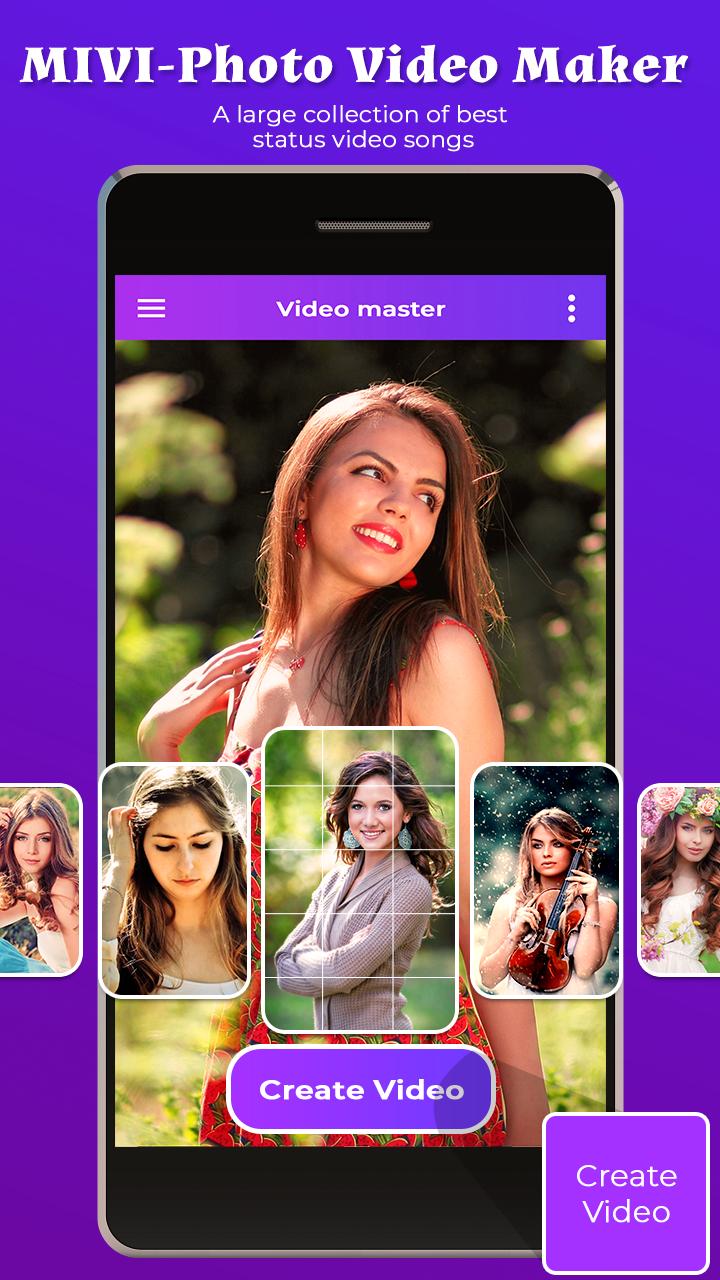
With MIVI-Photo Video Maker you can make lyrical video of your own beautiful photos. It has choice to select many images from gallery and also have option to add stickers and Write text on photo.
MIVIVideo says a lot and adding photo on that Video make it more effective. It's area that is booming right now, people love to make lyrical video and share that video on social media.
MIVI-Photo Video Maker Video Editor app where you can add your Memorable And Favorite photo and also convert it into amazing lyrical MIVIvideos and save it and share it with one click to your relatives and friends on social media.
Features of MIVI-Photo Video Maker
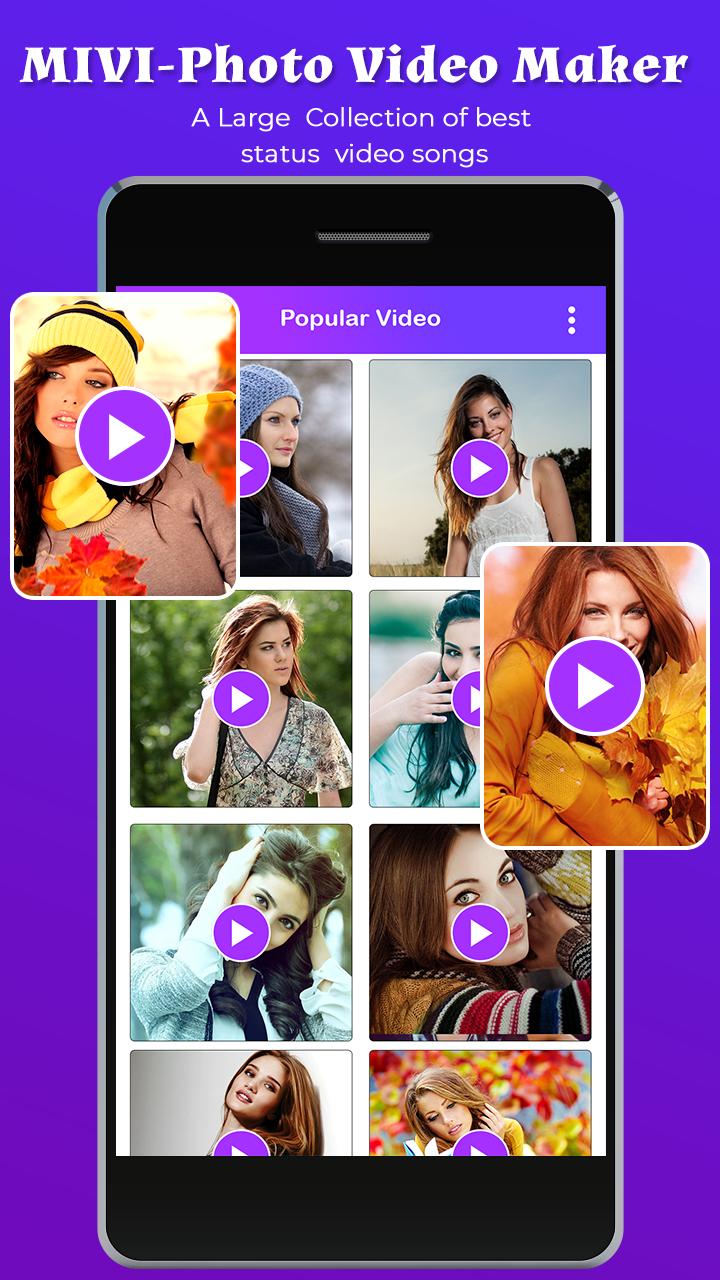
# Select your Favorite Video From List.
# Select your favorite photo.
# You can Crop Photo in wonderful PIP Shape.
# Apply Shadowing & Blur Effect on Photo.
# Add stickers On video.
# You can Change with your favorite song.
# You Can see Preview Before Creation.
# Easily Save and Share your created video via social media.
# You can also delete your created video from My Creation.
# Easy User Interface.
Create wonderful Lyrical Video of your photo With an amazing MIVI-Photo Video Makerif you like the Application then Don't Forget to share with your friends and Relative.
For any Suggestion You can freely contact us on lyricalpraayudhtech@gmail.com
プレビュー
情報
デベロッパー
Lyricalpraayudh Tech
最新バージョン
2.0
最終更新
2019-08-17
カテゴリー
Video-players-editors
上で利用可能
Google Play
もっと見せる
PCでGameLoopを使用してMIVI-Photo Video Makerをプレイする方法
1. 公式WebサイトからGameLoopをダウンロードし、exeファイルを実行してGameLoopをインストールします
2. GameLoopを開いて「MIVI-Photo Video Maker」を検索し、検索結果でMIVI-Photo Video Makerを見つけて、「インストール」をクリックします。
3. GameLoopでMIVI-Photo Video Makerを楽しんでください
Minimum requirements
OS
Windows 8.1 64-bit or Windows 10 64-bit
GPU
GTX 1050
CPU
i3-8300
Memory
8GB RAM
Storage
1GB available space
Recommended requirements
OS
Windows 8.1 64-bit or Windows 10 64-bit
GPU
GTX 1050
CPU
i3-9320
Memory
16GB RAM
Storage
1GB available space