
FastSave: Instagram Downloader PC
Fast Video Downloader & Story Saver
GameLoopエミュレーターを使用してPCにFastSave: Instagram Downloaderをダウンロードします
FastSave: Instagram Downloader PC版
開発者Fast Video Downloader & Story SaverからのFastSave: Instagram Downloaderは、過去にAndroidsystermで実行されています。
これで、GameLoopを搭載したPCでFastSave: Instagram Downloaderをスムーズにプレイできます。
GameLoopライブラリまたは検索結果にダウンロードしてください。 バッテリーに目を向けたり、間違った時間にイライラしたりすることはもうありません。
大画面でFastSave: Instagram DownloaderPCを無料でお楽しみください!
FastSave: Instagram Downloader 序章
Want to download videos or photos from Instagram?
Want to save stories, download posts, Ins TV, and profiles with one tap?
This Downloader for the Instagram app can help you download or repost your favorite pictures and videos from Instagram. It's also easy to copy tags from Instagram. This app is completely free!
Imagine you are on the feed of Instagram and interested in a photo or video, you want to save the photo or video and review offline, or share with friends, or repost to Instagram or other social media. Then what you do?
Downloader for Instagram app is the first tool for Instagram to help you manage multiple accounts and download posts without login. It is powerful and super easy to use.
Features:
- No login required for download
- Parallel download multiple posts at the same time. Much faster than other downloaders.
- Photo & video downloader and repost for Instagram
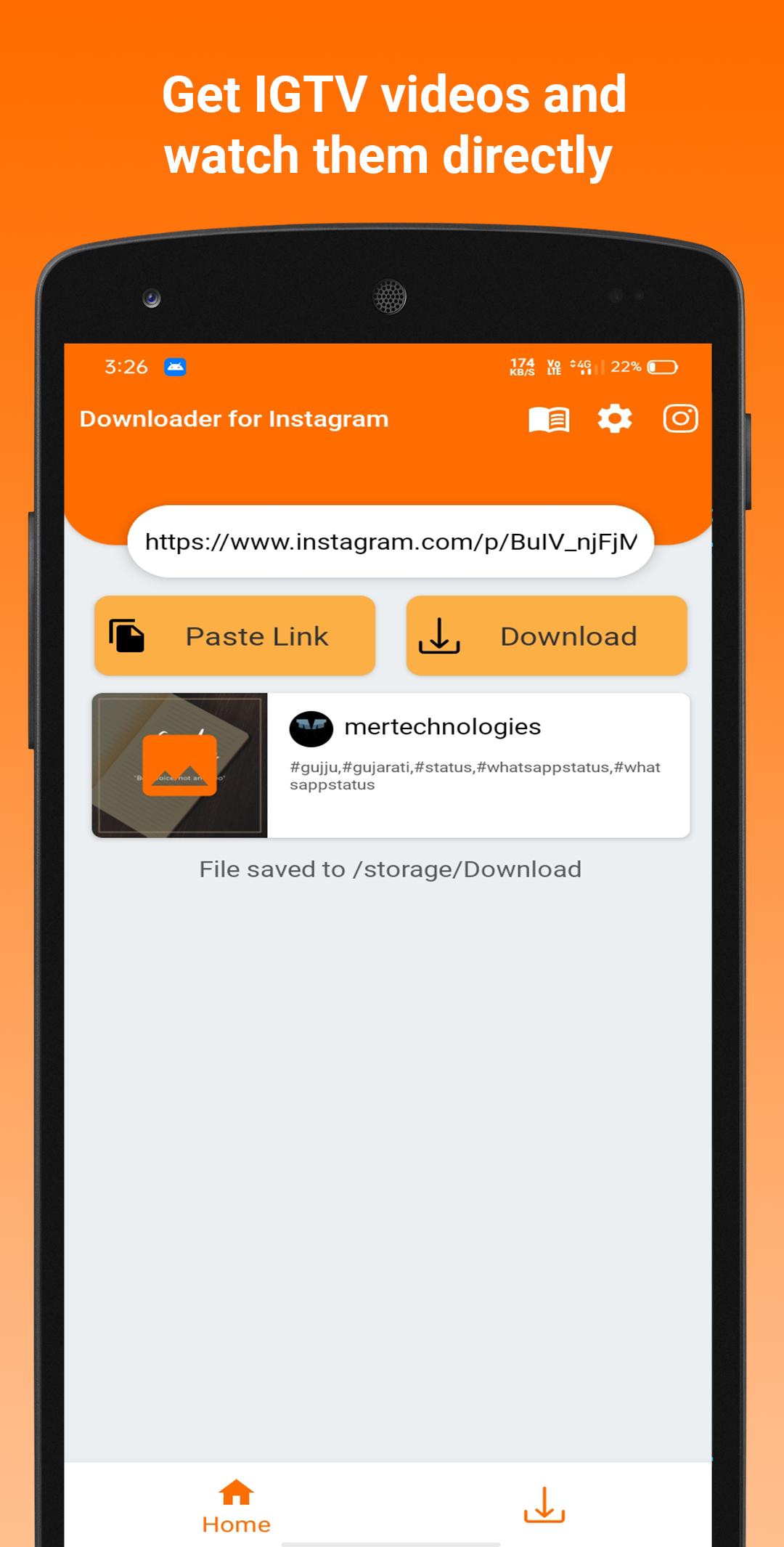
- View posts offline, play videos with the built-in player
- Support copy hashtag and caption, easy for reposting
- Fast, easy to use, and lightweight
How to download?
-: Use ‘Share Link’ :-
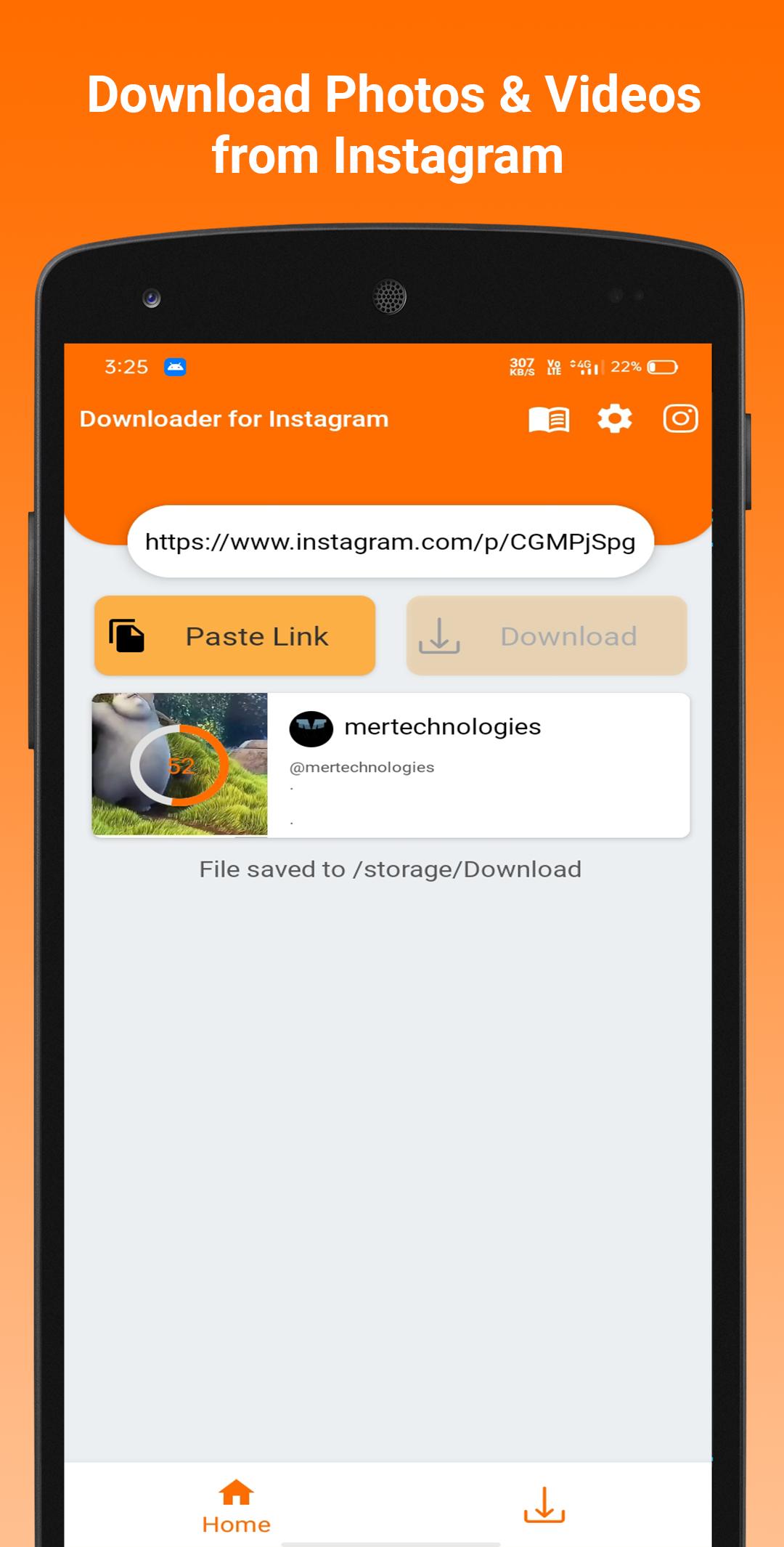
Step 1: Open cloned or original Instagram. Tap on the "Share Link" of the post that you are interested in.
Step 2: Select Downloader for the Instagram app to share
Done! The downloader for the Instagram app will download automatically in one second.
-: Or use ‘Copy Link’ :
Step 1: Open cloned or original Instagram. Tap on the "Copy Link" of the post that you are interested in.
Step 2: Paste the link and download it automatically!
Disclaimer:
1. Please get the PERMISSION from the owner before you repost videos or photos.
2. We respect the rights of Instagram.
3. This app is not associated with Instagram.
4. We are not responsible for any intellectual property violation that results from an unauthorized repost of a video or photo.
If this Downloader for Instagram is helpful for you, please rate us 🌟🌟🌟🌟🌟.
プレビュー
タグ
Video-Players情報
デベロッパー
Fast Video Downloader & Story Saver
最新バージョン
1.1.1
最終更新
2022-06-23
カテゴリー
Video-players-editors
上で利用可能
Google Play
もっと見せる
PCでGameLoopを使用してFastSave: Instagram Downloaderをプレイする方法
1. 公式WebサイトからGameLoopをダウンロードし、exeファイルを実行してGameLoopをインストールします
2. GameLoopを開いて「FastSave: Instagram Downloader」を検索し、検索結果でFastSave: Instagram Downloaderを見つけて、「インストール」をクリックします。
3. GameLoopでFastSave: Instagram Downloaderを楽しんでください
Minimum requirements
OS
Windows 8.1 64-bit or Windows 10 64-bit
GPU
GTX 1050
CPU
i3-8300
Memory
8GB RAM
Storage
1GB available space
Recommended requirements
OS
Windows 8.1 64-bit or Windows 10 64-bit
GPU
GTX 1050
CPU
i3-9320
Memory
16GB RAM
Storage
1GB available space