
Halo Video Player PC
Bahria Studio
GameLoopエミュレーターを使用してPCにHalo Video Playerをダウンロードします
Halo Video Player PC版
開発者Bahria StudioからのHalo Video Playerは、過去にAndroidsystermで実行されています。
これで、GameLoopを搭載したPCでHalo Video Playerをスムーズにプレイできます。
GameLoopライブラリまたは検索結果にダウンロードしてください。 バッテリーに目を向けたり、間違った時間にイライラしたりすることはもうありません。
大画面でHalo Video PlayerPCを無料でお楽しみください!
Halo Video Player 序章
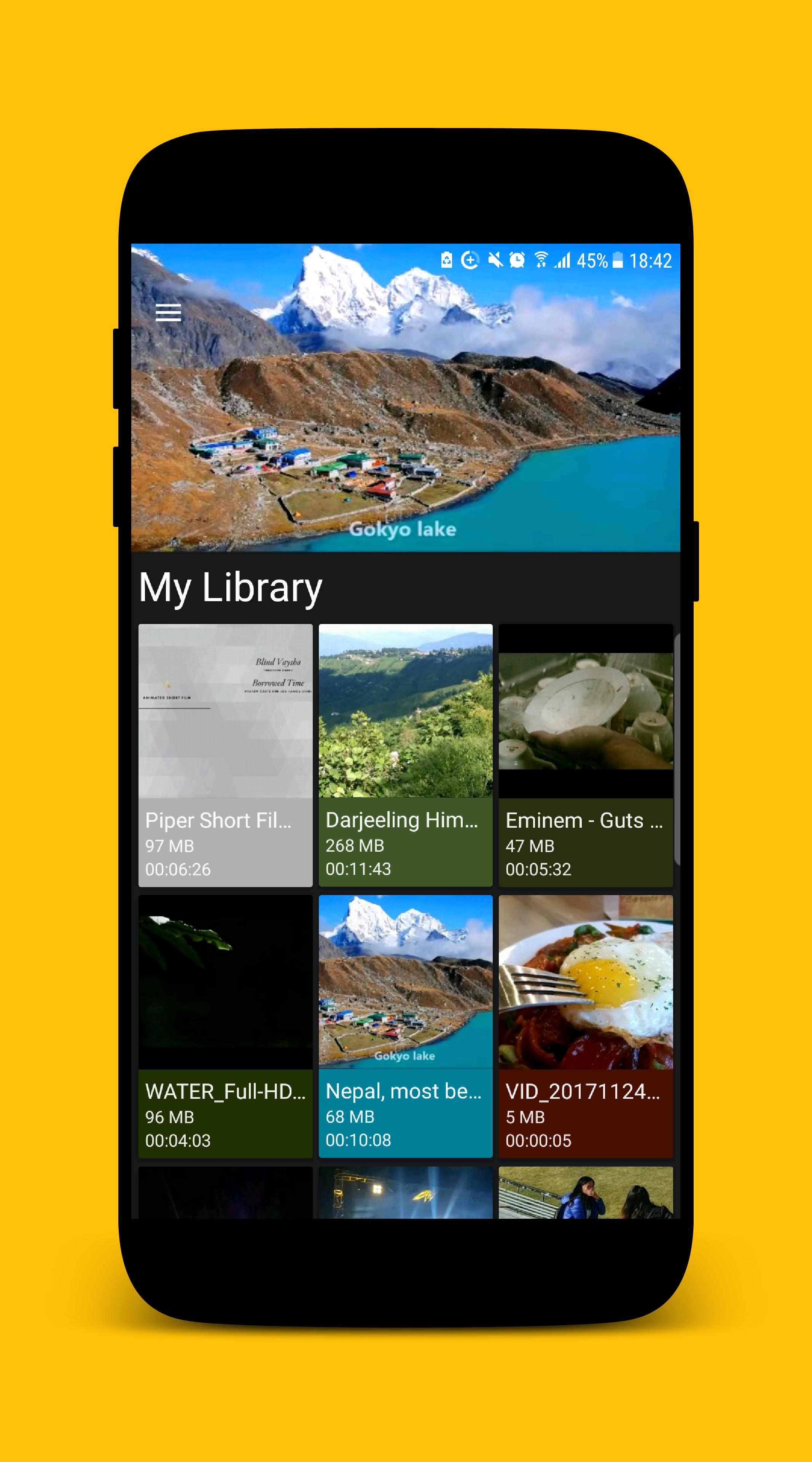
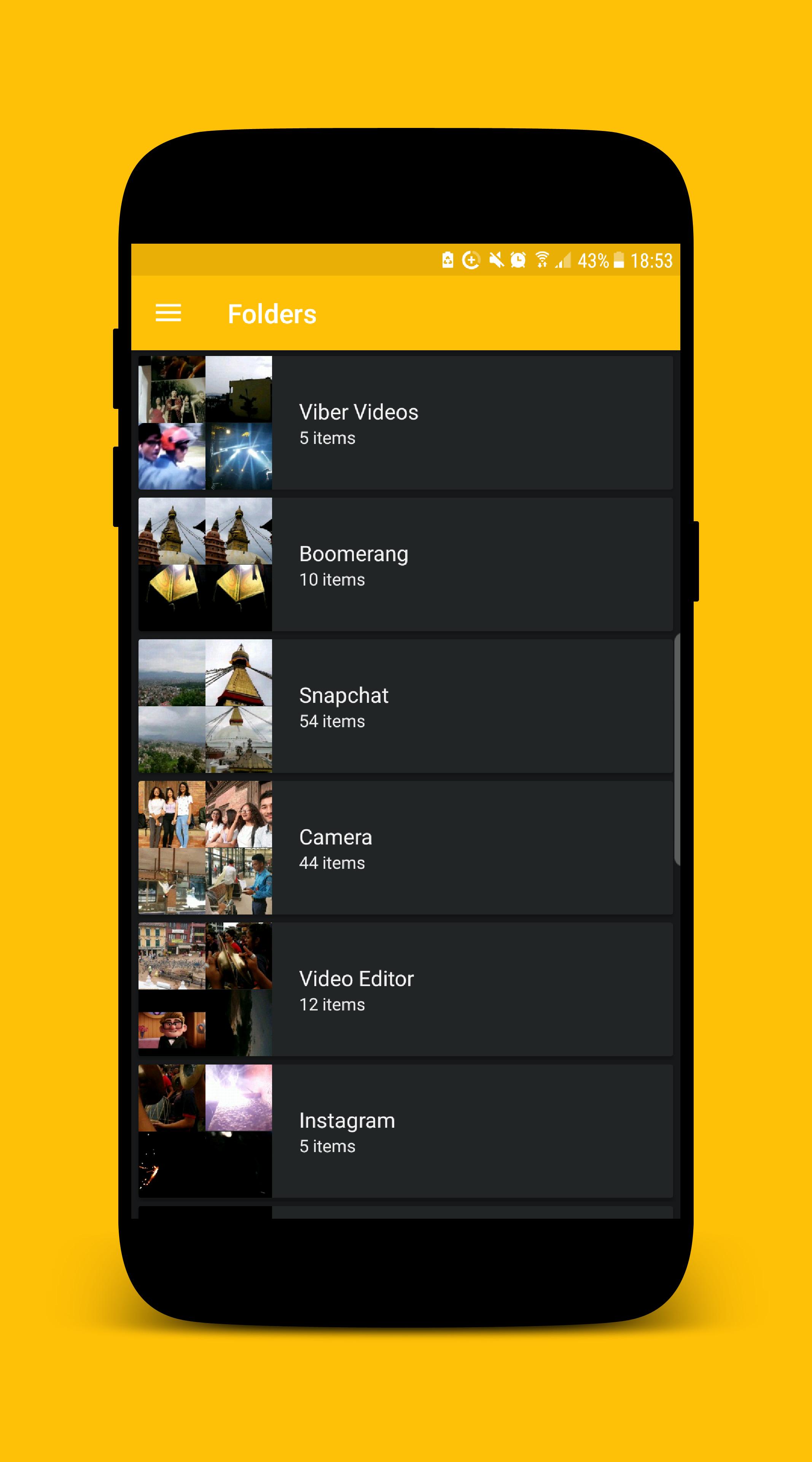
MP4 Video Player for Android is a free Multimedia player which allows you to browse and play all the popular video formats on your phone or tablet smoothly and control the seek, brightness and volume easily.
KEY FEATURES
• Supports all popular video formats.
• Built-in powerful video manager.
• Gesture to seek the video.
• Gesture to control the volume.
• Gesture to control the brightness.
• Provides 'Hide Video' mode which hides the video from the videos list inside the app. (The video file will still be visible while exploring using other apps.)
We ensure you will love this MP4 Video Player after using it. If you are looking for an MP4 video player with a better user experience and user interface MP4 Video Player is the best choice for you.
If you face any problem while using MP4 Video Player app or want to request new features or just want to say hello, then feel free to contact us, we will try our best to make you happy.
Thank you for using MP4 Video Player.
プレビュー
情報
デベロッパー
Bahria Studio
最新バージョン
2.0.1
最終更新
2017-12-26
カテゴリー
Video-players-editors
上で利用可能
Google Play
もっと見せる
PCでGameLoopを使用してHalo Video Playerをプレイする方法
1. 公式WebサイトからGameLoopをダウンロードし、exeファイルを実行してGameLoopをインストールします
2. GameLoopを開いて「Halo Video Player」を検索し、検索結果でHalo Video Playerを見つけて、「インストール」をクリックします。
3. GameLoopでHalo Video Playerを楽しんでください
Minimum requirements
OS
Windows 8.1 64-bit or Windows 10 64-bit
GPU
GTX 1050
CPU
i3-8300
Memory
8GB RAM
Storage
1GB available space
Recommended requirements
OS
Windows 8.1 64-bit or Windows 10 64-bit
GPU
GTX 1050
CPU
i3-9320
Memory
16GB RAM
Storage
1GB available space