Miracast - Wifi Display PC
FunStudioz
GameLoopエミュレーターを使用してPCにMiracast - Wifi Displayをダウンロードします
Miracast - Wifi Display PC版
開発者FunStudiozからのMiracast - Wifi Displayは、過去にAndroidsystermで実行されています。
これで、GameLoopを搭載したPCでMiracast - Wifi Displayをスムーズにプレイできます。
GameLoopライブラリまたは検索結果にダウンロードしてください。 バッテリーに目を向けたり、間違った時間にイライラしたりすることはもうありません。
大画面でMiracast - Wifi DisplayPCを無料でお楽しみください!
Miracast - Wifi Display 序章
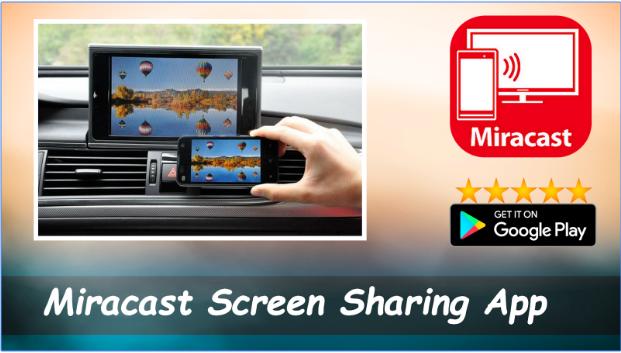
Miracast or Screen Mirroring able to play videos, music, photos, etc in my smartphone with any devices (smartphone, smartTV, laptop, tablet, etc) at anywhere.
Screen Mirroring provides an easy shortcut and widget to use the Miracast external display screen casting feature included in Android 4.2 and above!
With this app, user will more conveniently be able to mirror own screen or use the cast feature from supported devices.
To Share/mirror mobile screen to SmartTV or Wifi Display dongle connected to TV,
Following steps needs to performed:
1. Check your TV wheather it supports Wireless Display / Miracast.
2. Make sure TV is connected to the same WiFi network as your mobile device. You can't connect it with wired connection (LAN).
3. Make sure your Android device version is 4.2 or higher.
4. Make sure your device inbuilt hardware of Miracast.
5. Download and run Miracast App.
How to use?
Firstly App open then click on wi-fi display you will go on cast screen directly.
Enable the TV Miracast.
Tap on start wifi of the application.
Miracast application should be enabled.
Both will connect automatically to each other then you can see same mobile screen show on Smart TV.
Ease of Use: The app is fast event in 3g-4g-6g network and easy to browse .
Miracast gives you -
- Truly amazing graphics
- Amazing animations
- Carefully crafted option more apps
P.S. : This app always requires Miracast hardware/ software supported phones to connect and work successfully. Please do not rate the app with lower rating if your mobile did not support this feature.
Happy Miracasting.
プレビュー
情報
デベロッパー
FunStudioz
最新バージョン
1.01
最終更新
2018-09-16
カテゴリー
Video-players-editors
上で利用可能
Google Play
もっと見せる
PCでGameLoopを使用してMiracast - Wifi Displayをプレイする方法
1. 公式WebサイトからGameLoopをダウンロードし、exeファイルを実行してGameLoopをインストールします
2. GameLoopを開いて「Miracast - Wifi Display」を検索し、検索結果でMiracast - Wifi Displayを見つけて、「インストール」をクリックします。
3. GameLoopでMiracast - Wifi Displayを楽しんでください
Minimum requirements
OS
Windows 8.1 64-bit or Windows 10 64-bit
GPU
GTX 1050
CPU
i3-8300
Memory
8GB RAM
Storage
1GB available space
Recommended requirements
OS
Windows 8.1 64-bit or Windows 10 64-bit
GPU
GTX 1050
CPU
i3-9320
Memory
16GB RAM
Storage
1GB available space