
Battery Percentage Indicator PC
Zanoj Mobi Apps
GameLoopエミュレーターを使用してPCにBattery Percentage Indicatorをダウンロードします
Battery Percentage Indicator PC版
開発者Zanoj Mobi AppsからのBattery Percentage Indicatorは、過去にAndroidsystermで実行されています。
これで、GameLoopを搭載したPCでBattery Percentage Indicatorをスムーズにプレイできます。
GameLoopライブラリまたは検索結果にダウンロードしてください。 バッテリーに目を向けたり、間違った時間にイライラしたりすることはもうありません。
大画面でBattery Percentage IndicatorPCを無料でお楽しみください!
Battery Percentage Indicator 序章
🔋 バッテリー残量表示 – シンプルで正確
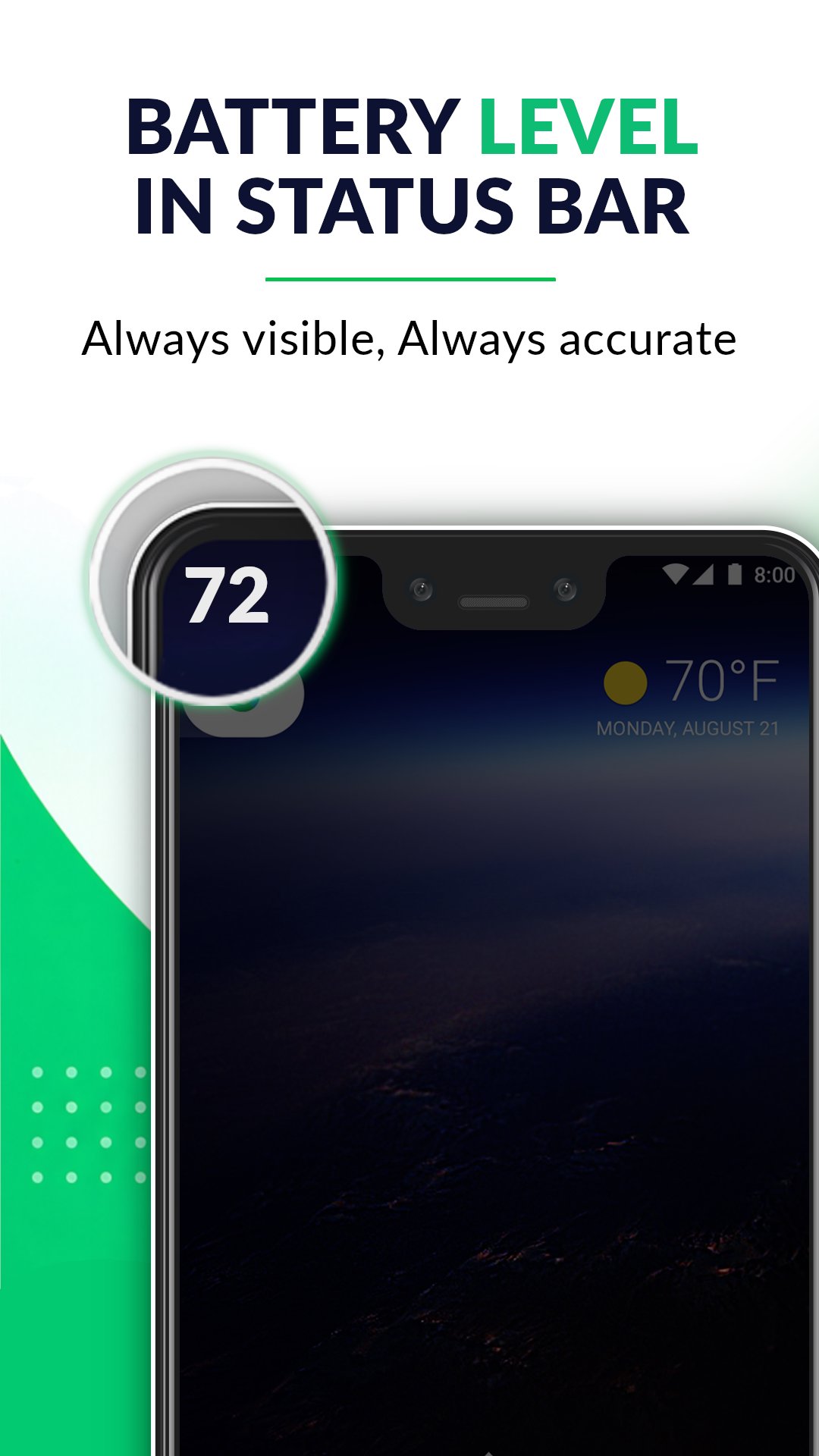
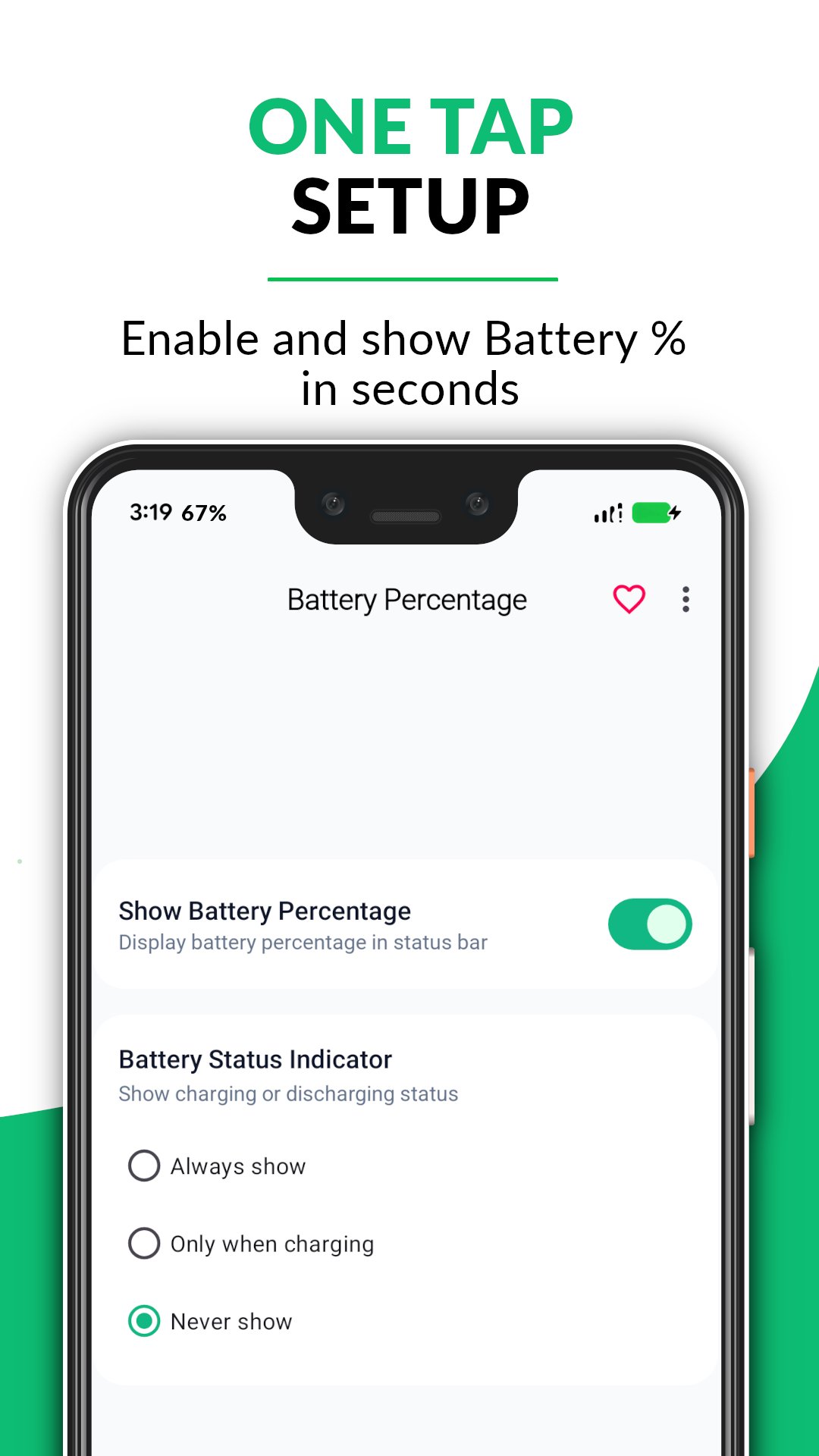
ステータスバーでバッテリー残量を簡単に確認できます。
シンプルで軽量なアプリで、バッテリー残量をリアルタイムで把握できます。
📊 主な機能
✔ ステータスバーにリアルタイムバッテリー残量表示
常に正確なバッテリー残量を表示します
✔ リアルタイムバッテリーモニター
バッテリー残量の変化を瞬時に追跡(精度1%)
✔ 詳細な通知パネル
バッテリーの状態を表示:
- 充電中/放電中
- バッテリー進行状況バー
✔ 軽量でバッテリーに優しい
リソース使用量を最小限に抑え、スムーズな動作を実現
✔ シンプルでクリーンなUI
読みやすいテキスト表示
✔ すべてのデバイスに対応
様々な画面サイズとAndroidバージョンで動作します
📱 このアプリを選ぶ理由
- 不要な機能なし
- シンプルでミニマルなデザイン
- 正確なバッテリー追跡
- 誰でも簡単に使用可能
プレビュー
タグ
ツール情報
デベロッパー
Zanoj Mobi Apps
最新バージョン
1.4.4
最終更新
2026-08-31
カテゴリー
ツール
上で利用可能
Google Play
もっと見せる
PCでGameLoopを使用してBattery Percentage Indicatorをプレイする方法
1. 公式WebサイトからGameLoopをダウンロードし、exeファイルを実行してGameLoopをインストールします
2. GameLoopを開いて「Battery Percentage Indicator」を検索し、検索結果でBattery Percentage Indicatorを見つけて、「インストール」をクリックします。
3. GameLoopでBattery Percentage Indicatorを楽しんでください
Minimum requirements
OS
Windows 8.1 64-bit or Windows 10 64-bit
GPU
GTX 1050
CPU
i3-8300
Memory
8GB RAM
Storage
1GB available space
Recommended requirements
OS
Windows 8.1 64-bit or Windows 10 64-bit
GPU
GTX 1050
CPU
i3-9320
Memory
16GB RAM
Storage
1GB available space