WiFi Connect - Share WiFi & Hotspot PC
Scorpion Infosoft
GameLoopエミュレーターを使用してPCにWiFi Connect - Share WiFi & Hotspotをダウンロードします
WiFi Connect - Share WiFi & Hotspot PC版
開発者Scorpion InfosoftからのWiFi Connect - Share WiFi & Hotspotは、過去にAndroidsystermで実行されています。
これで、GameLoopを搭載したPCでWiFi Connect - Share WiFi & Hotspotをスムーズにプレイできます。
GameLoopライブラリまたは検索結果にダウンロードしてください。 バッテリーに目を向けたり、間違った時間にイライラしたりすることはもうありません。
大画面でWiFi Connect - Share WiFi & HotspotPCを無料でお楽しみください!
WiFi Connect - Share WiFi & Hotspot 序章
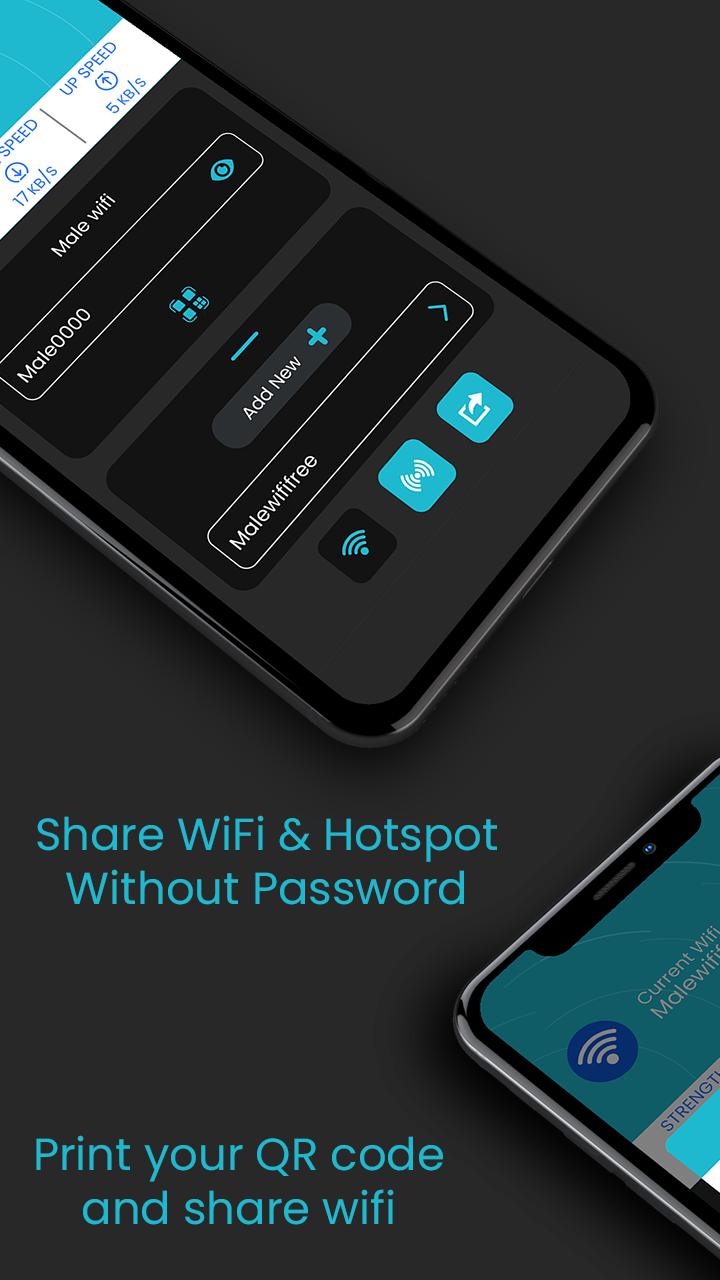
WiFi Connect: Share Wi-Fi and Hotspot let user to share their WiFi or Hotspot with others through one simple QR code. No worries about giving sensitive information to others.
Just share the code and let your friend connect to WiFi or hotspot immediately.
User also can generate and get print out of QR code for same. This will be an great for restaurants , café, coffee shops and other venue that offers WiFi. Users can simply scan a QR code and get connect to it.
It's usual that many user may have same password with their different account and may not like to share their password so WiFi Connect may be the best solution.
How this works?
Just add credentials for the first time to a connected WiFi and that's all.
1. Add your WiFi password just once.
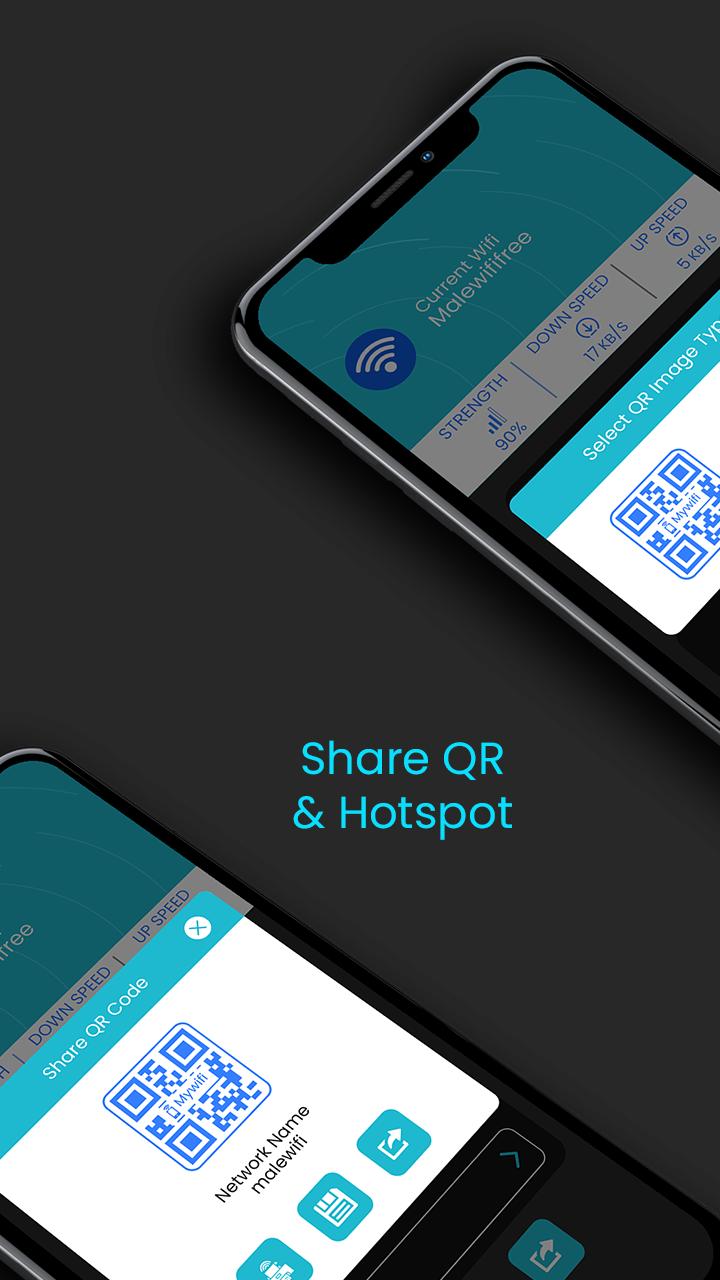
2. Click on QR code to generate QR code and share it.
Easily Manage WIFI Networks
Add and connect your WiFi network. User also can modify or remove existing Wi-Fi network within the app itself.
Share WIFI or Hotspot QR Code
Allow your friends to connect with your WiFi or hotspot just by scanning QR code and without knowing real password.
Save or Print QR Code
Save and get print out of saved connections for venues or event. Just display it at your your café, hotel or any other venues.
Download the app and create your QR code today.
プレビュー
情報
デベロッパー
Scorpion Infosoft
最新バージョン
1.8
最終更新
2021-06-20
カテゴリー
ツール
上で利用可能
Google Play
もっと見せる
PCでGameLoopを使用してWiFi Connect - Share WiFi & Hotspotをプレイする方法
1. 公式WebサイトからGameLoopをダウンロードし、exeファイルを実行してGameLoopをインストールします
2. GameLoopを開いて「WiFi Connect - Share WiFi & Hotspot」を検索し、検索結果でWiFi Connect - Share WiFi & Hotspotを見つけて、「インストール」をクリックします。
3. GameLoopでWiFi Connect - Share WiFi & Hotspotを楽しんでください
Minimum requirements
OS
Windows 8.1 64-bit or Windows 10 64-bit
GPU
GTX 1050
CPU
i3-8300
Memory
8GB RAM
Storage
1GB available space
Recommended requirements
OS
Windows 8.1 64-bit or Windows 10 64-bit
GPU
GTX 1050
CPU
i3-9320
Memory
16GB RAM
Storage
1GB available space