
Wi Fi Automatic - Network Tool PC
DanielParkApp
GameLoopエミュレーターを使用してPCにWi Fi Automatic - Network Toolをダウンロードします
Wi Fi Automatic - Network Tool PC版
開発者DanielParkAppからのWi Fi Automatic - Network Toolは、過去にAndroidsystermで実行されています。
これで、GameLoopを搭載したPCでWi Fi Automatic - Network Toolをスムーズにプレイできます。
GameLoopライブラリまたは検索結果にダウンロードしてください。 バッテリーに目を向けたり、間違った時間にイライラしたりすることはもうありません。
大画面でWi Fi Automatic - Network ToolPCを無料でお楽しみください!
Wi Fi Automatic - Network Tool 序章
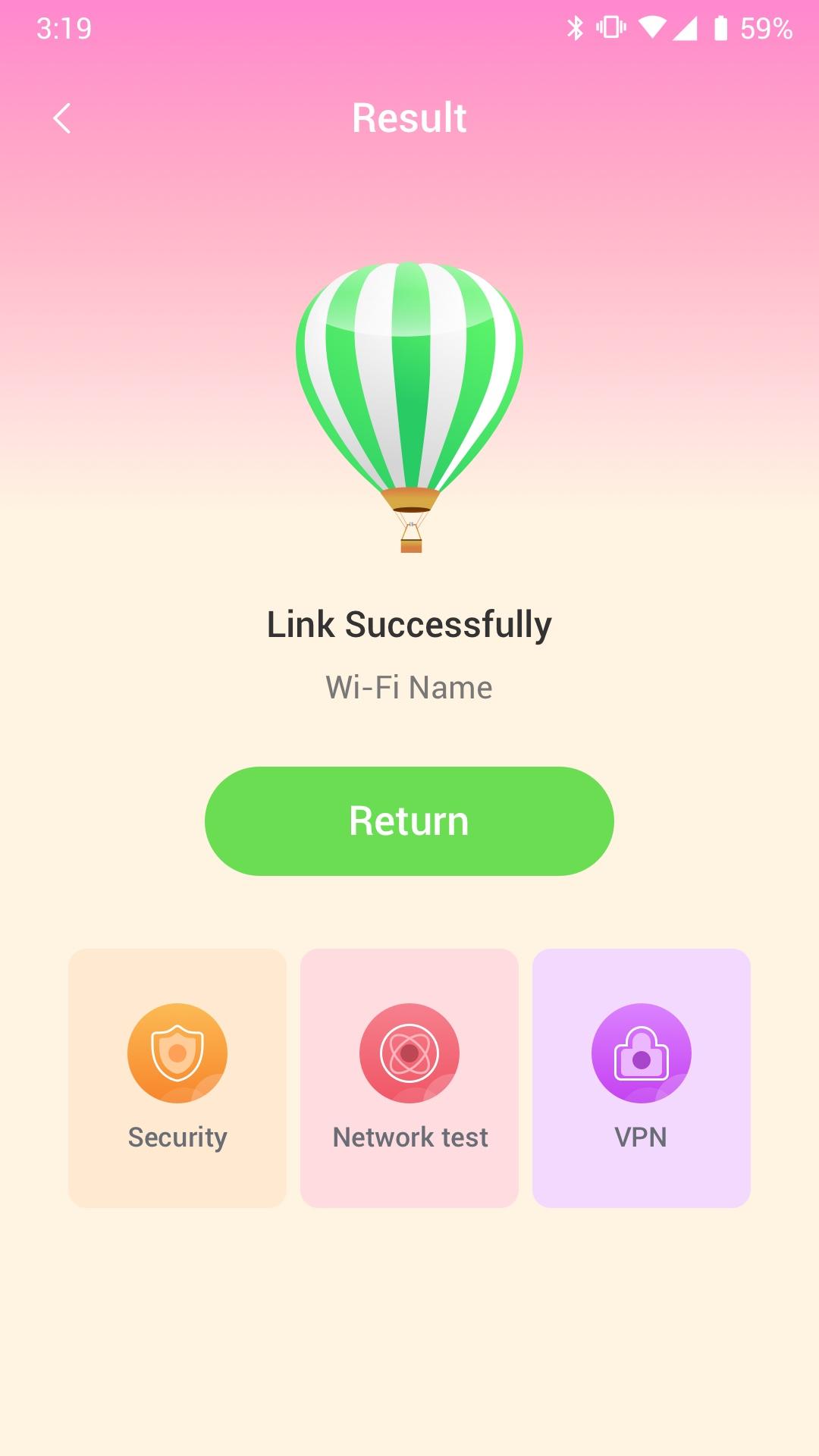
Wi Fi Automatic can efficiently query surrounding Wi-Fi hotspots and monitor the signal strength of all available WiFi networks
· Use WiFi Monitor to detect slow WiFi networks and identify poor signal strength.
· Use the Wi Fi Automatic app to scan all WiFi networks in your environment.
· Use the Wi Fi Automatic app to measure the signal strength of your WiFi network.
Wi Fi Automatic can help you diagnose various issues in your wifi network settings, internet connection, and also detect various issues on remote servers with the extensive tools it provides.
With Wi Fi Automatic's free tools and utilities, you can:
• Run WiFi and cellular speed tests, download and upload speed analysis and latency
• Use Wi Fi Automatic to scan the network and discover all devices connected to any network
Wifi signal display:
- Display text representation of signal strength
- Wifi network type (WEP, WPA, WPA2)
Wi-Fi Scanner:
- Fast and reliable detection of all network devices
- Vendor names, IP and MAC addresses of all discovered devices
プレビュー
タグ
ツール情報
デベロッパー
DanielParkApp
最新バージョン
1.0.3
最終更新
2022-09-06
カテゴリー
ツール
上で利用可能
Google Play
もっと見せる
PCでGameLoopを使用してWi Fi Automatic - Network Toolをプレイする方法
1. 公式WebサイトからGameLoopをダウンロードし、exeファイルを実行してGameLoopをインストールします
2. GameLoopを開いて「Wi Fi Automatic - Network Tool」を検索し、検索結果でWi Fi Automatic - Network Toolを見つけて、「インストール」をクリックします。
3. GameLoopでWi Fi Automatic - Network Toolを楽しんでください
Minimum requirements
OS
Windows 8.1 64-bit or Windows 10 64-bit
GPU
GTX 1050
CPU
i3-8300
Memory
8GB RAM
Storage
1GB available space
Recommended requirements
OS
Windows 8.1 64-bit or Windows 10 64-bit
GPU
GTX 1050
CPU
i3-9320
Memory
16GB RAM
Storage
1GB available space