
WhatsClone - Multi Chat & Parallel Accounts PC
Fun Touch Lab
GameLoopエミュレーターを使用してPCにWhatsClone - Multi Chat & Parallel Accountsをダウンロードします
WhatsClone - Multi Chat & Parallel Accounts PC版
開発者Fun Touch LabからのWhatsClone - Multi Chat & Parallel Accountsは、過去にAndroidsystermで実行されています。
これで、GameLoopを搭載したPCでWhatsClone - Multi Chat & Parallel Accountsをスムーズにプレイできます。
GameLoopライブラリまたは検索結果にダウンロードしてください。 バッテリーに目を向けたり、間違った時間にイライラしたりすることはもうありません。
大画面でWhatsClone - Multi Chat & Parallel AccountsPCを無料でお楽しみください!
WhatsClone - Multi Chat & Parallel Accounts 序章
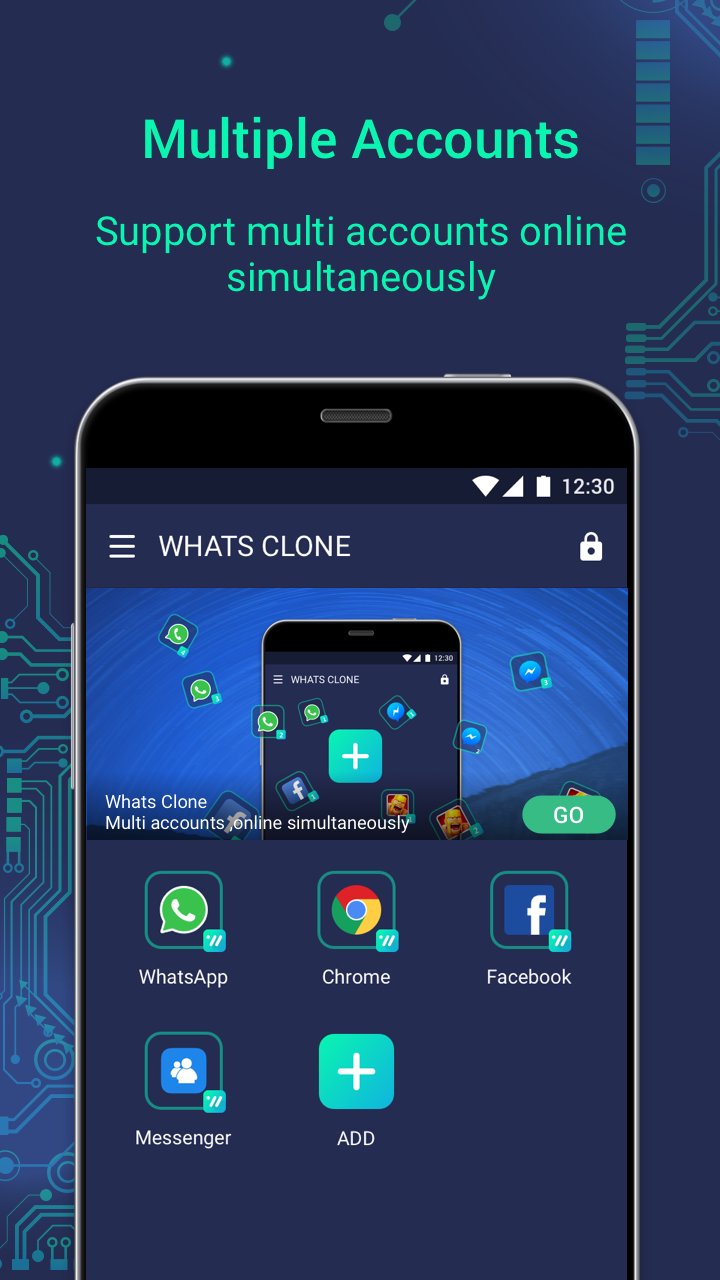
WhatsClone helps clone and run multiple social & game accounts online simultaneously on one phone to separate work and life.
WhatsClone helps Android users to login more than three accounts at the same time on one device. It’s very small, runs much faster and more stable than other similar apps. Whats’s more, it's free and with less ADs.
★Log in to multiple accounts at the same time on one device.
• Clone as many accounts as you like. Dual accounts or more.
• Accounts are separate from each other. No worry about mixed messages.
• Balance between your life and work easily with multiple account, login WhatsApp, Facebook, Instagram simultaneously.
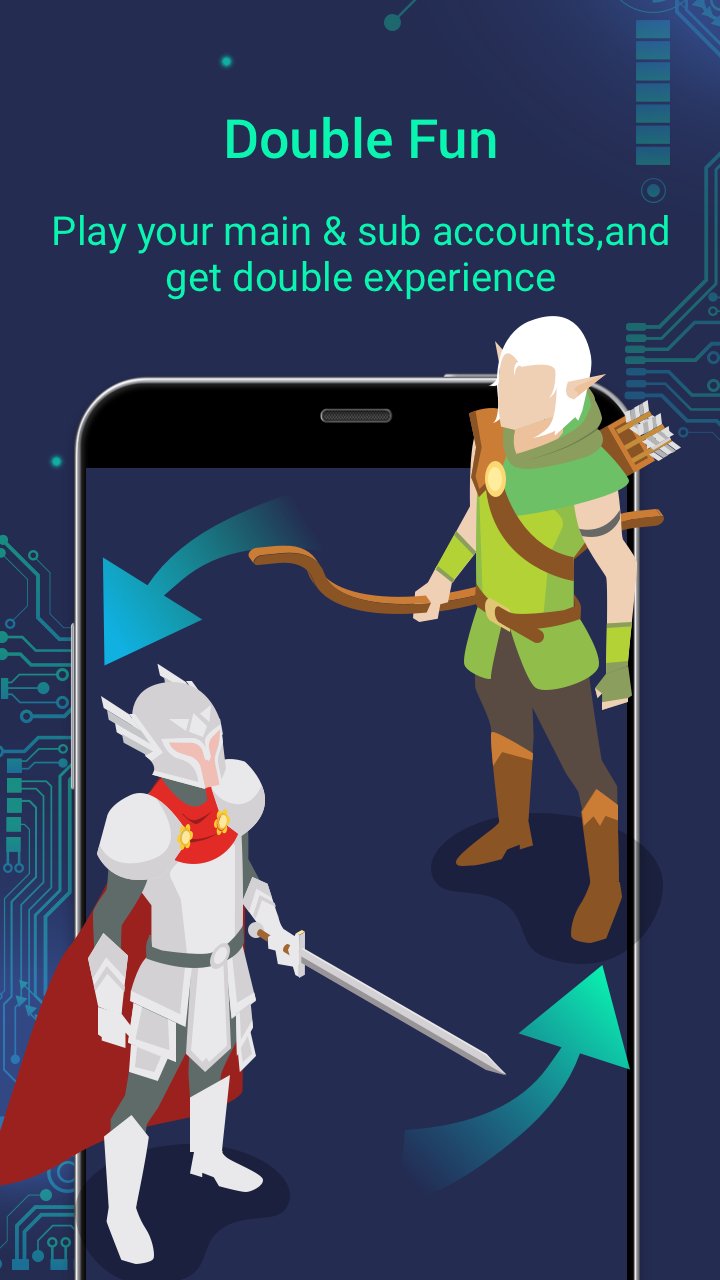
• Double game accounts and double fun, play Clash Royal, Clash of Clans with multiple account to get dual experiences and faster level-up.
★Protect user privacy
• WhatsClone will never collect user’s personal information of all apps added into WhatsClone.
• Users’s accounts are absolutely safe with WhatsClone.
• Provide locker function to protect the app you cloned
★Switch fast between different accounts with just one-tap and much more steady than other similar apps.
• Run more than three accounts simultaneously and switch between them fast with one-tap to effective manage different accounts.
Highlights:
• Powerful, stable & easy-to-use.
• Support to customize app icons and name
• Lite Mode for best power and memory efficiency
Notes:
• Permissions: WhatsClone needs to apply for the permissions required by the apps added in WhatsClone to function normally. For example, if WhatsClone is not permitted to acquire your location, you will be unable to send your location to your friends in some apps that run in WhatsClone. In addition we won't collect any of your personal information to protect privacy.
• Consumptions: WhatsClone itself doesn't take up too much memory, battery and data by which are actually consumed by the apps running inside.
• Notifications: Please add WhatsClone to whitelist or exceptional list of some 'boost apps' to ensure that notification of some social networking apps functions well.
• Conflict: You cannot run two accounts of some social networking apps by using a same mobile number. You should use a different mobile number to run your second account of those apps in WhatsClone and ensure that the mobile number is active during your first login because there will be a verification message sent to this number.
In addition, you can contact via the Feedback feature inside the app or send us an email at: doriscoco.studio@gmail.com
プレビュー
タグ
カスタマイズ情報
デベロッパー
Fun Touch Lab
最新バージョン
5.0.40.0413
最終更新
2018-10-21
カテゴリー
ツール
上で利用可能
Google Play
もっと見せる
PCでGameLoopを使用してWhatsClone - Multi Chat & Parallel Accountsをプレイする方法
1. 公式WebサイトからGameLoopをダウンロードし、exeファイルを実行してGameLoopをインストールします
2. GameLoopを開いて「WhatsClone - Multi Chat & Parallel Accounts」を検索し、検索結果でWhatsClone - Multi Chat & Parallel Accountsを見つけて、「インストール」をクリックします。
3. GameLoopでWhatsClone - Multi Chat & Parallel Accountsを楽しんでください
Minimum requirements
OS
Windows 8.1 64-bit or Windows 10 64-bit
GPU
GTX 1050
CPU
i3-8300
Memory
8GB RAM
Storage
1GB available space
Recommended requirements
OS
Windows 8.1 64-bit or Windows 10 64-bit
GPU
GTX 1050
CPU
i3-9320
Memory
16GB RAM
Storage
1GB available space