
VELUX KLG Installer App PC
VELUX A/S
GameLoopエミュレーターを使用してPCにVELUX KLG Installer Appをダウンロードします
VELUX KLG Installer App PC版
開発者VELUX A/SからのVELUX KLG Installer Appは、過去にAndroidsystermで実行されています。
これで、GameLoopを搭載したPCでVELUX KLG Installer Appをスムーズにプレイできます。
GameLoopライブラリまたは検索結果にダウンロードしてください。 バッテリーに目を向けたり、間違った時間にイライラしたりすることはもうありません。
大画面でVELUX KLG Installer AppPCを無料でお楽しみください!
VELUX KLG Installer App 序章
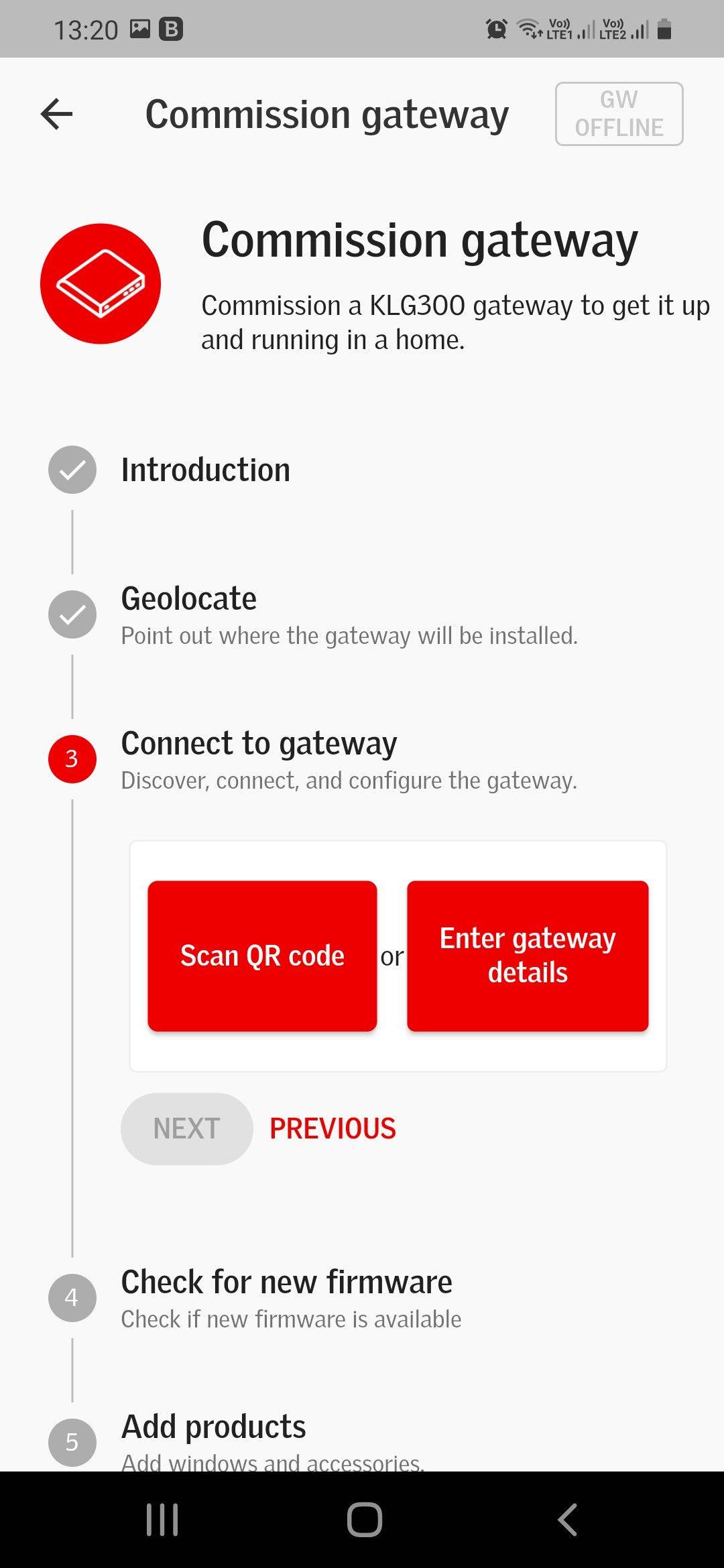
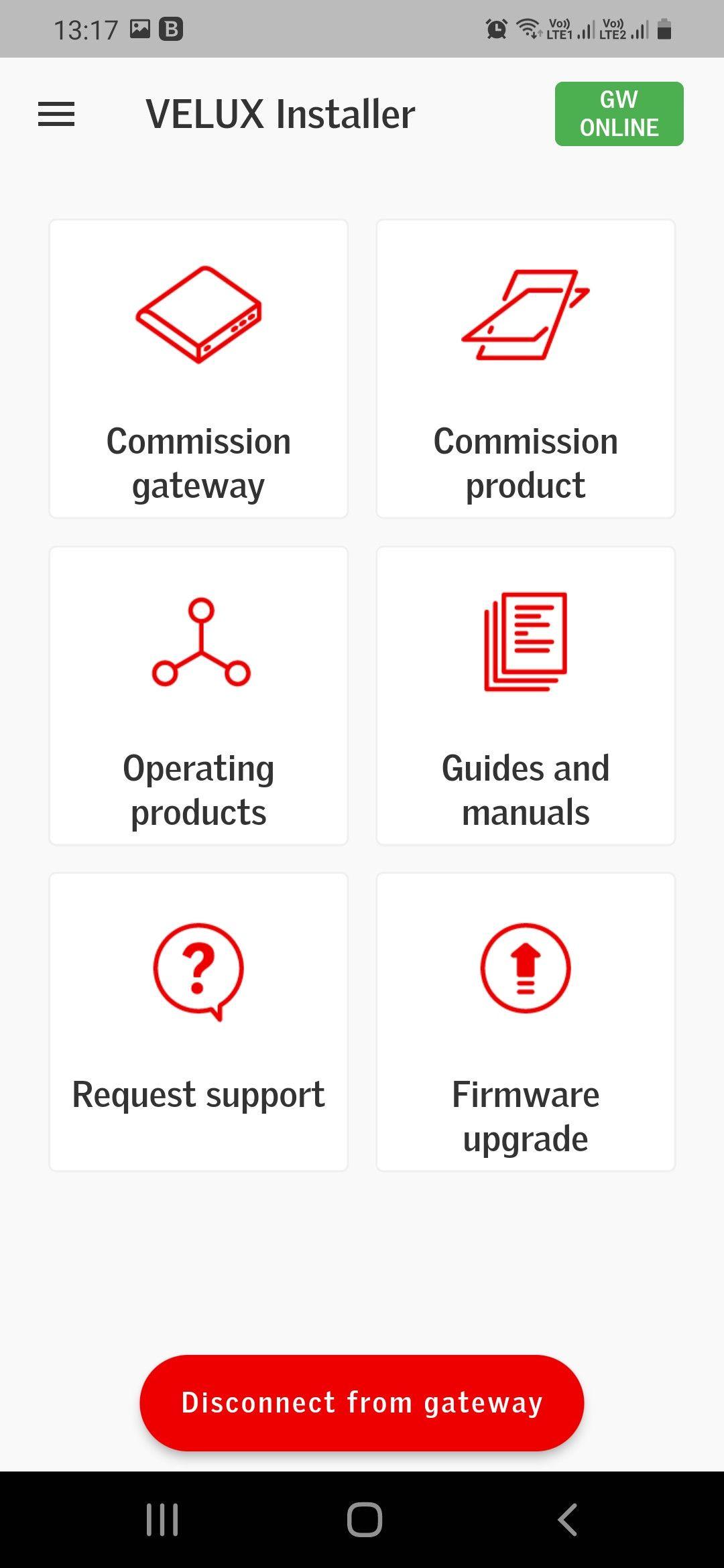
VELUX Smart Home Installer App supports Installers when commissioning the VELUX Smart Home Gateway (KLG 300) and VELUX Integra windows and accessories in private homes.
The VELUX Smart Home Gateway (KLG 300) is part of an eco-system and will need to be paired with a system provider system in order to work for the private homeowner.
COMMISSIONING VELUX SMART HOME GATEWAY (KLG 300)
Step-by-step the VELUX Smart Home Installer App guides you through the commissioning process in 1 flow, with illustrations and guides to support the commissioning process. This flow also allows you to add products right away, so you in less than 5 min. have the whole VELUX system commissioned, and ready to be paired with the System provider system.
COMMISSIONING VELUX INTEGRA PRODUCTS
Step-by-step the VELUX Smart Home Installer App allows you to commission VELUX Integra products, even when you have finished the gateway commissioning process.
EASY INTEGRATION WITH SYSTEM PROVIDER SYSTEM
The smart home ecosystem has already been preconfigured. Accordingly, when the VELUX Smart Home Gateway (KLG 300) and VELUX Integra products have been commissioned through the VELUX Smart Home Installer App, the VELUX products can be controlled, through the connected System Provider home-user app right away.
EASY FIRMWARE UPDATE AND TROUBLESHOOTING
The VELUX Smart Home Installer App allows you to do firmware updates and troubleshooting on VELUX Smart Home Gateways (KLG 300), which you have physical access to, even if you have not done the commissioning process.
プレビュー
タグ
ツール情報
デベロッパー
VELUX A/S
最新バージョン
1.0.1
最終更新
2022-07-08
カテゴリー
ツール
上で利用可能
Google Play
もっと見せる
PCでGameLoopを使用してVELUX KLG Installer Appをプレイする方法
1. 公式WebサイトからGameLoopをダウンロードし、exeファイルを実行してGameLoopをインストールします
2. GameLoopを開いて「VELUX KLG Installer App」を検索し、検索結果でVELUX KLG Installer Appを見つけて、「インストール」をクリックします。
3. GameLoopでVELUX KLG Installer Appを楽しんでください
Minimum requirements
OS
Windows 8.1 64-bit or Windows 10 64-bit
GPU
GTX 1050
CPU
i3-8300
Memory
8GB RAM
Storage
1GB available space
Recommended requirements
OS
Windows 8.1 64-bit or Windows 10 64-bit
GPU
GTX 1050
CPU
i3-9320
Memory
16GB RAM
Storage
1GB available space