
SNAPDRAGON VPN PC
Team StefanWorks
GameLoopエミュレーターを使用してPCにSNAPDRAGON VPNをダウンロードします
SNAPDRAGON VPN PC版
開発者Team StefanWorksからのSNAPDRAGON VPNは、過去にAndroidsystermで実行されています。
これで、GameLoopを搭載したPCでSNAPDRAGON VPNをスムーズにプレイできます。
GameLoopライブラリまたは検索結果にダウンロードしてください。 バッテリーに目を向けたり、間違った時間にイライラしたりすることはもうありません。
大画面でSNAPDRAGON VPNPCを無料でお楽しみください!
SNAPDRAGON VPN 序章
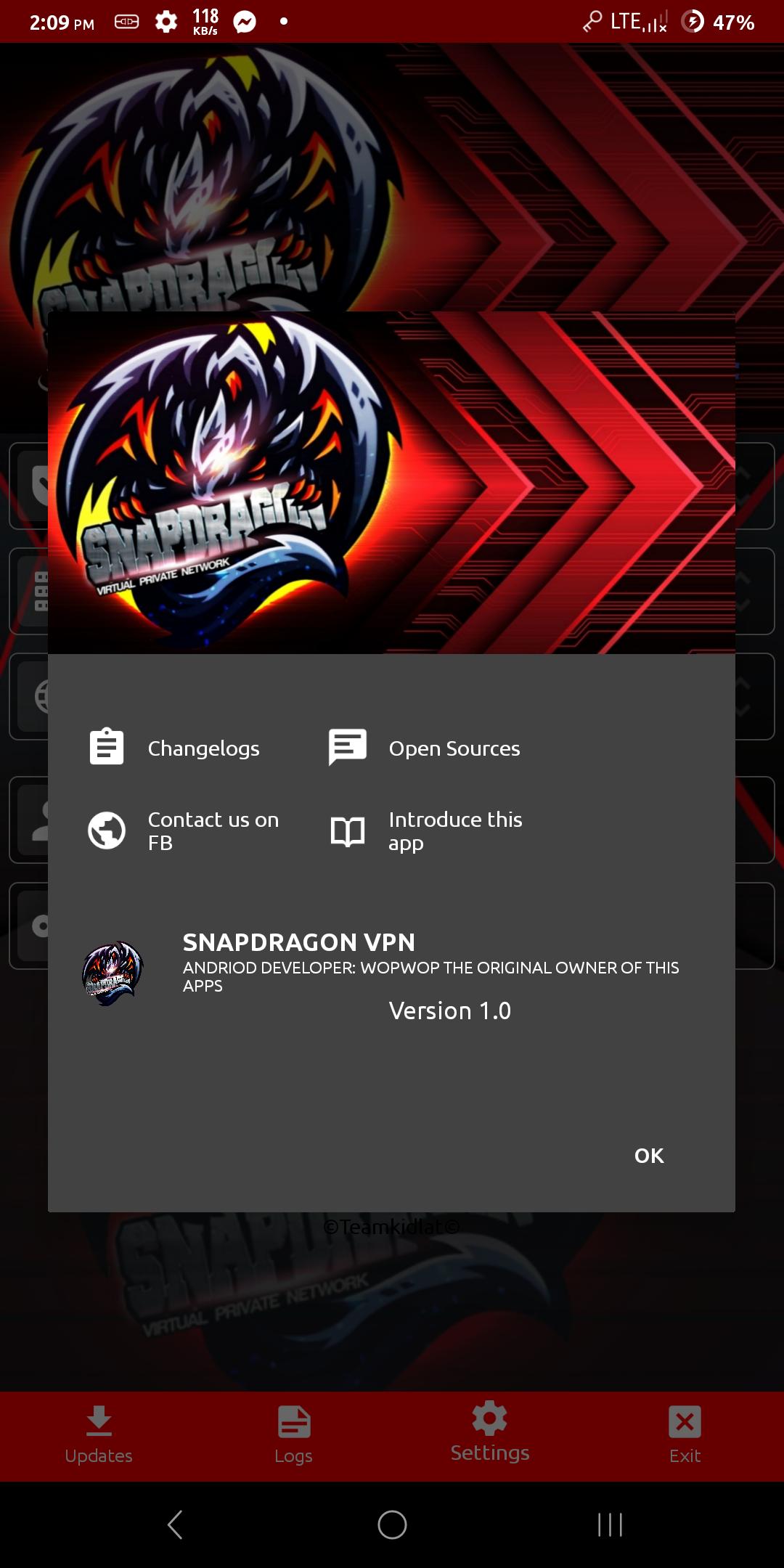
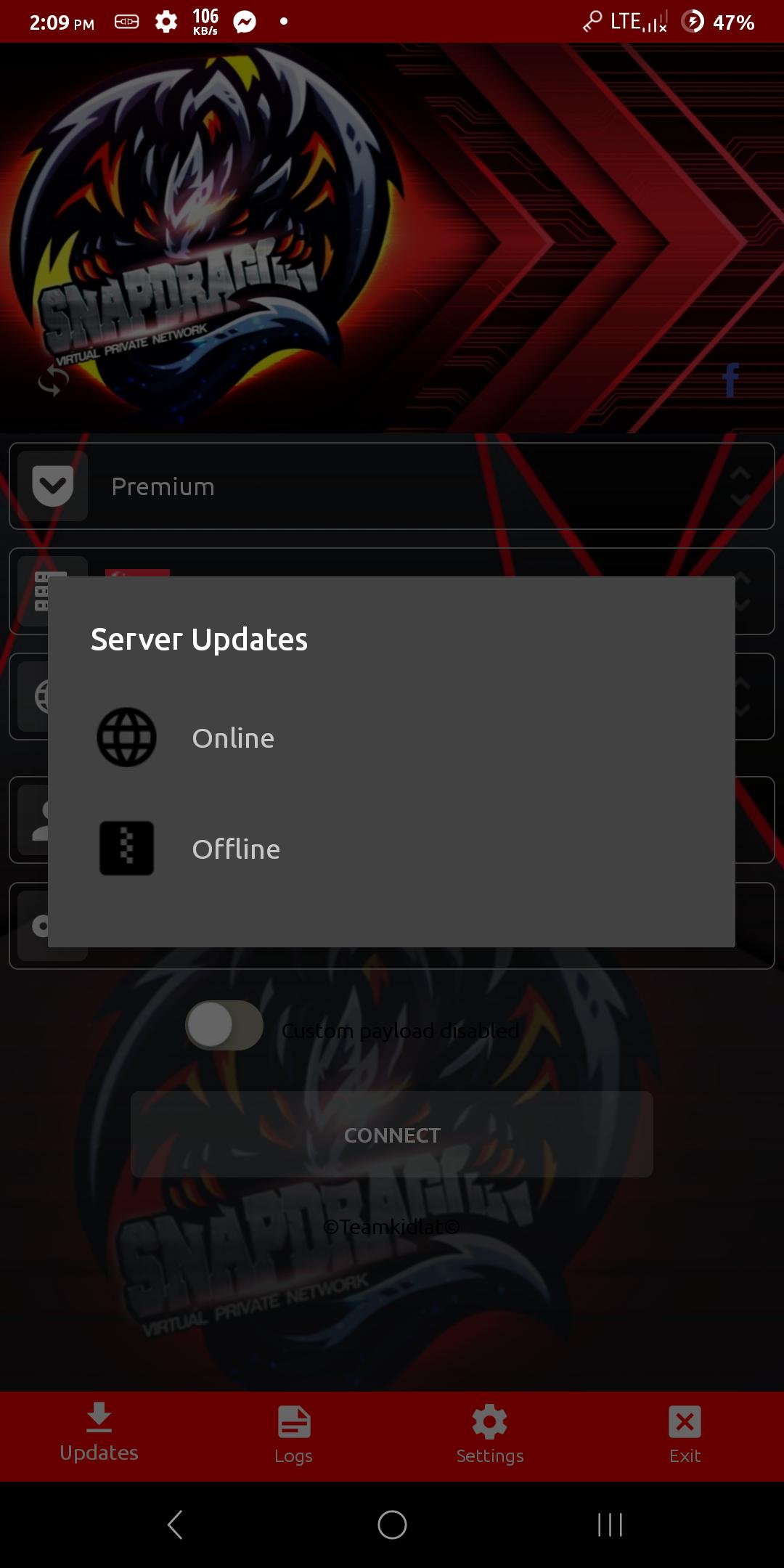
SNAPDRAGON vpn (PRO) provides a secure environment for everyday web use.
SNAPDRAGON vpn (PRO) provides a secure environment for everyday web use. Once you establish a VPN connection all of your online data (emails, instant messages, data transfers, online BANKING) pass through our encrypted tunnel.
This app provide the most secured and reliable connection in the internet.
The cheapest yet fastest internet connection experience in the Philippines.
You can bypass restriction and browse anonymously.
Works with WiFi, LTE, 3G, and all mobile data carriers.
Why SNAPDRAGON vpn (PRO)
✓ Best Customer Support : 24 hours / day support
✓ Internet Freedom: Encrypt all your traffic.
✓ No buffering: Youtube and Video Streaming
✓ No logs policy
✓ Secure online connection: Hide your IP address, identity, and location from trackers, and enjoy maximum privacy and security.
プレビュー
情報
デベロッパー
Team StefanWorks
最新バージョン
7.4.4
最終更新
2020-02-19
カテゴリー
ツール
上で利用可能
Google Play
もっと見せる
PCでGameLoopを使用してSNAPDRAGON VPNをプレイする方法
1. 公式WebサイトからGameLoopをダウンロードし、exeファイルを実行してGameLoopをインストールします
2. GameLoopを開いて「SNAPDRAGON VPN」を検索し、検索結果でSNAPDRAGON VPNを見つけて、「インストール」をクリックします。
3. GameLoopでSNAPDRAGON VPNを楽しんでください
Minimum requirements
OS
Windows 8.1 64-bit or Windows 10 64-bit
GPU
GTX 1050
CPU
i3-8300
Memory
8GB RAM
Storage
1GB available space
Recommended requirements
OS
Windows 8.1 64-bit or Windows 10 64-bit
GPU
GTX 1050
CPU
i3-9320
Memory
16GB RAM
Storage
1GB available space