
Share Us - File Transfer & Share PC
Globe Pixesiz
GameLoopエミュレーターを使用してPCにShare Us - File Transfer & Shareをダウンロードします
Share Us - File Transfer & Share PC版
開発者Globe PixesizからのShare Us - File Transfer & Shareは、過去にAndroidsystermで実行されています。
これで、GameLoopを搭載したPCでShare Us - File Transfer & Shareをスムーズにプレイできます。
GameLoopライブラリまたは検索結果にダウンロードしてください。 バッテリーに目を向けたり、間違った時間にイライラしたりすることはもうありません。
大画面でShare Us - File Transfer & SharePCを無料でお楽しみください!
Share Us - File Transfer & Share 序章
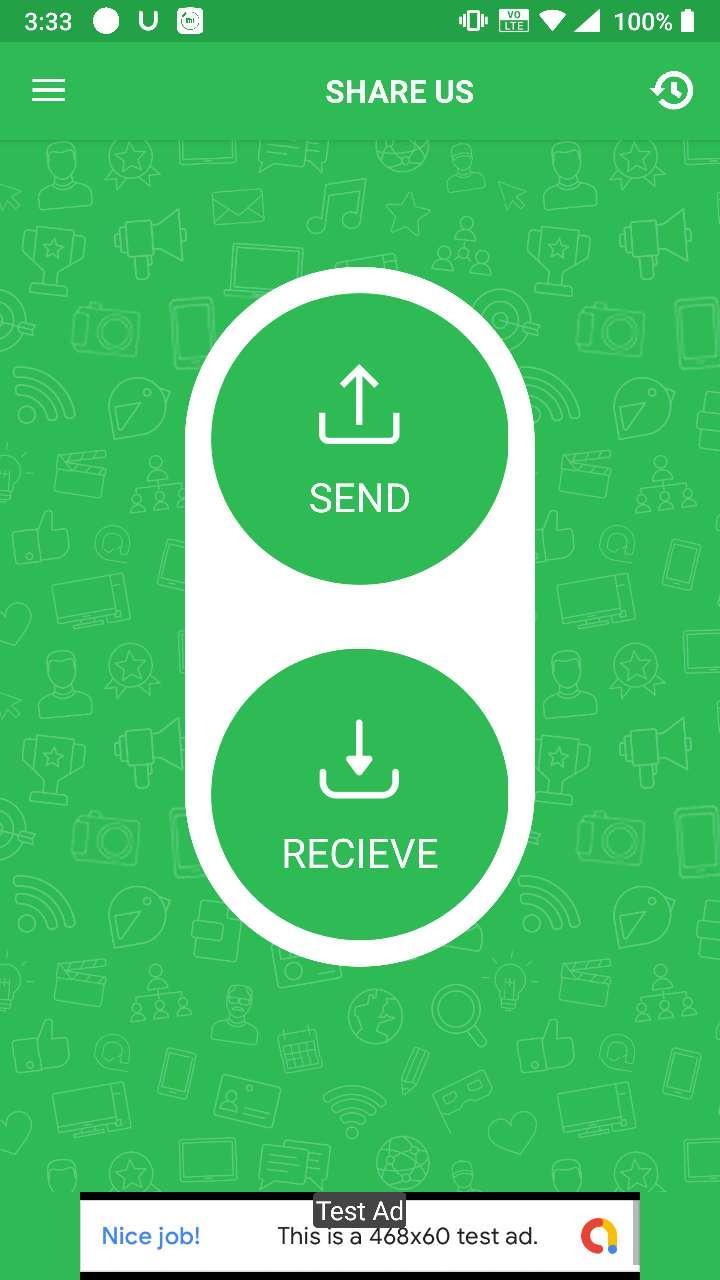
Share Us is a great sharing application, free file transfer tool, fast and works without connecting to the Internet!
Share files from device to device without cables.No Internet ? No problem , you can share video,audio,photo,file with nearby friends.The Best feature of Turbo Share is that you can share files separately or in a form of a bucket as well which includes Apps , videos , photos , music , office (PDF,docs) etc.
😍 Features
- Totally Free.
- Send and receive all types of files.
- Copy my data from another phone quickly
- Share Big files without internet or mobile data usage
- No USB! No internet needed!
– No cable required
- Fast, Optimized and Powerful tool.
👉 No Account Required
Just download Share Us and start sharing application, free file transfer tool, fast and works without connecting to the Internet
Thank You for Downloading...
Give ***** Valuable Feedback
プレビュー
情報
デベロッパー
Globe Pixesiz
最新バージョン
1.2
最終更新
2020-10-12
カテゴリー
ツール
上で利用可能
Google Play
もっと見せる
PCでGameLoopを使用してShare Us - File Transfer & Shareをプレイする方法
1. 公式WebサイトからGameLoopをダウンロードし、exeファイルを実行してGameLoopをインストールします
2. GameLoopを開いて「Share Us - File Transfer & Share」を検索し、検索結果でShare Us - File Transfer & Shareを見つけて、「インストール」をクリックします。
3. GameLoopでShare Us - File Transfer & Shareを楽しんでください
Minimum requirements
OS
Windows 8.1 64-bit or Windows 10 64-bit
GPU
GTX 1050
CPU
i3-8300
Memory
8GB RAM
Storage
1GB available space
Recommended requirements
OS
Windows 8.1 64-bit or Windows 10 64-bit
GPU
GTX 1050
CPU
i3-9320
Memory
16GB RAM
Storage
1GB available space