ScreenDroid PC
Mercury Planet
GameLoopエミュレーターを使用してPCにScreenDroidをダウンロードします
ScreenDroid PC版
開発者Mercury PlanetからのScreenDroidは、過去にAndroidsystermで実行されています。
これで、GameLoopを搭載したPCでScreenDroidをスムーズにプレイできます。
GameLoopライブラリまたは検索結果にダウンロードしてください。 バッテリーに目を向けたり、間違った時間にイライラしたりすることはもうありません。
大画面でScreenDroidPCを無料でお楽しみください!
ScreenDroid 序章
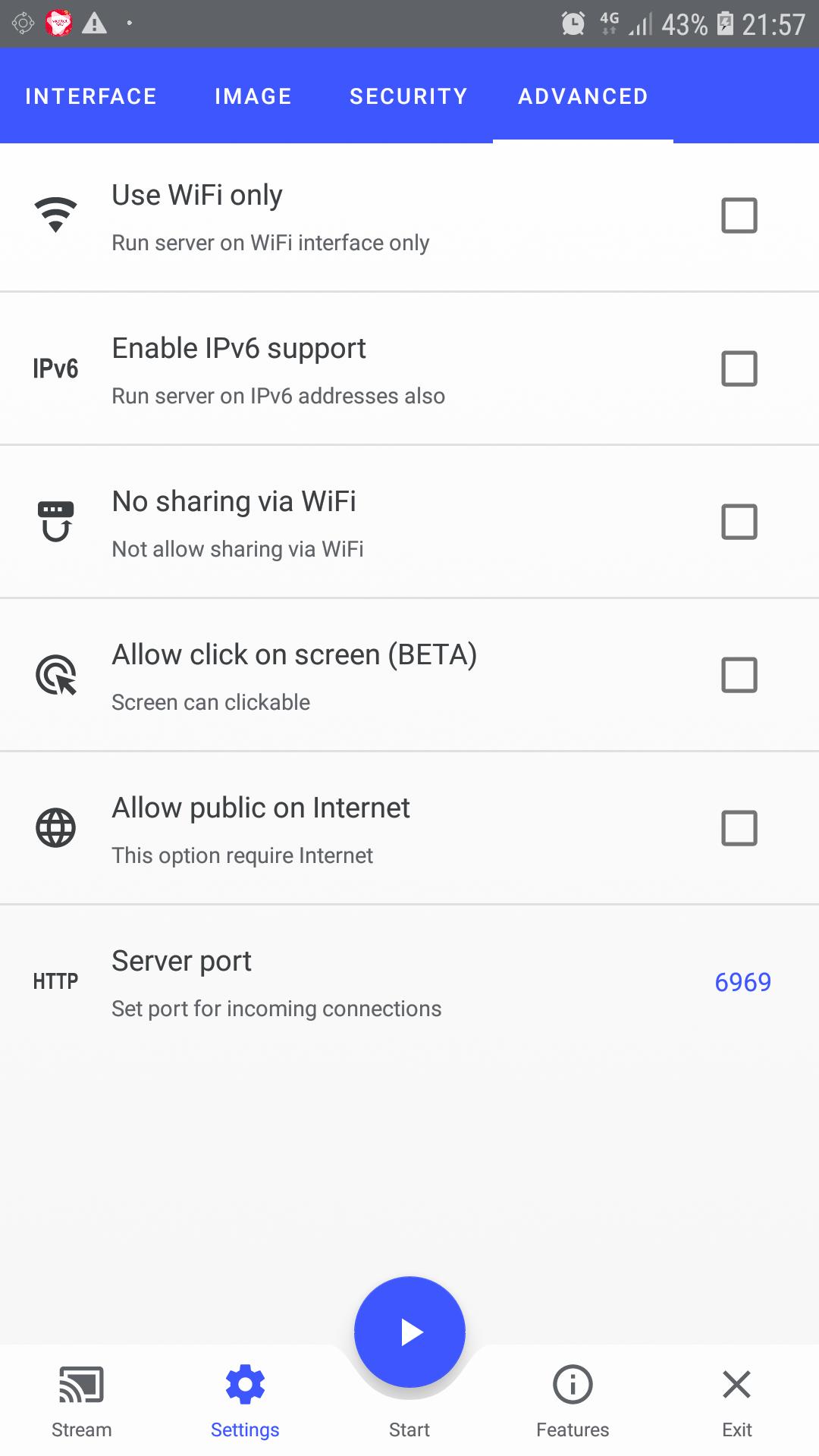
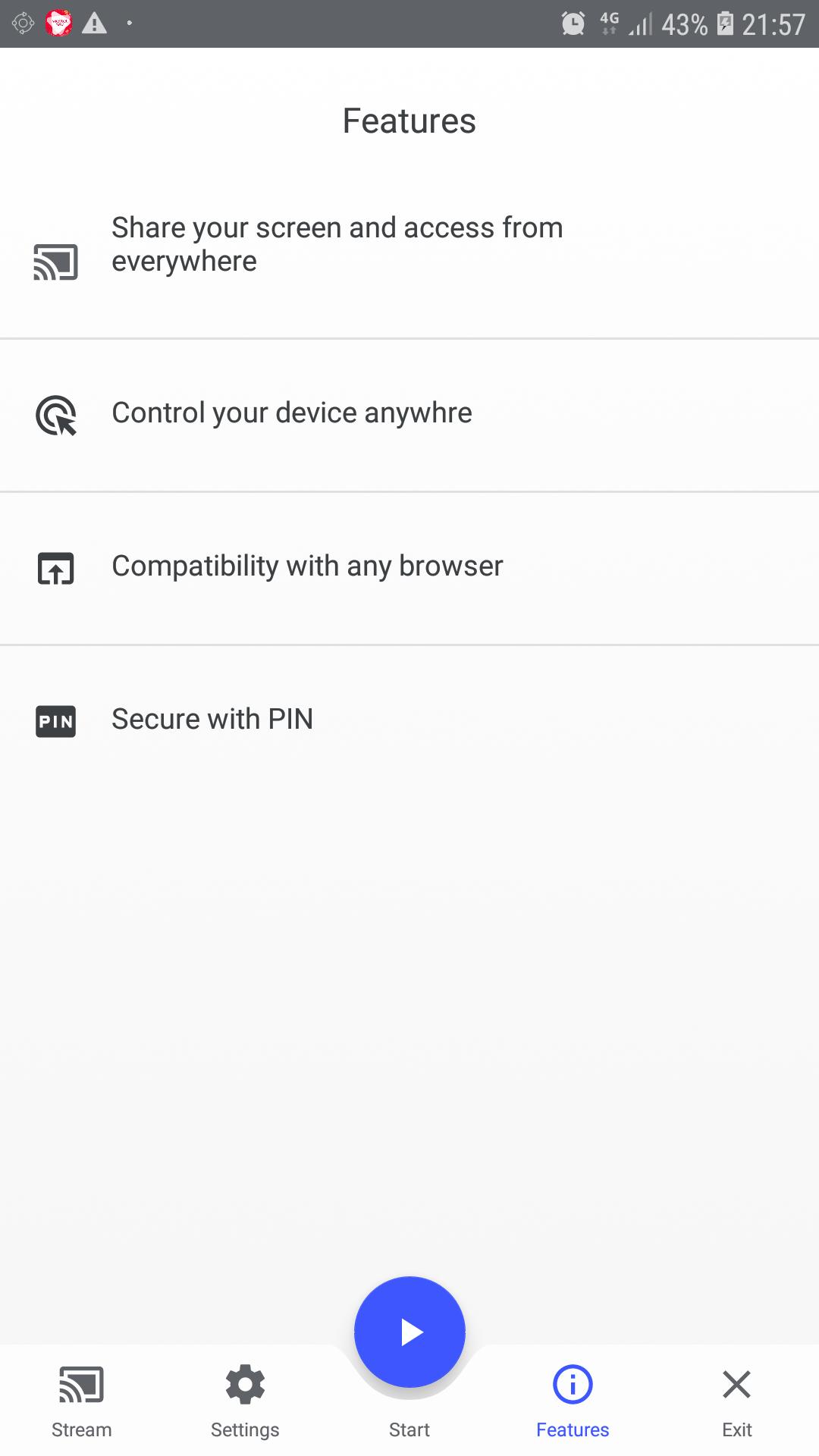
- The application allows viewing the device screen in your web browser
- ScreenDroid is ideal if you need a second screen: if you would like to show your phone's screen at a presentation in front of an audience, or if you would like to present your photos to your family.
- Works great with Google Chrome, Apple Safari, Firefox and Brave
- Also support for users interacting with Screen Device. Support click on Screen (Beta)
- Share your screen over Internet
プレビュー
情報
デベロッパー
Mercury Planet
最新バージョン
1.3
最終更新
2021-08-29
カテゴリー
ツール
上で利用可能
Google Play
もっと見せる
PCでGameLoopを使用してScreenDroidをプレイする方法
1. 公式WebサイトからGameLoopをダウンロードし、exeファイルを実行してGameLoopをインストールします
2. GameLoopを開いて「ScreenDroid」を検索し、検索結果でScreenDroidを見つけて、「インストール」をクリックします。
3. GameLoopでScreenDroidを楽しんでください
Minimum requirements
OS
Windows 8.1 64-bit or Windows 10 64-bit
GPU
GTX 1050
CPU
i3-8300
Memory
8GB RAM
Storage
1GB available space
Recommended requirements
OS
Windows 8.1 64-bit or Windows 10 64-bit
GPU
GTX 1050
CPU
i3-9320
Memory
16GB RAM
Storage
1GB available space