Remote For Sharp TV -WiFi/IR PC
amplez
GameLoopエミュレーターを使用してPCにRemote For Sharp TV -WiFi/IRをダウンロードします
Remote For Sharp TV -WiFi/IR PC版
開発者amplezからのRemote For Sharp TV -WiFi/IRは、過去にAndroidsystermで実行されています。
これで、GameLoopを搭載したPCでRemote For Sharp TV -WiFi/IRをスムーズにプレイできます。
GameLoopライブラリまたは検索結果にダウンロードしてください。 バッテリーに目を向けたり、間違った時間にイライラしたりすることはもうありません。
大画面でRemote For Sharp TV -WiFi/IRPCを無料でお楽しみください!
Remote For Sharp TV -WiFi/IR 序章
For Sharp Android TV Remote Control with Smart and IR modes.
* Connect instantly with your TV using a code. * No physical remote needed for setup *
- Quick and straightforward setup process.
- Works perfectly with the newest Sharp Android TV models.
- Effortlessly control volume, navigation, and channel selection.
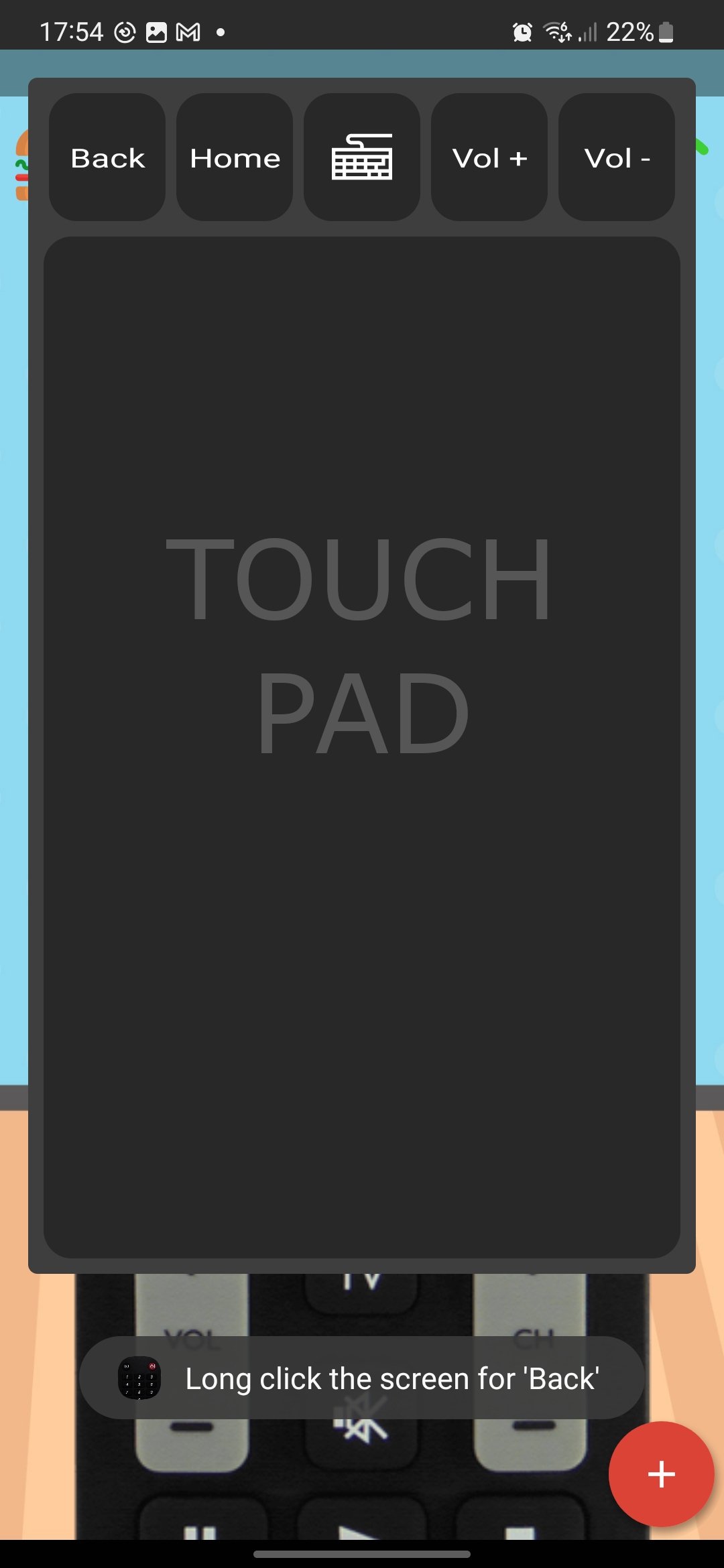
- Smooth and intuitive touchpad for easy operation.
- On-screen keyboard for faster text input.
- Infrared control supported if your phone has IR capabilities.
- External IR sensor compatibility via audio jack.
With this app, take full control of your Sharp Android TV using your smartphone. Choose WiFi for smart control or IR for traditional TV setups.
Need help? Contact us: support@zviyamin.com
プレビュー
タグ
ツール情報
デベロッパー
amplez
最新バージョン
10.1.2.3
最終更新
2025-08-30
カテゴリー
ツール
上で利用可能
Google Play
もっと見せる
PCでGameLoopを使用してRemote For Sharp TV -WiFi/IRをプレイする方法
1. 公式WebサイトからGameLoopをダウンロードし、exeファイルを実行してGameLoopをインストールします
2. GameLoopを開いて「Remote For Sharp TV -WiFi/IR」を検索し、検索結果でRemote For Sharp TV -WiFi/IRを見つけて、「インストール」をクリックします。
3. GameLoopでRemote For Sharp TV -WiFi/IRを楽しんでください
Minimum requirements
OS
Windows 8.1 64-bit or Windows 10 64-bit
GPU
GTX 1050
CPU
i3-8300
Memory
8GB RAM
Storage
1GB available space
Recommended requirements
OS
Windows 8.1 64-bit or Windows 10 64-bit
GPU
GTX 1050
CPU
i3-9320
Memory
16GB RAM
Storage
1GB available space