
Queue Number Bluetooth Printer PC
Hardiyoso
GameLoopエミュレーターを使用してPCにQueue Number Bluetooth Printerをダウンロードします
Queue Number Bluetooth Printer PC版
開発者HardiyosoからのQueue Number Bluetooth Printerは、過去にAndroidsystermで実行されています。
これで、GameLoopを搭載したPCでQueue Number Bluetooth Printerをスムーズにプレイできます。
GameLoopライブラリまたは検索結果にダウンロードしてください。 バッテリーに目を向けたり、間違った時間にイライラしたりすることはもうありません。
大画面でQueue Number Bluetooth PrinterPCを無料でお楽しみください!
Queue Number Bluetooth Printer 序章
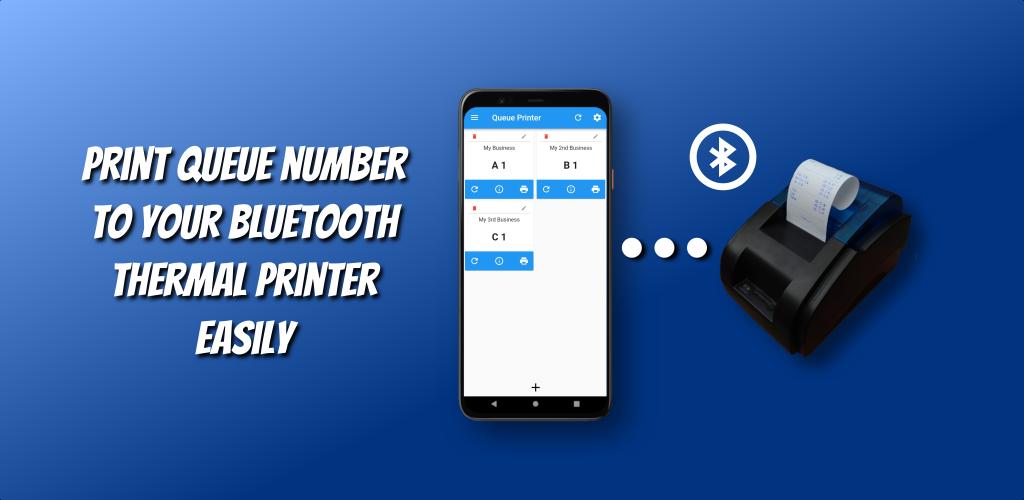
キュー番号Bluetoothプリンターは、Bluetooth接続を介してサーマルBluetoothプリンターに管理を並べるビジネスのキュー番号を印刷するアプリケーションです。
キュー番号Bluetoothプリンターアプリを使用すると、キュー番号を簡単かつ確実に印刷でき、サーマルBluetoothプリンターまたはラベルBluetoothプリンターとペアリングして、簡単に印刷できます。
Queue Number Bluetooth Printer アプリは 100% 無料のアプリで、支払いは必要ありません。つまり、アプリ内のすべての機能を制限なく使用できます。
特徴:
• キュー番号を簡単に印刷
•カウンターのバリエーションを無制限に追加
• 制限なしで完全に編集可能なカウンター情報
• カウンター情報のプレビュー
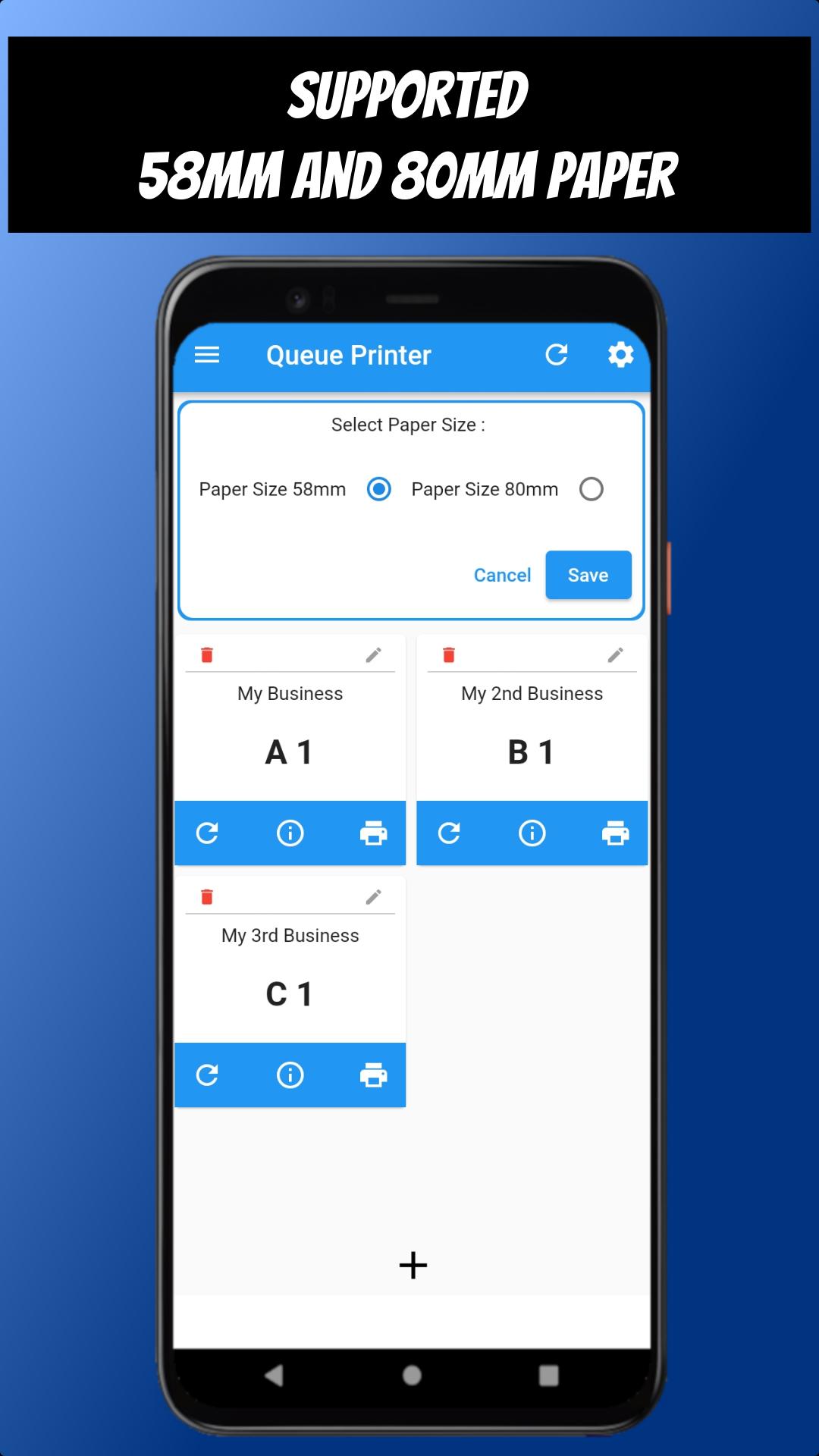
• 58mm および 80mm のプリンター用紙をサポート
• プリンターを簡単に見つける
• ワンタップですべてのカウンターをリセット
•ハッスルアプリの経験はありません
プレビュー
タグ
ツール情報
デベロッパー
Hardiyoso
最新バージョン
1.0.1.
最終更新
2025-07-20
カテゴリー
ツール
上で利用可能
Google Play
もっと見せる
PCでGameLoopを使用してQueue Number Bluetooth Printerをプレイする方法
1. 公式WebサイトからGameLoopをダウンロードし、exeファイルを実行してGameLoopをインストールします
2. GameLoopを開いて「Queue Number Bluetooth Printer」を検索し、検索結果でQueue Number Bluetooth Printerを見つけて、「インストール」をクリックします。
3. GameLoopでQueue Number Bluetooth Printerを楽しんでください
Minimum requirements
OS
Windows 8.1 64-bit or Windows 10 64-bit
GPU
GTX 1050
CPU
i3-8300
Memory
8GB RAM
Storage
1GB available space
Recommended requirements
OS
Windows 8.1 64-bit or Windows 10 64-bit
GPU
GTX 1050
CPU
i3-9320
Memory
16GB RAM
Storage
1GB available space