
Pushwoosh Demo PC
Arello Mobile
GameLoopエミュレーターを使用してPCにPushwoosh Demoをダウンロードします
Pushwoosh Demo PC版
開発者Arello MobileからのPushwoosh Demoは、過去にAndroidsystermで実行されています。
これで、GameLoopを搭載したPCでPushwoosh Demoをスムーズにプレイできます。
GameLoopライブラリまたは検索結果にダウンロードしてください。 バッテリーに目を向けたり、間違った時間にイライラしたりすることはもうありません。
大画面でPushwoosh DemoPCを無料でお楽しみください!
Pushwoosh Demo 序章
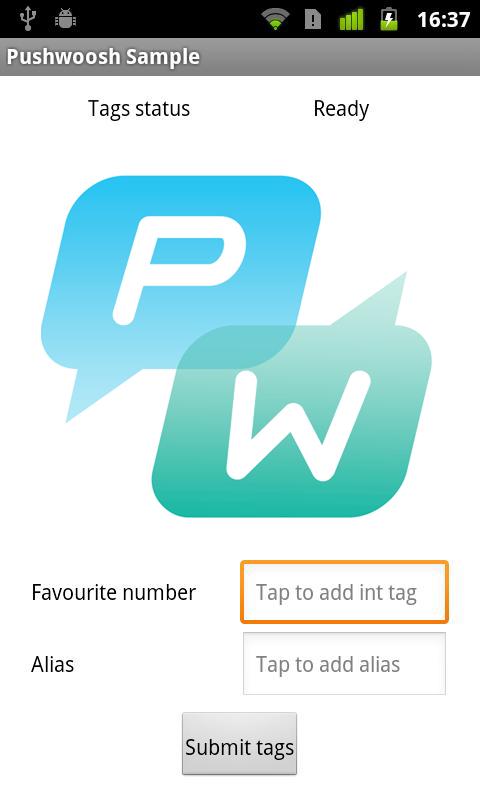
This is a sample application that shows outstanding capabilities of Pushwoosh - instant push notifications solution.
You can test this app in Pushwoosh Control Panel (https://cp.pushwoosh.com) using demo account: demo / pushwoosh
Visit Pushwoosh website: https://www.pushwoosh.com/
Read our blog: https://www.pushwoosh.com/blog/
Like us on a Facebook: http://www.facebook.com/Pushwoosh/
プレビュー
情報
デベロッパー
Arello Mobile
最新バージョン
2.0.1
最終更新
2016-08-10
カテゴリー
ツール
上で利用可能
Google Play
もっと見せる
PCでGameLoopを使用してPushwoosh Demoをプレイする方法
1. 公式WebサイトからGameLoopをダウンロードし、exeファイルを実行してGameLoopをインストールします
2. GameLoopを開いて「Pushwoosh Demo」を検索し、検索結果でPushwoosh Demoを見つけて、「インストール」をクリックします。
3. GameLoopでPushwoosh Demoを楽しんでください
Minimum requirements
OS
Windows 8.1 64-bit or Windows 10 64-bit
GPU
GTX 1050
CPU
i3-8300
Memory
8GB RAM
Storage
1GB available space
Recommended requirements
OS
Windows 8.1 64-bit or Windows 10 64-bit
GPU
GTX 1050
CPU
i3-9320
Memory
16GB RAM
Storage
1GB available space