Ps Tunnel Plus PC
PsTell Tech
GameLoopエミュレーターを使用してPCにPs Tunnel Plusをダウンロードします
Ps Tunnel Plus PC版
開発者PsTell TechからのPs Tunnel Plusは、過去にAndroidsystermで実行されています。
これで、GameLoopを搭載したPCでPs Tunnel Plusをスムーズにプレイできます。
GameLoopライブラリまたは検索結果にダウンロードしてください。 バッテリーに目を向けたり、間違った時間にイライラしたりすることはもうありません。
大画面でPs Tunnel PlusPCを無料でお楽しみください!
Ps Tunnel Plus 序章
Stay Private and Anonymous
Ps Tunnel Plus can serve as a Wi-Fi hotspot protector for Android when
connecting to public Wi-Fi. your online information privacy is well-protected
even when connected
to an unsecure network. Allowing you to browse the internet anonymously and keep
your IP address and online data private and untouched.
securing your data and privacy to the next level. Public networks,
school Wi-Fi, cellular data no matter which network you are using,
you can always enjoy a secure and unlimited internet access with Ps Tunnel Plus anytime,
anywhere.
Ps Tunnel Plus provides unlimited free VPN proxy premium service.
Ultrafast Global VPN Servers
Ps Tunnel Plus automatically connects you to the nearest and fastest server. Enjoy the
seamless VPN connection with the fastest and most stable access to worldwide servers.
Cross-Platform Capacity
Ps Tunnel Plus works simultaneously across major platforms for all your devices:
smart phones,
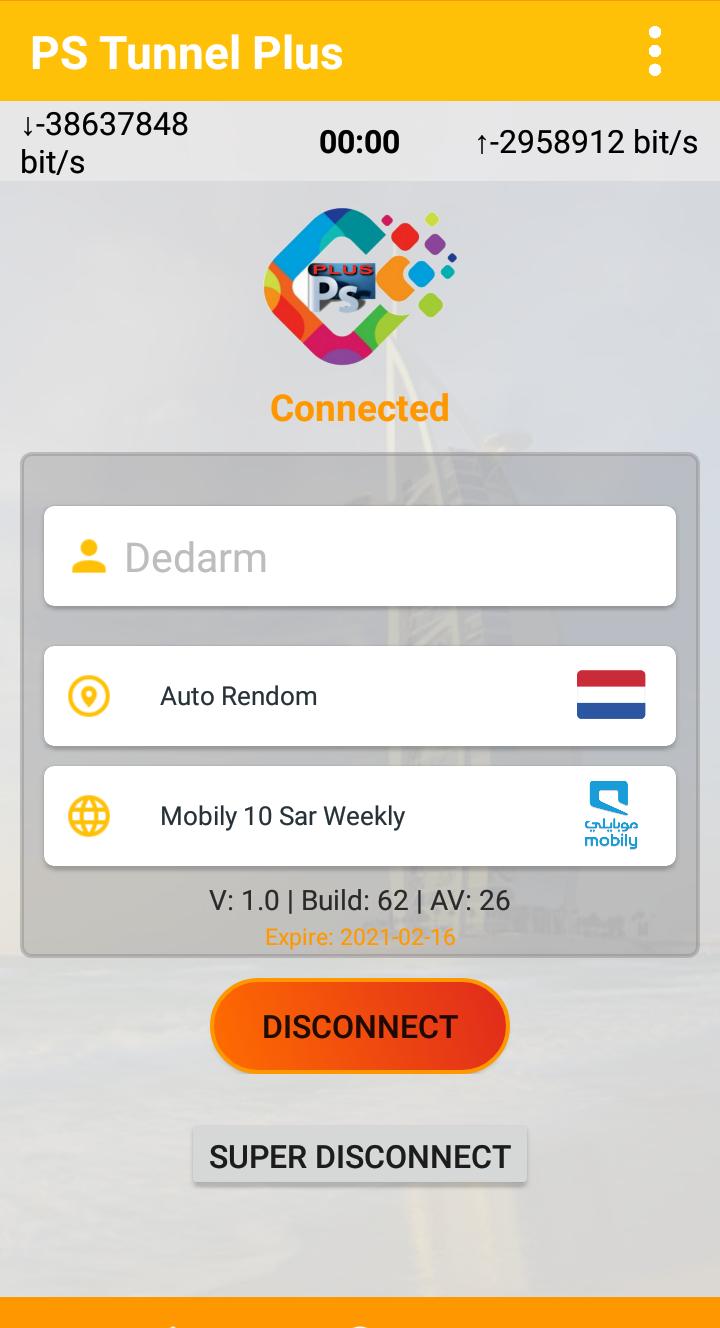
A single tap of the Connection button is all it takes to start a secure and stable
VPN connection.
プレビュー
情報
デベロッパー
PsTell Tech
最新バージョン
2
最終更新
2021-02-19
カテゴリー
ツール
上で利用可能
Google Play
もっと見せる
PCでGameLoopを使用してPs Tunnel Plusをプレイする方法
1. 公式WebサイトからGameLoopをダウンロードし、exeファイルを実行してGameLoopをインストールします
2. GameLoopを開いて「Ps Tunnel Plus」を検索し、検索結果でPs Tunnel Plusを見つけて、「インストール」をクリックします。
3. GameLoopでPs Tunnel Plusを楽しんでください
Minimum requirements
OS
Windows 8.1 64-bit or Windows 10 64-bit
GPU
GTX 1050
CPU
i3-8300
Memory
8GB RAM
Storage
1GB available space
Recommended requirements
OS
Windows 8.1 64-bit or Windows 10 64-bit
GPU
GTX 1050
CPU
i3-9320
Memory
16GB RAM
Storage
1GB available space