Phone Clone - Switch Smartly PC
Entertainment Star Tools
GameLoopエミュレーターを使用してPCにPhone Clone - Switch Smartlyをダウンロードします
Phone Clone - Switch Smartly PC版
開発者Entertainment Star ToolsからのPhone Clone - Switch Smartlyは、過去にAndroidsystermで実行されています。
これで、GameLoopを搭載したPCでPhone Clone - Switch Smartlyをスムーズにプレイできます。
GameLoopライブラリまたは検索結果にダウンロードしてください。 バッテリーに目を向けたり、間違った時間にイライラしたりすることはもうありません。
大画面でPhone Clone - Switch SmartlyPCを無料でお楽しみください!
Phone Clone - Switch Smartly 序章
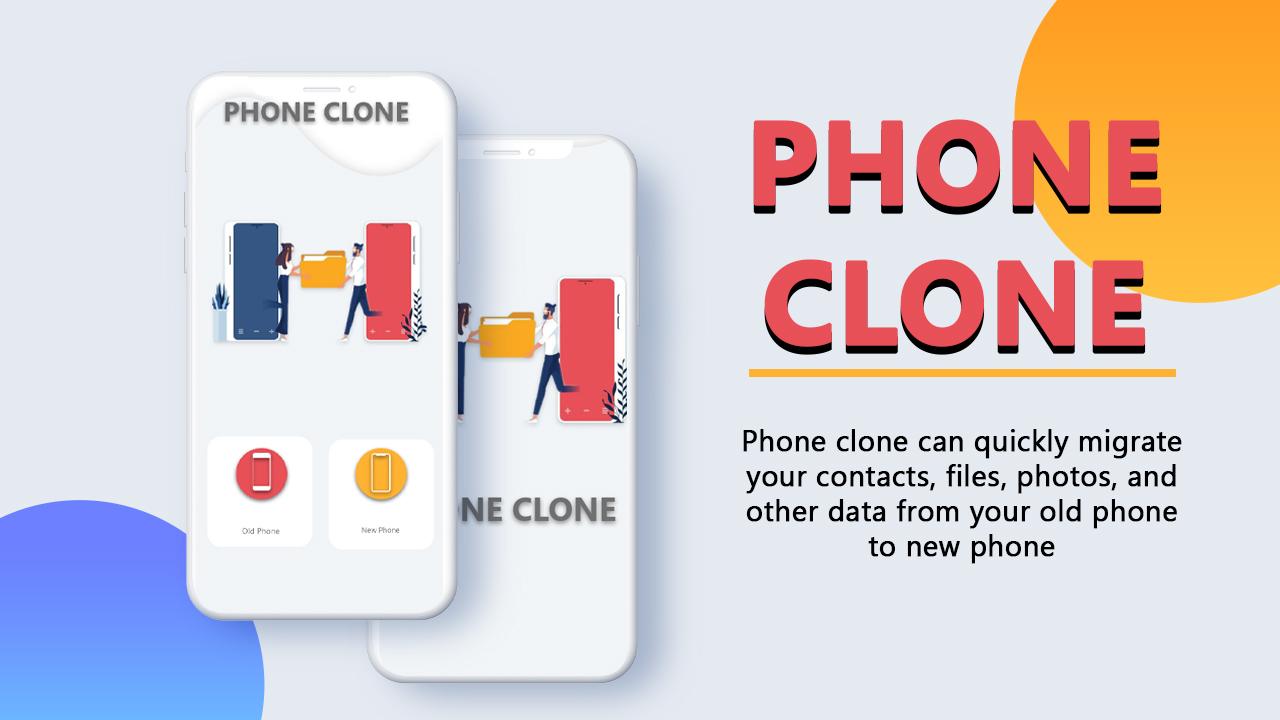
Phone clone for all android application, makes file share easy. It lets the mobiles transfer files and transfer data in a secure connection. So you can send large files or bulk of files, pictures and documents as well as applications using the QR scanning feature.
While Phone switch, now no need to worry about the long duration of copying data from an old phone to a new phone, simply select the file you want to Migrate, your data would be transferred quickly to your new device very with phone clone easy data transfer.
Our phone clone & Transfer contacts application is used to clone everything from my old phone to my new android phone. Moreover, it is not just a complete data cloning application that also allows you to send my complete files including calendar and contacts transfers. But also gives the option to select a simple file for sharing.
Main features:
Smart Switch data: Phone clone copy my data app have can transfer each type of data from old to new devices.
Transfer Simply: Smart data transfer app is user friendly UX to transfer and send important data.
Compatibility: Phone clone for an android app doesn’t have any limitations of the mobile company. You can send files without any worry about the mobile brand as our phone clone data transfer application is for any type of mobile transfer. Easy and safe data sharing from any android to android mobile phone.
Automation: Phone Clone for All Android & Fast Switch Phone application has automation to handle most operations itself, you just need to select files & tap send button. It will automatically write each and everything like photos, videos and audio files in its proper destination.
Security: Phone clone easy data transfer app generates QR code to form a secure connection. Speedy files transfer app do smart switch which is free, fast & safe as well as secure.
file size limit:
Transfer data from android to the android of any size. Phone Clone: Smart Phone Clone Old to New Phone has no limitations for size.
Customization: Smart Transfer-File Sharing App lets you choose where to store incoming data. You can set the preferred files folder in the settings.
Data Speed: Transfer complete data over a secure and speedy point to point with Easy Share & Ultrafast File Transfer application.
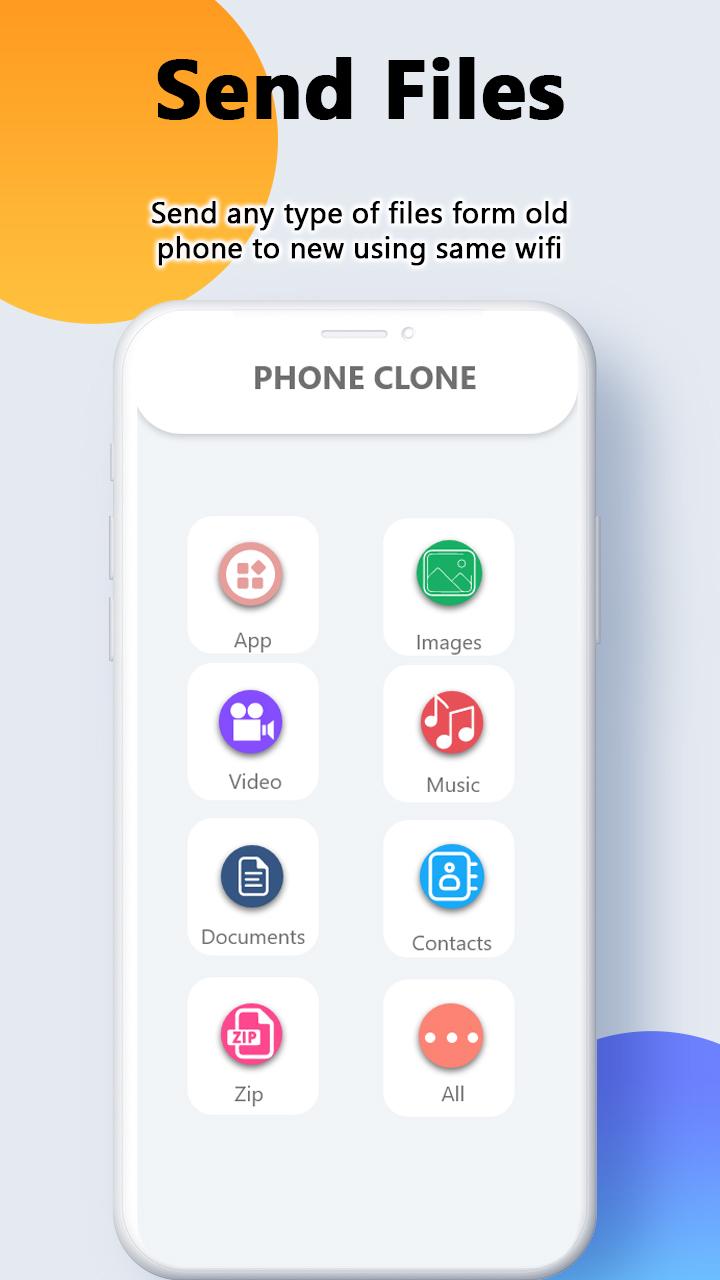
Kind of data you will transfer:
Contacts
Pictures
Videos
System settings
Documents
Mobile applications (installed on your old phone)
Calendar, etc.
Permissions:
Phone clone application requires the following permission:
Storage(This permission is needed to access photos, videos, audio, documents, and more files to move them into the new phone)
Contacts
Calendars
For phone content transfer and move data, you need to Install this transfer app on both android devices by scanning the QR code and get a connection. During sharing data make sure both devices are connected with the same Wi-Fi network. By using the phone to phone transfer app you don’t need a data cable and USB. This allows you to migrate data securely without losing your important data.
プレビュー
タグ
ツール情報
デベロッパー
Entertainment Star Tools
最新バージョン
1.2
最終更新
2022-03-21
カテゴリー
ツール
上で利用可能
Google Play
もっと見せる
PCでGameLoopを使用してPhone Clone - Switch Smartlyをプレイする方法
1. 公式WebサイトからGameLoopをダウンロードし、exeファイルを実行してGameLoopをインストールします
2. GameLoopを開いて「Phone Clone - Switch Smartly」を検索し、検索結果でPhone Clone - Switch Smartlyを見つけて、「インストール」をクリックします。
3. GameLoopでPhone Clone - Switch Smartlyを楽しんでください
Minimum requirements
OS
Windows 8.1 64-bit or Windows 10 64-bit
GPU
GTX 1050
CPU
i3-8300
Memory
8GB RAM
Storage
1GB available space
Recommended requirements
OS
Windows 8.1 64-bit or Windows 10 64-bit
GPU
GTX 1050
CPU
i3-9320
Memory
16GB RAM
Storage
1GB available space