Personalized Volume Control PC
Kumar.Studio
GameLoopエミュレーターを使用してPCにPersonalized Volume Controlをダウンロードします
Personalized Volume Control PC版
開発者Kumar.StudioからのPersonalized Volume Controlは、過去にAndroidsystermで実行されています。
これで、GameLoopを搭載したPCでPersonalized Volume Controlをスムーズにプレイできます。
GameLoopライブラリまたは検索結果にダウンロードしてください。 バッテリーに目を向けたり、間違った時間にイライラしたりすることはもうありません。
大画面でPersonalized Volume ControlPCを無料でお楽しみください!
Personalized Volume Control 序章
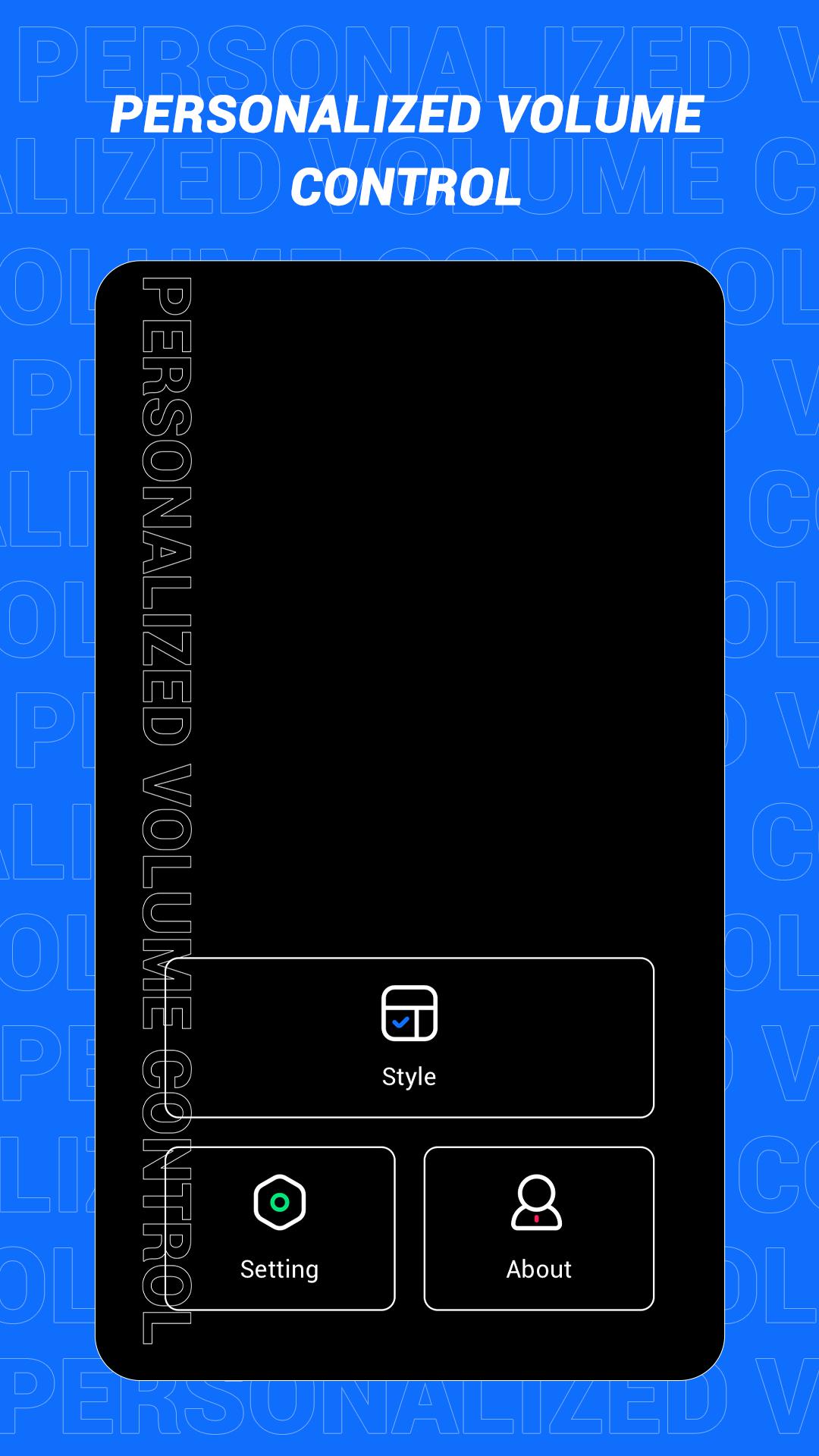
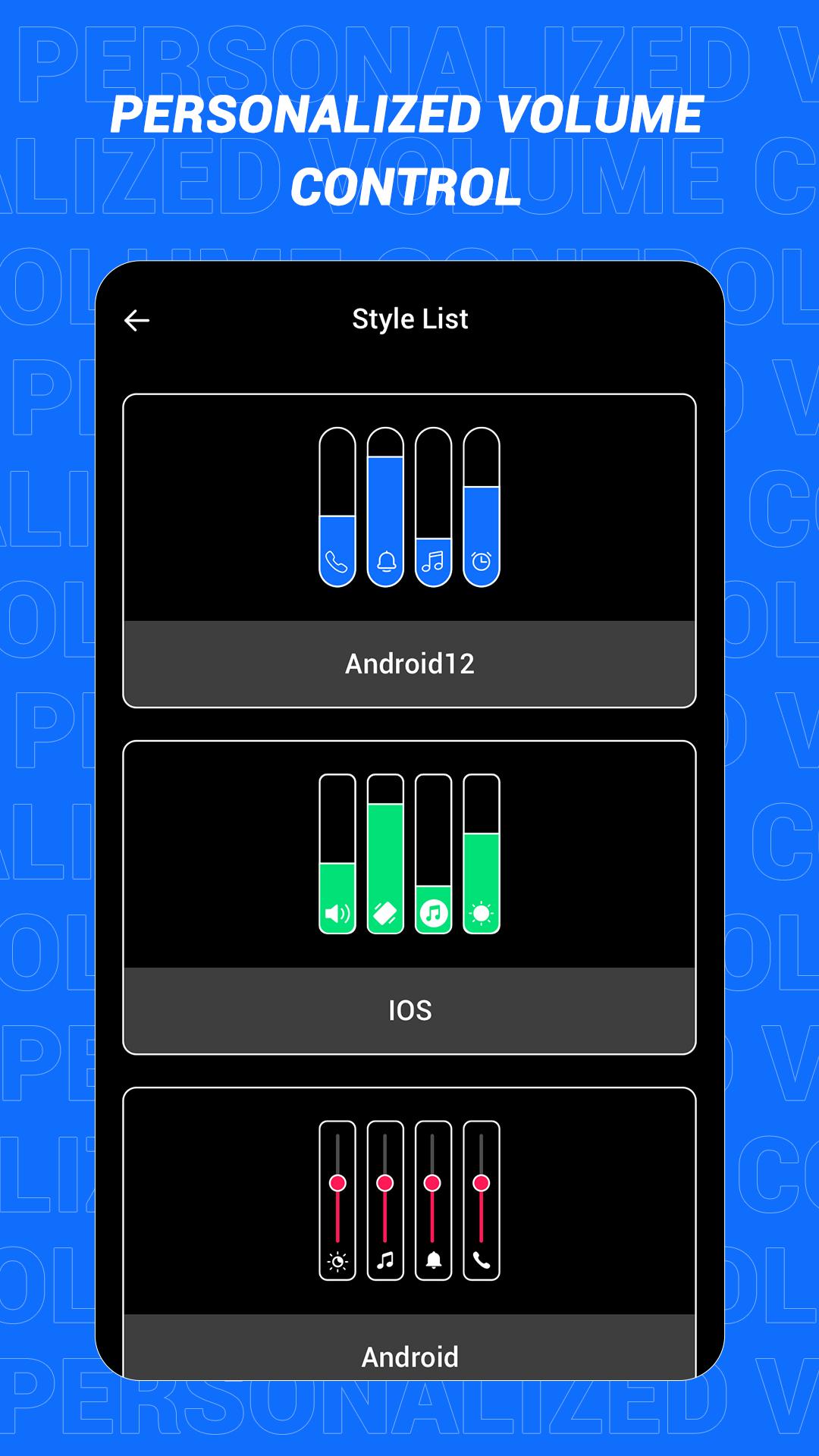
This is an app that can quickly change the style of the sound control panel. The volume control panel is to remind the user of the specific volume of the device and to adjust the volume more conveniently. In this software, a variety of panel styles are provided for users, and users can choose and set them at will. If you want a different color, you can choose your favorite color. In this app, users can also increase the brightness adjustment slider according to the actual situation!
Main features:
1. Provide a variety of volume panel styles to choose from
2. You can change the panel color to your favorite color
3. You can add shortcuts for multiple functions
4. Support more detailed function settings
Disclaimer: This application is only a tool application and will not collect any information from you, please rest assured!
プレビュー
タグ
ツール情報
デベロッパー
Kumar.Studio
最新バージョン
1.1
最終更新
2022-08-08
カテゴリー
ツール
上で利用可能
Google Play
もっと見せる
PCでGameLoopを使用してPersonalized Volume Controlをプレイする方法
1. 公式WebサイトからGameLoopをダウンロードし、exeファイルを実行してGameLoopをインストールします
2. GameLoopを開いて「Personalized Volume Control」を検索し、検索結果でPersonalized Volume Controlを見つけて、「インストール」をクリックします。
3. GameLoopでPersonalized Volume Controlを楽しんでください
Minimum requirements
OS
Windows 8.1 64-bit or Windows 10 64-bit
GPU
GTX 1050
CPU
i3-8300
Memory
8GB RAM
Storage
1GB available space
Recommended requirements
OS
Windows 8.1 64-bit or Windows 10 64-bit
GPU
GTX 1050
CPU
i3-9320
Memory
16GB RAM
Storage
1GB available space