
Network Tools Free PC
Kanan Karimov
GameLoopエミュレーターを使用してPCにNetwork Tools Freeをダウンロードします
Network Tools Free PC版
開発者Kanan KarimovからのNetwork Tools Freeは、過去にAndroidsystermで実行されています。
これで、GameLoopを搭載したPCでNetwork Tools Freeをスムーズにプレイできます。
GameLoopライブラリまたは検索結果にダウンロードしてください。 バッテリーに目を向けたり、間違った時間にイライラしたりすることはもうありません。
大画面でNetwork Tools FreePCを無料でお楽しみください!
Network Tools Free 序章
About Network Tools
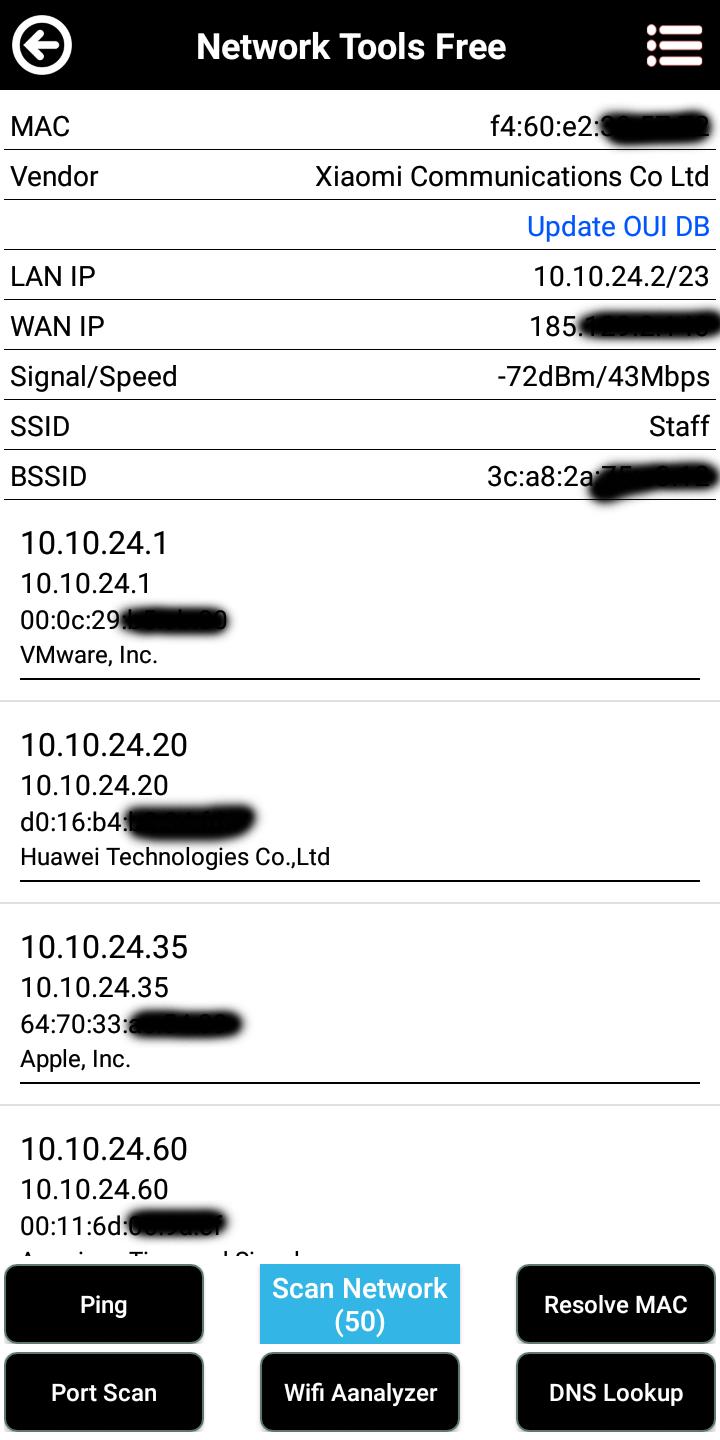
A handy systems and security-focused tool, fast port scanner. Here are some feature.
Features
* Heavily threaded, no more waiting for results one at a time.
* LAN host discovery.
* Public IP discovery.
* MAC address vendor detection.
* LAN/WAN host TCP port scanning.
* Custom port range scans.
* Open discovered HTTP(S) services to browser.
* Lightweight service fingerprinting (SSH/HTTP(S) server type and version).
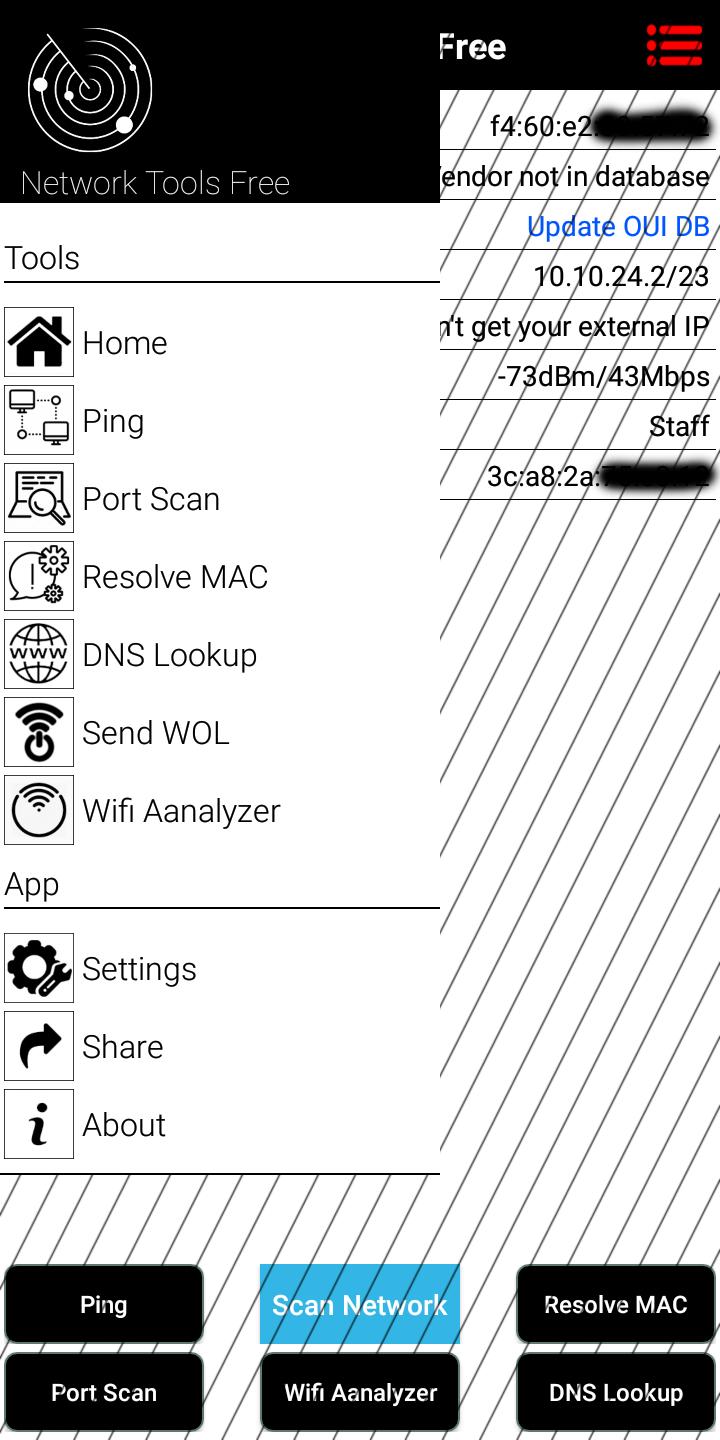
* DNS record lookups supporting almost every record type.
* Wake-on-LAN for LAN hosts
* Wireless Network Analyze.
This project is open source and you can find more details and Source code as well in this link below.
https://github.com/aaronjwood/PortAuthority
App Publisher: Kanan Karimov
Mail: kkerimov9@gmail.com
Web: http://linuxhaze.com
SC developer: Aaron Wood (https://github.com/aaronjwood)
プレビュー
情報
デベロッパー
Kanan Karimov
最新バージョン
1
最終更新
2020-09-28
カテゴリー
ツール
上で利用可能
Google Play
もっと見せる
PCでGameLoopを使用してNetwork Tools Freeをプレイする方法
1. 公式WebサイトからGameLoopをダウンロードし、exeファイルを実行してGameLoopをインストールします
2. GameLoopを開いて「Network Tools Free」を検索し、検索結果でNetwork Tools Freeを見つけて、「インストール」をクリックします。
3. GameLoopでNetwork Tools Freeを楽しんでください
Minimum requirements
OS
Windows 8.1 64-bit or Windows 10 64-bit
GPU
GTX 1050
CPU
i3-8300
Memory
8GB RAM
Storage
1GB available space
Recommended requirements
OS
Windows 8.1 64-bit or Windows 10 64-bit
GPU
GTX 1050
CPU
i3-9320
Memory
16GB RAM
Storage
1GB available space