My Files - File Manager PC
Face up
GameLoopエミュレーターを使用してPCにMy Files - File Managerをダウンロードします
My Files - File Manager PC版
開発者Face upからのMy Files - File Managerは、過去にAndroidsystermで実行されています。
これで、GameLoopを搭載したPCでMy Files - File Managerをスムーズにプレイできます。
GameLoopライブラリまたは検索結果にダウンロードしてください。 バッテリーに目を向けたり、間違った時間にイライラしたりすることはもうありません。
大画面でMy Files - File ManagerPCを無料でお楽しみください!
My Files - File Manager 序章
📁 File Explorer & File Manager for Android
File Explorer & File Manager is a fast, reliable, and easy-to-use app designed to help Android users in the USA manage files, storage, cloud content, and wireless transfers in one place.
Browse, organize, move, and control your files with confidence—whether they are stored on your phone, SD card, cloud storage, or transferred over a local network.
This app is built for everyday file management needs with a clean interface and powerful tools.
The My Files - File Manager App offers an after-call feature that allows you to quick access files also set reminders or quick replies directly from the after-call screen.
⭐ Core Features
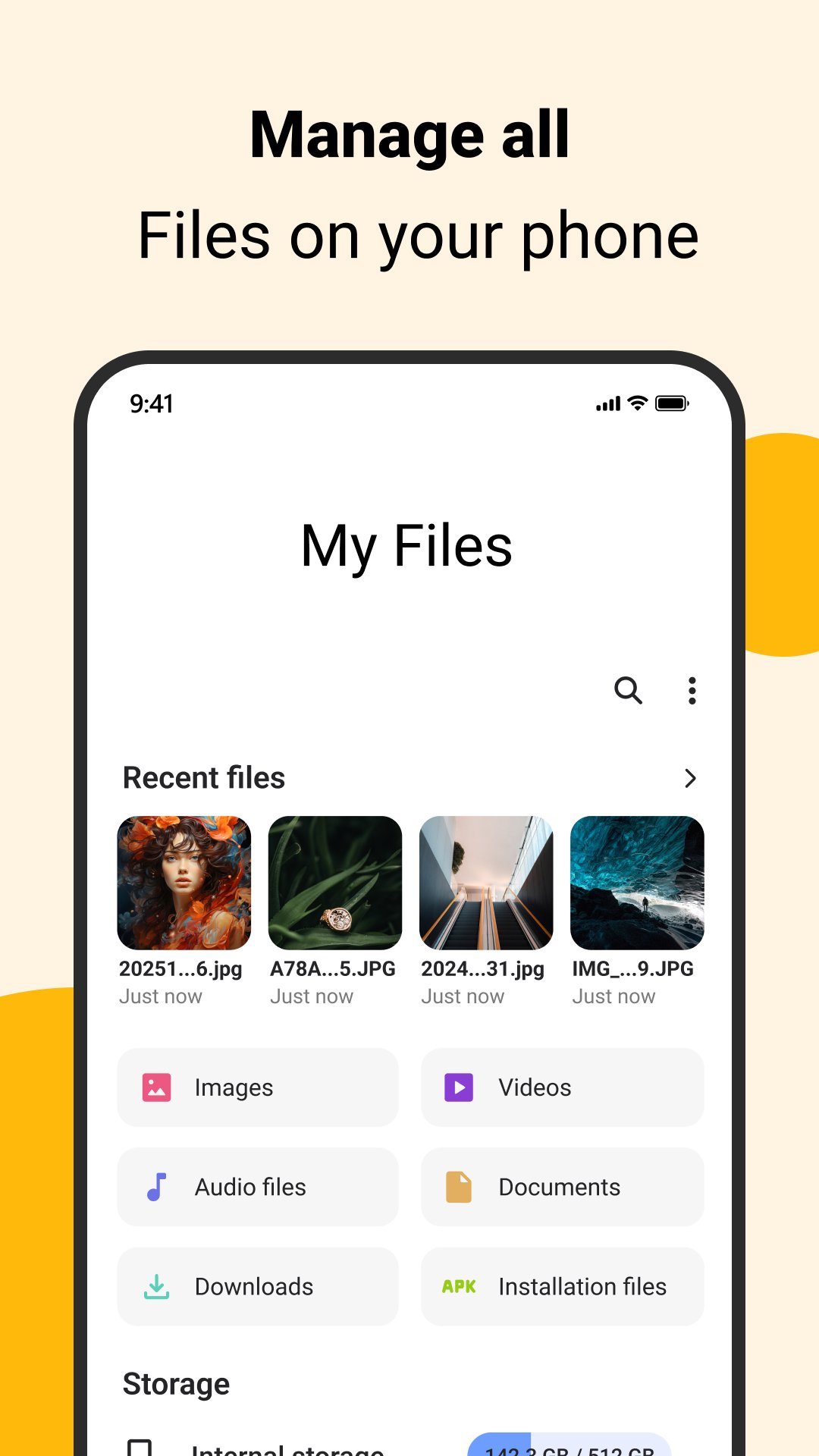
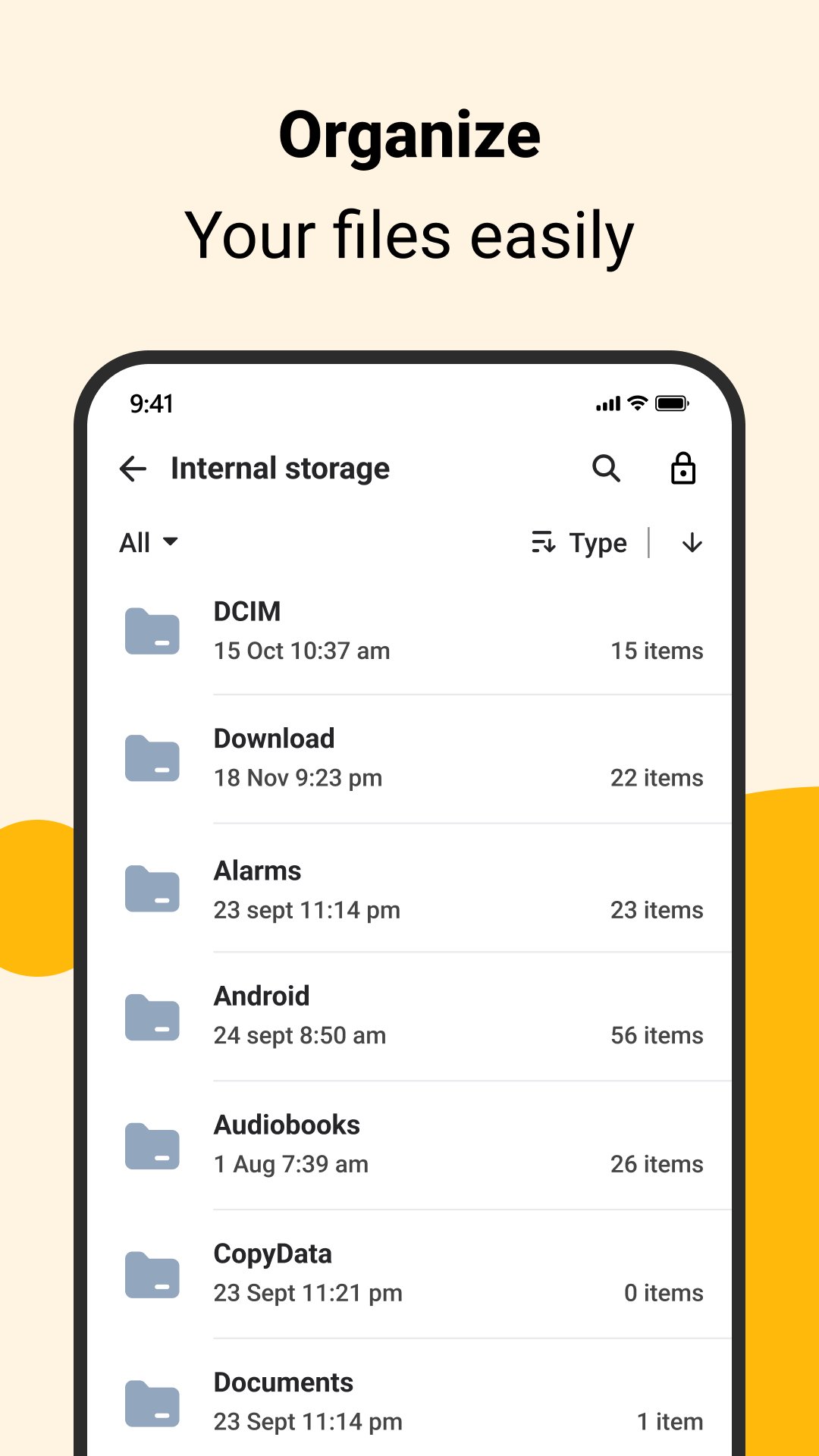
📂 File Explorer & File Manager
- Browse all files and folders on your Android device
- Manage documents, photos, videos, audio, and downloads
- Copy, move, rename, delete, and share files easily
- Quick file search for fast access
- Supports internal storage and external SD cards
💾 Storage Manager
- View detailed storage usage by file type
- Find large files and unused folders
- Organize storage to free up space
- Monitor available phone storage clearly
☁️ Cloud File Management
- Access files stored in supported cloud services
- Upload, download, and organize cloud files
- Move files between device storage and cloud
- Manage cloud content from one place
🔁 FTP Server & Wireless Transfer
- Start an FTP server directly on your phone
- Transfer files between Android and PC over Wi-Fi
- No USB cable required
- Ideal for local network file sharing
📞 After Call Screen
- Instantly see a smart screen right after a phone call ends
- Quickly access recently added and recently used files
🔐 Privacy & Control
- Files are managed locally on your device
- No forced account sign-in
- Designed with user privacy in mind
🔍 Why Choose This File Explorer?
✔ Easy and clean File Explorer interface
✔ Powerful File Manager and Storage Manager
✔ Built-in FTP Server for wireless transfers
✔ Cloud file access support
✔ Reliable performance for everyday use
🔐 Permissions & Transparency
This app requests only the permissions needed to provide core file management features:
- Storage access is used to browse, manage, and organize your files
- Network access is used only for FTP file transfer and cloud features
- The app does not collect or sell personal data
- Permissions are used strictly for app functionality and user-initiated actions
You remain in full control of your files and permissions at all times.
プレビュー
タグ
ツール情報
デベロッパー
Face up
最新バージョン
4.1
最終更新
2026-02-18
カテゴリー
ツール
上で利用可能
Google Play
もっと見せる
PCでGameLoopを使用してMy Files - File Managerをプレイする方法
1. 公式WebサイトからGameLoopをダウンロードし、exeファイルを実行してGameLoopをインストールします
2. GameLoopを開いて「My Files - File Manager」を検索し、検索結果でMy Files - File Managerを見つけて、「インストール」をクリックします。
3. GameLoopでMy Files - File Managerを楽しんでください
Minimum requirements
OS
Windows 8.1 64-bit or Windows 10 64-bit
GPU
GTX 1050
CPU
i3-8300
Memory
8GB RAM
Storage
1GB available space
Recommended requirements
OS
Windows 8.1 64-bit or Windows 10 64-bit
GPU
GTX 1050
CPU
i3-9320
Memory
16GB RAM
Storage
1GB available space