MK802 4.0.4 CWM Recovery PC
Adam Ioannides
GameLoopエミュレーターを使用してPCにMK802 4.0.4 CWM Recoveryをダウンロードします
MK802 4.0.4 CWM Recovery PC版
開発者Adam IoannidesからのMK802 4.0.4 CWM Recoveryは、過去にAndroidsystermで実行されています。
これで、GameLoopを搭載したPCでMK802 4.0.4 CWM Recoveryをスムーズにプレイできます。
GameLoopライブラリまたは検索結果にダウンロードしてください。 バッテリーに目を向けたり、間違った時間にイライラしたりすることはもうありません。
大画面でMK802 4.0.4 CWM RecoveryPCを無料でお楽しみください!
MK802 4.0.4 CWM Recovery 序章
MK802 4.0.4 (Firmware rev2) ClockWorkMod Recovery installation
This program requires root permission, busybox and Android 4.0.4 to work.
If you don' t know what root or what ClockworkMod Recovery is then you should not use this app.
Warning: This software is for MK802 using Android 4.0.4 Firmware. Be sure that you have the right model to be flashed. Different models can cause critical damage in phone system storage.
Just in case you're not familiar with what CWM is, and what it can offer us now and in the future. Follow this link: http://www.addictivetips.com/mobile/what-is-clockworkmod-recovery-and-how-to-use-it-on-android-complete-guide
MK802II owners should step back and think twice before trying to install CWM. There are various reports of success (with CWM) and disasters.
Make sure you have the most recent versions of BusyBox and SuperUser installed.
Make sure that both apps are up to their current releases and not using legacy (superuser) or 1.18 (busybox).
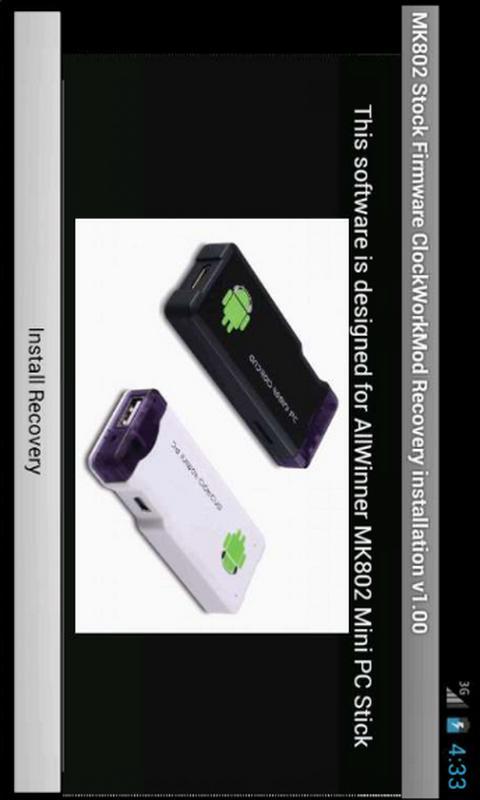
This software is designed for AllWinner MK802 Mini PC Stick
CWM does work perfectly.. and have been able to do nandroid backup with ease and restore my Mk802 to its previous state after doing a quick flash via LiveSuit. Goodbye Titanium.
Remember... if you do flash via LiveSuite (which we will all do over next week or so) you will need to re-install CWM.
CMW use: You can use a USB wireless mouse and keyboard plugged directly into the Mk802 (usb hub will not be recognised).
Navigation: Move mouse up and down or arrow keys on keyboard to highlight selection and left click mouse to select or left arrow on keyboard, right arrow to go back a menu...
Main issue most will face when it comes to the Upgraded firmware and CWM, will be that the CWM menu will now display incorrectly. This was caused by a change in the kernels cedar. You will be faced with a screen split into four views, and every other selection made will blank the screen.. generally just keep an eye on the top right screen.
For additional information go to
http://rikomagic.co.uk/forum/viewtopic.php?f=2&t=142
All the credit goes to KEgg and Ricomagic forums for their excellent work.
Tags: CWM Recovery, MK802, AllWinner A10, Mini PC
プレビュー
情報
デベロッパー
Adam Ioannides
最新バージョン
1.02
最終更新
2015-11-04
カテゴリー
ツール
上で利用可能
Google Play
もっと見せる
PCでGameLoopを使用してMK802 4.0.4 CWM Recoveryをプレイする方法
1. 公式WebサイトからGameLoopをダウンロードし、exeファイルを実行してGameLoopをインストールします
2. GameLoopを開いて「MK802 4.0.4 CWM Recovery」を検索し、検索結果でMK802 4.0.4 CWM Recoveryを見つけて、「インストール」をクリックします。
3. GameLoopでMK802 4.0.4 CWM Recoveryを楽しんでください
Minimum requirements
OS
Windows 8.1 64-bit or Windows 10 64-bit
GPU
GTX 1050
CPU
i3-8300
Memory
8GB RAM
Storage
1GB available space
Recommended requirements
OS
Windows 8.1 64-bit or Windows 10 64-bit
GPU
GTX 1050
CPU
i3-9320
Memory
16GB RAM
Storage
1GB available space