
Maps Recorder PC
Ivan qSchulz
GameLoopエミュレーターを使用してPCにMaps Recorderをダウンロードします
Maps Recorder PC版
開発者Ivan qSchulzからのMaps Recorderは、過去にAndroidsystermで実行されています。
これで、GameLoopを搭載したPCでMaps Recorderをスムーズにプレイできます。
GameLoopライブラリまたは検索結果にダウンロードしてください。 バッテリーに目を向けたり、間違った時間にイライラしたりすることはもうありません。
大画面でMaps RecorderPCを無料でお楽しみください!
Maps Recorder 序章
With this app, you will not get lost in a strange city.
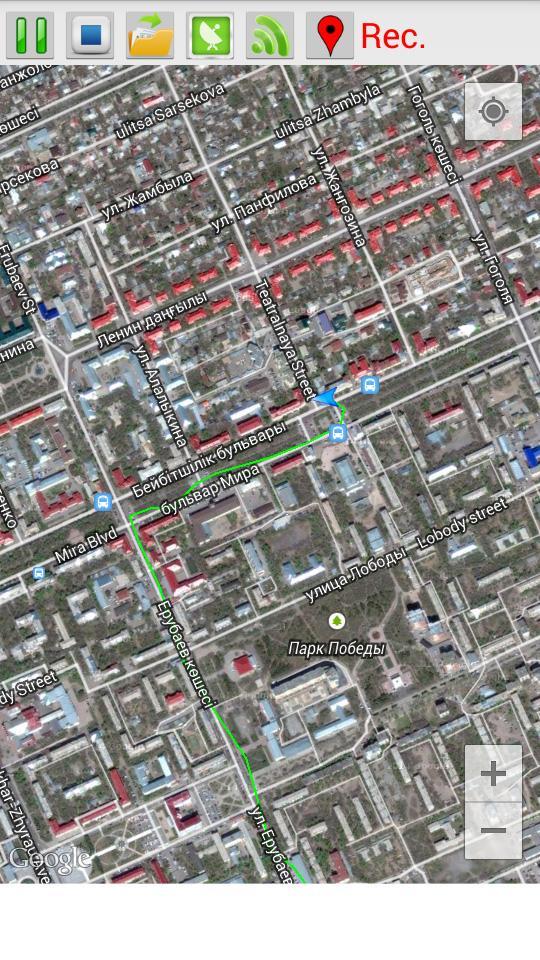
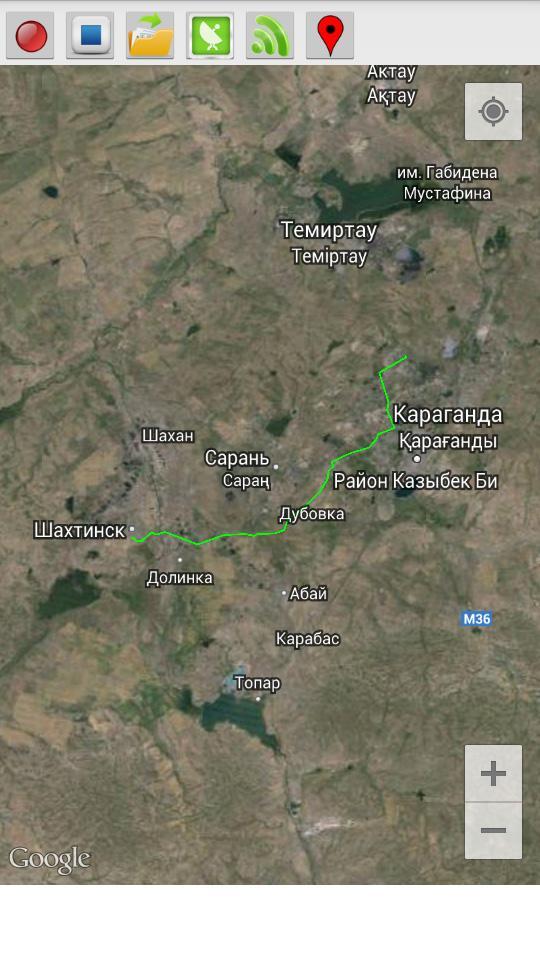
This program records your route traffic and imposes it on the satellite map.
- The route is recorded even when the internet is disabled.
- The route continues to be recorded when the phone is locked.
- To start recording, press the Rec (1) and enter the name of the route.
- To stop the recording, press Stop (2).
- In order to open a previously saved routes, click Open (3) and select the desired route from the list.
- Button GPS (4) opens a menu to enable / disable the GPS on your phone. If you do not have a GPS receiver, you can use the definition of the location of the mobile networks and access points Wi-Fi (the accuracy is lower).
- Button Wi-Fi (5) turns on / off Wi-Fi.
- Button Marker (6) sets the marker on the map.
プレビュー
情報
デベロッパー
Ivan qSchulz
最新バージョン
1.0
最終更新
2014-09-02
カテゴリー
ツール
上で利用可能
Google Play
もっと見せる
PCでGameLoopを使用してMaps Recorderをプレイする方法
1. 公式WebサイトからGameLoopをダウンロードし、exeファイルを実行してGameLoopをインストールします
2. GameLoopを開いて「Maps Recorder」を検索し、検索結果でMaps Recorderを見つけて、「インストール」をクリックします。
3. GameLoopでMaps Recorderを楽しんでください
Minimum requirements
OS
Windows 8.1 64-bit or Windows 10 64-bit
GPU
GTX 1050
CPU
i3-8300
Memory
8GB RAM
Storage
1GB available space
Recommended requirements
OS
Windows 8.1 64-bit or Windows 10 64-bit
GPU
GTX 1050
CPU
i3-9320
Memory
16GB RAM
Storage
1GB available space