
MagicBox VPN PC
Stargaze App Develop Team
GameLoopエミュレーターを使用してPCにMagicBox VPNをダウンロードします
MagicBox VPN PC版
開発者Stargaze App Develop TeamからのMagicBox VPNは、過去にAndroidsystermで実行されています。
これで、GameLoopを搭載したPCでMagicBox VPNをスムーズにプレイできます。
GameLoopライブラリまたは検索結果にダウンロードしてください。 バッテリーに目を向けたり、間違った時間にイライラしたりすることはもうありません。
大画面でMagicBox VPNPCを無料でお楽しみください!
MagicBox VPN 序章
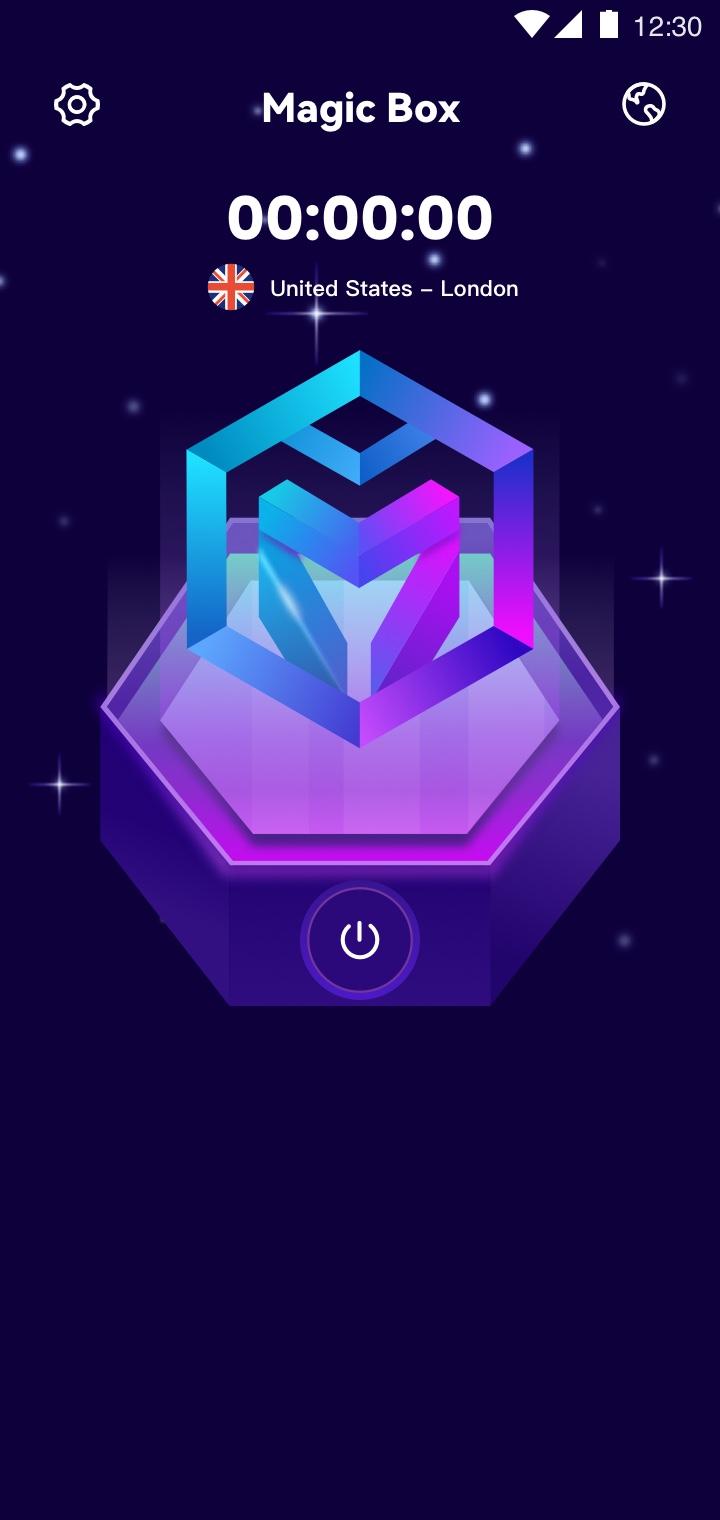
MagicBox is an Unlimited VPN Secure Proxy Shield for all your devices.You can use to browse the Internet privately and securely. MagicBox protects your online privacy from online threats, letting you access your favorite websites & apps. Our VPN technology is the easiest way to enhance your privacy and WiFi security wherever you are.
Watch Streaming Sites and Apps
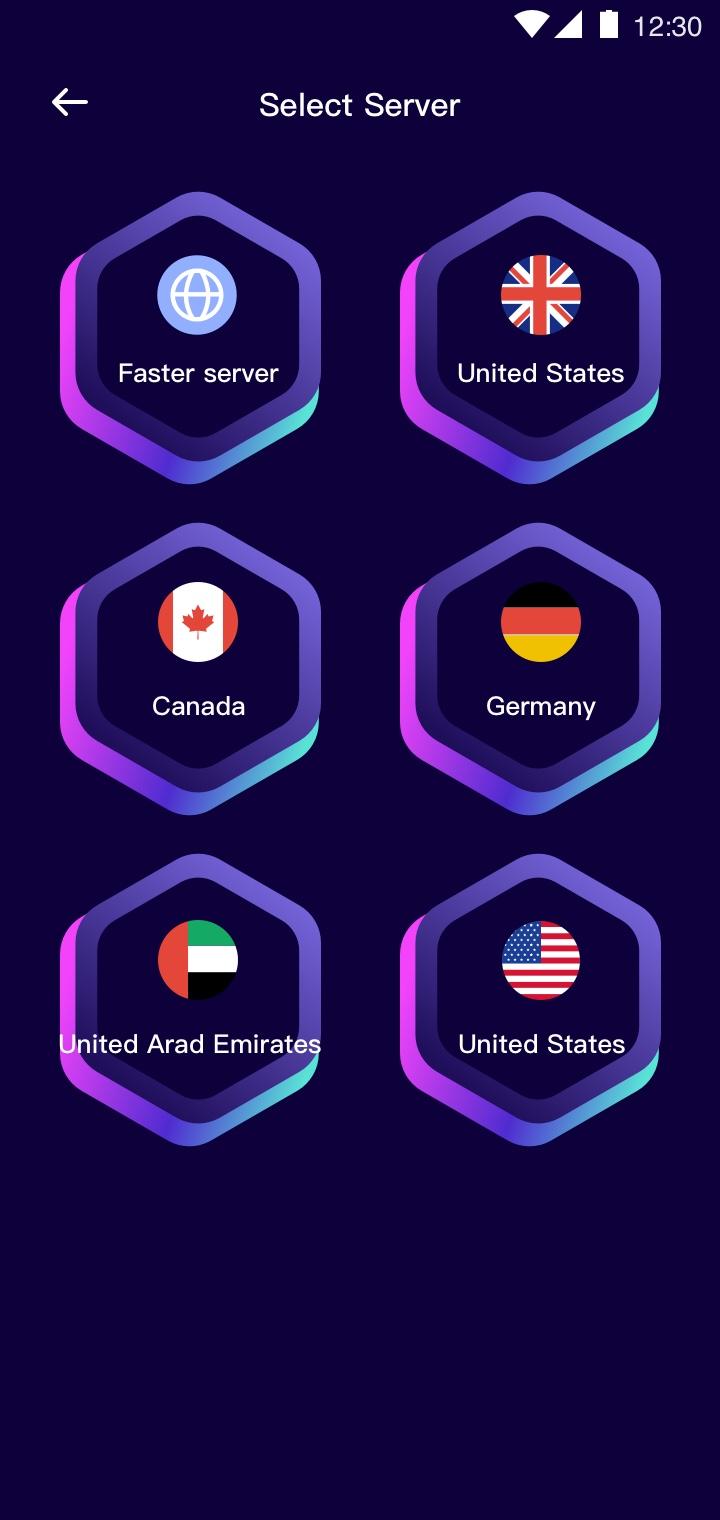
We offer global servers for you to enjoy streaming on the sites. You can stream with a blazing speed with premium stable & secure servers. Never miss any important TV shows, sports lives, game event or discount again.
Smoothly Play Games with Stable Servers
MagicBox VPN perfectly offers stable servers for the most popular games, enjoy gaming with low ping.
Why choose MagicBox?
★ Secure Your Internet Activity under public Wi-Fi
★ Large number of servers, high-speed bandwidth
★ Works on Wi-Fi, 4G/LTE, 3G
★ Enhance your gaming experience
プレビュー
タグ
ツール情報
デベロッパー
Stargaze App Develop Team
最新バージョン
1.0.1
最終更新
2022-09-08
カテゴリー
ツール
上で利用可能
Google Play
もっと見せる
PCでGameLoopを使用してMagicBox VPNをプレイする方法
1. 公式WebサイトからGameLoopをダウンロードし、exeファイルを実行してGameLoopをインストールします
2. GameLoopを開いて「MagicBox VPN」を検索し、検索結果でMagicBox VPNを見つけて、「インストール」をクリックします。
3. GameLoopでMagicBox VPNを楽しんでください
Minimum requirements
OS
Windows 8.1 64-bit or Windows 10 64-bit
GPU
GTX 1050
CPU
i3-8300
Memory
8GB RAM
Storage
1GB available space
Recommended requirements
OS
Windows 8.1 64-bit or Windows 10 64-bit
GPU
GTX 1050
CPU
i3-9320
Memory
16GB RAM
Storage
1GB available space