
Lenovo Note Saver PC
Lenovo Tablet
GameLoopエミュレーターを使用してPCにLenovo Note Saverをダウンロードします
Lenovo Note Saver PC版
開発者Lenovo TabletからのLenovo Note Saverは、過去にAndroidsystermで実行されています。
これで、GameLoopを搭載したPCでLenovo Note Saverをスムーズにプレイできます。
GameLoopライブラリまたは検索結果にダウンロードしてください。 バッテリーに目を向けたり、間違った時間にイライラしたりすることはもうありません。
大画面でLenovo Note SaverPCを無料でお楽しみください!
Lenovo Note Saver 序章
Note Saver is Yoga Book’s companion app for instantly capturing ideas and jotting down thoughts. Taking notes and sketching is as natural as putting pen to paper.
Key features
Quick Notes
- Long-press the pen icon on Yoga Book from any mode and Note Saver is ready to start putting your thoughts to paper.
Create content
- Three different treatments (pen, pencil, marker) to suit you for writing, sketching, and editing.
- Customizable colors give you the best experience for taking richer notes
- Multiple paper types (blank, ruled, graph and more)
- Insert text, pictures and audio recordings into your notes
Manage content
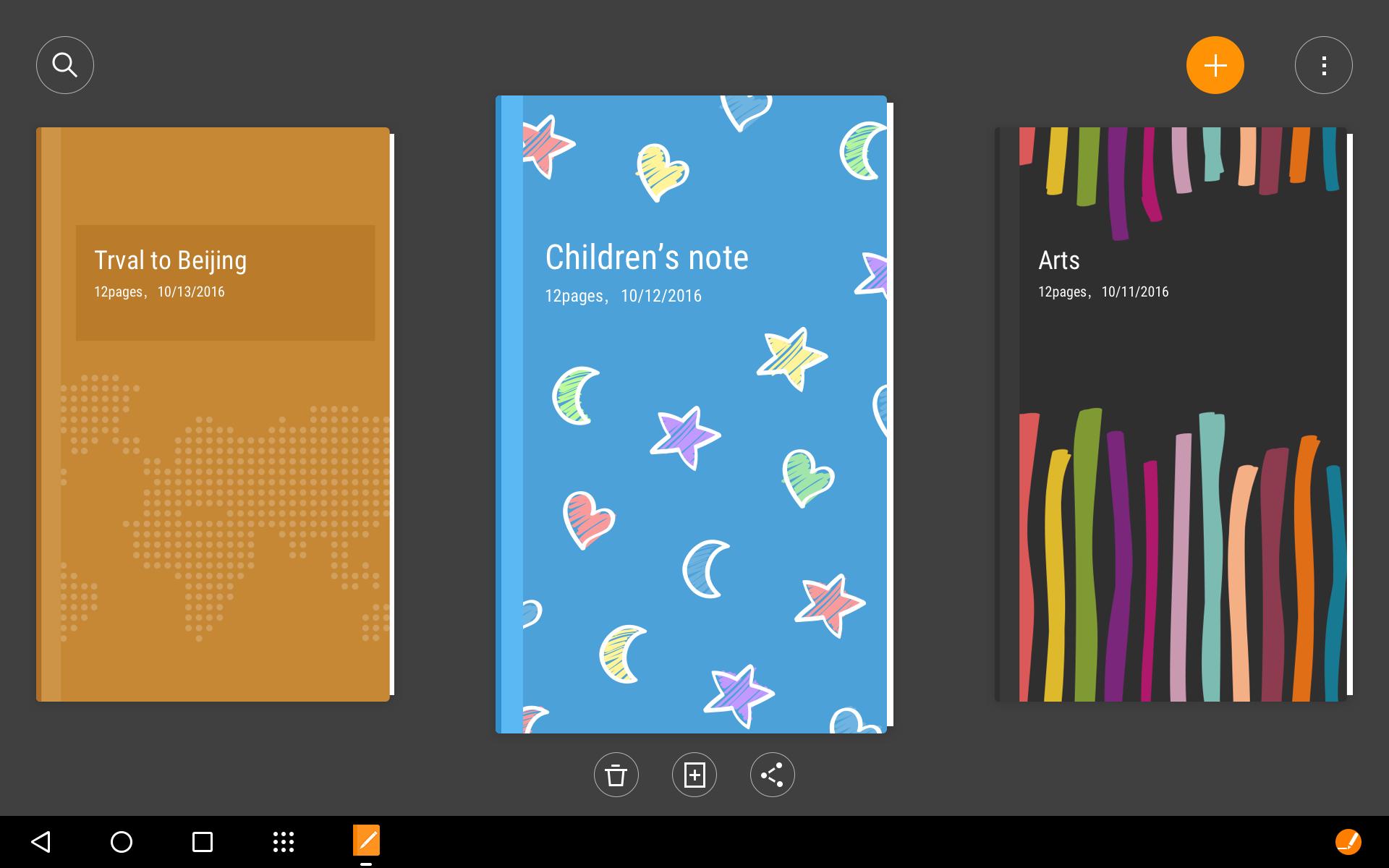
- Personalize each of your notebooks’ covers and titles
- Quickly create a new notebook with the press of a button
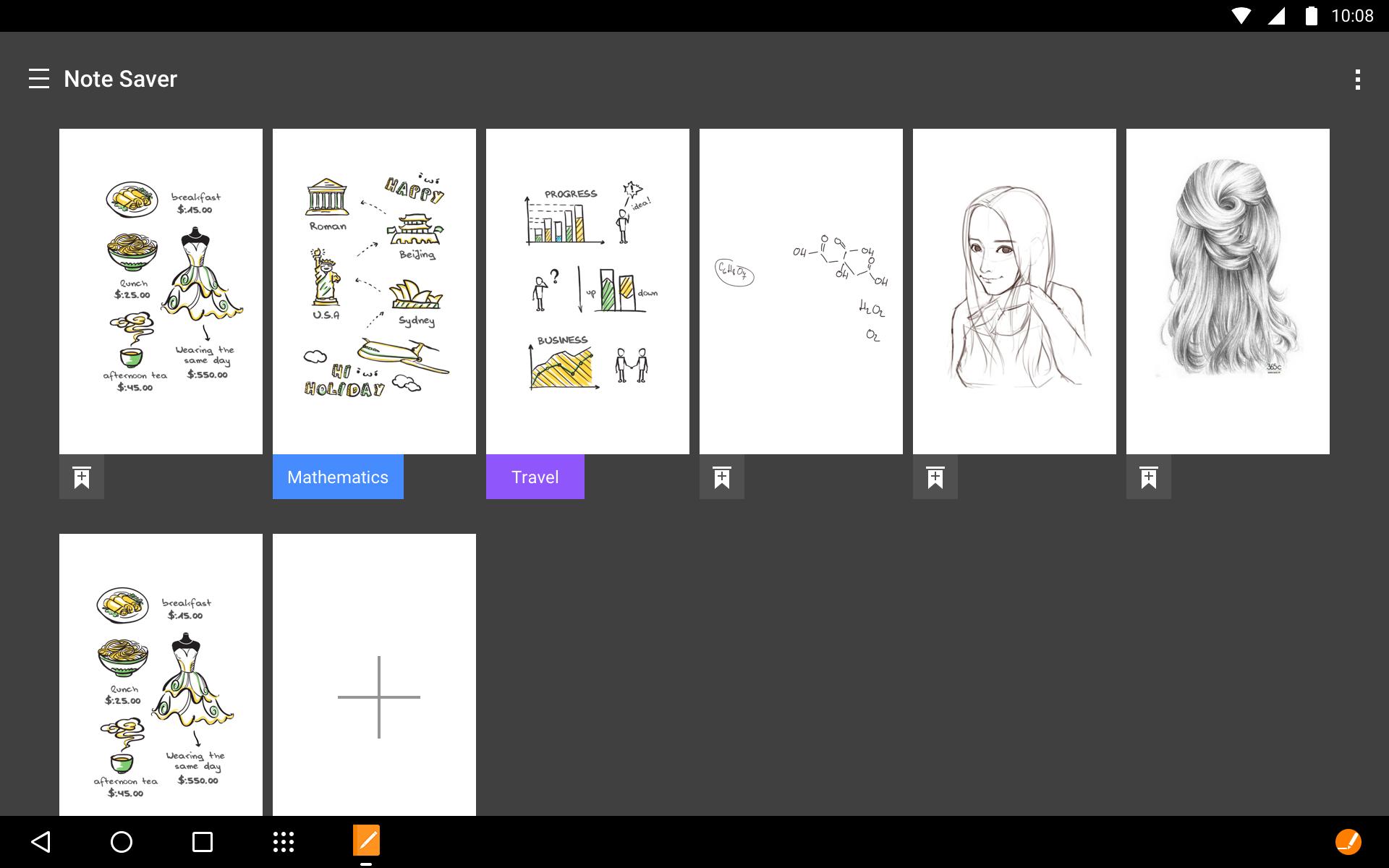
- View all your pages at a glance with thumbnail previews
- Search your text notes
- Easily export your pages to other supporting apps
- Notes can be synced and shared to other Yoga Books for further editing.
Note Saver is a simple-to-use writing tool that allows you to take notes and sketch.
Lenovo Note Saver specially designed for YOGA BOOK devices.
プレビュー
情報
デベロッパー
Lenovo Tablet
最新バージョン
1.2.5
最終更新
2017-07-24
カテゴリー
ツール
上で利用可能
Google Play
もっと見せる
PCでGameLoopを使用してLenovo Note Saverをプレイする方法
1. 公式WebサイトからGameLoopをダウンロードし、exeファイルを実行してGameLoopをインストールします
2. GameLoopを開いて「Lenovo Note Saver」を検索し、検索結果でLenovo Note Saverを見つけて、「インストール」をクリックします。
3. GameLoopでLenovo Note Saverを楽しんでください
Minimum requirements
OS
Windows 8.1 64-bit or Windows 10 64-bit
GPU
GTX 1050
CPU
i3-8300
Memory
8GB RAM
Storage
1GB available space
Recommended requirements
OS
Windows 8.1 64-bit or Windows 10 64-bit
GPU
GTX 1050
CPU
i3-9320
Memory
16GB RAM
Storage
1GB available space