Korean Keyboard: Korean typing keypad PC
United Apps LLC.
GameLoopエミュレーターを使用してPCにKorean Keyboard: Korean typing keypadをダウンロードします
Korean Keyboard: Korean typing keypad PC版
開発者United Apps LLC.からのKorean Keyboard: Korean typing keypadは、過去にAndroidsystermで実行されています。
これで、GameLoopを搭載したPCでKorean Keyboard: Korean typing keypadをスムーズにプレイできます。
GameLoopライブラリまたは検索結果にダウンロードしてください。 バッテリーに目を向けたり、間違った時間にイライラしたりすることはもうありません。
大画面でKorean Keyboard: Korean typing keypadPCを無料でお楽しみください!
Korean Keyboard: Korean typing keypad 序章
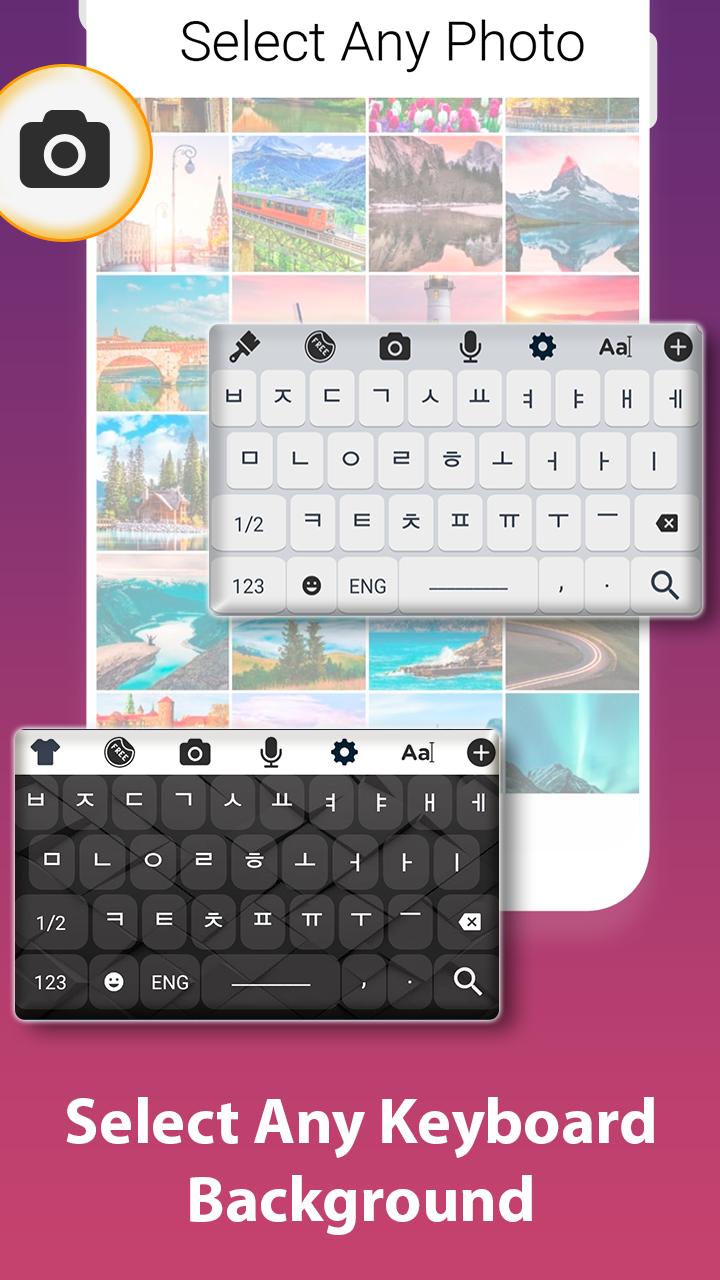
Set korean keyboard as a default input support with many of other features and options like theme selection, Background ideas with vast colour scheme. Simply enable the korean keyboard support in the system input settings.
Its user interface is so friendly and easy that any body can understand it, basically it is designed with the perspective of end user because the end user genuinely requires a keyboard to be easy and smooth.
You can communicate on many platforms like business, translator support for korean language, sending text, emails, posts to a specific person whose bilingual language is korean and many more.
One tap away is your official language keyboard so do have it on your device and communicate with multi cultural and multi language people using such keyboards.
We have other collections too so do visit our store and get any of the keyboard.
How to use:
Tap to start
Set it as default keyboard from input settings.
Change theme from collection of themes.
Set a background which gives you ease while typing in korean language.
Salient Features:
Large collection of keyboard themes.
Huge collection of backgrounds.
Korean keyboard typing support.
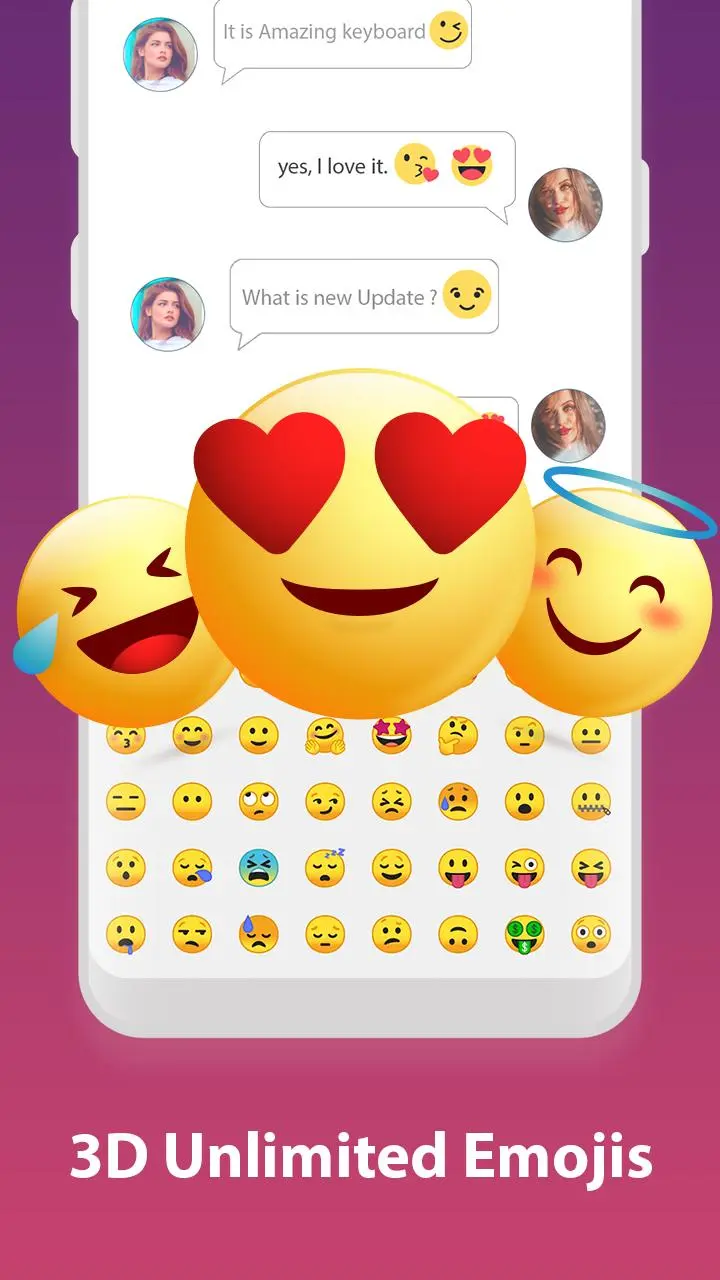
Emoji collection.
プレビュー
タグ
ツール情報
デベロッパー
United Apps LLC.
最新バージョン
1.9
最終更新
2020-06-04
カテゴリー
ツール
上で利用可能
Google Play
もっと見せる
PCでGameLoopを使用してKorean Keyboard: Korean typing keypadをプレイする方法
1. 公式WebサイトからGameLoopをダウンロードし、exeファイルを実行してGameLoopをインストールします
2. GameLoopを開いて「Korean Keyboard: Korean typing keypad」を検索し、検索結果でKorean Keyboard: Korean typing keypadを見つけて、「インストール」をクリックします。
3. GameLoopでKorean Keyboard: Korean typing keypadを楽しんでください
Minimum requirements
OS
Windows 8.1 64-bit or Windows 10 64-bit
GPU
GTX 1050
CPU
i3-8300
Memory
8GB RAM
Storage
1GB available space
Recommended requirements
OS
Windows 8.1 64-bit or Windows 10 64-bit
GPU
GTX 1050
CPU
i3-9320
Memory
16GB RAM
Storage
1GB available space