
KHALIFAH JWS V1.5 BLUETOOTH PC
ArinTech
GameLoopエミュレーターを使用してPCにKHALIFAH JWS V1.5 BLUETOOTHをダウンロードします
KHALIFAH JWS V1.5 BLUETOOTH PC版
開発者ArinTechからのKHALIFAH JWS V1.5 BLUETOOTHは、過去にAndroidsystermで実行されています。
これで、GameLoopを搭載したPCでKHALIFAH JWS V1.5 BLUETOOTHをスムーズにプレイできます。
GameLoopライブラリまたは検索結果にダウンロードしてください。 バッテリーに目を向けたり、間違った時間にイライラしたりすることはもうありません。
大画面でKHALIFAH JWS V1.5 BLUETOOTHPCを無料でお楽しみください!
KHALIFAH JWS V1.5 BLUETOOTH 序章
KHALIFAH JWS V1.5 Bluetooth adalah aplikasi yang digunakan untuk melakukan setting pada kontroller Jadwal Waktu Sholat dengan koneksi Wireless Bluetooth. Pairing terlebih dahulu Bluetooth Kontroller di pengaturan HP anda sebelum membuka aplikasi ini. Nama Bluetooth Kontroller : KHALIFAH JWS, Password : 1234. Setelah ter-Pairing, buka aplikasi ini dan tekan simbol Bluetooth di pojok kanan atas, kemudian pilih device KHALIFAH JWS. Jika sudah terhubung, simbol Bluetooth berubah menjadi warna biru. Silahkan laporkan jika ditemui bug di aplikasi ini.
Bayu Sasongko, ArinTech, Lampung, Indonesia. Telp : 082376701860
プレビュー
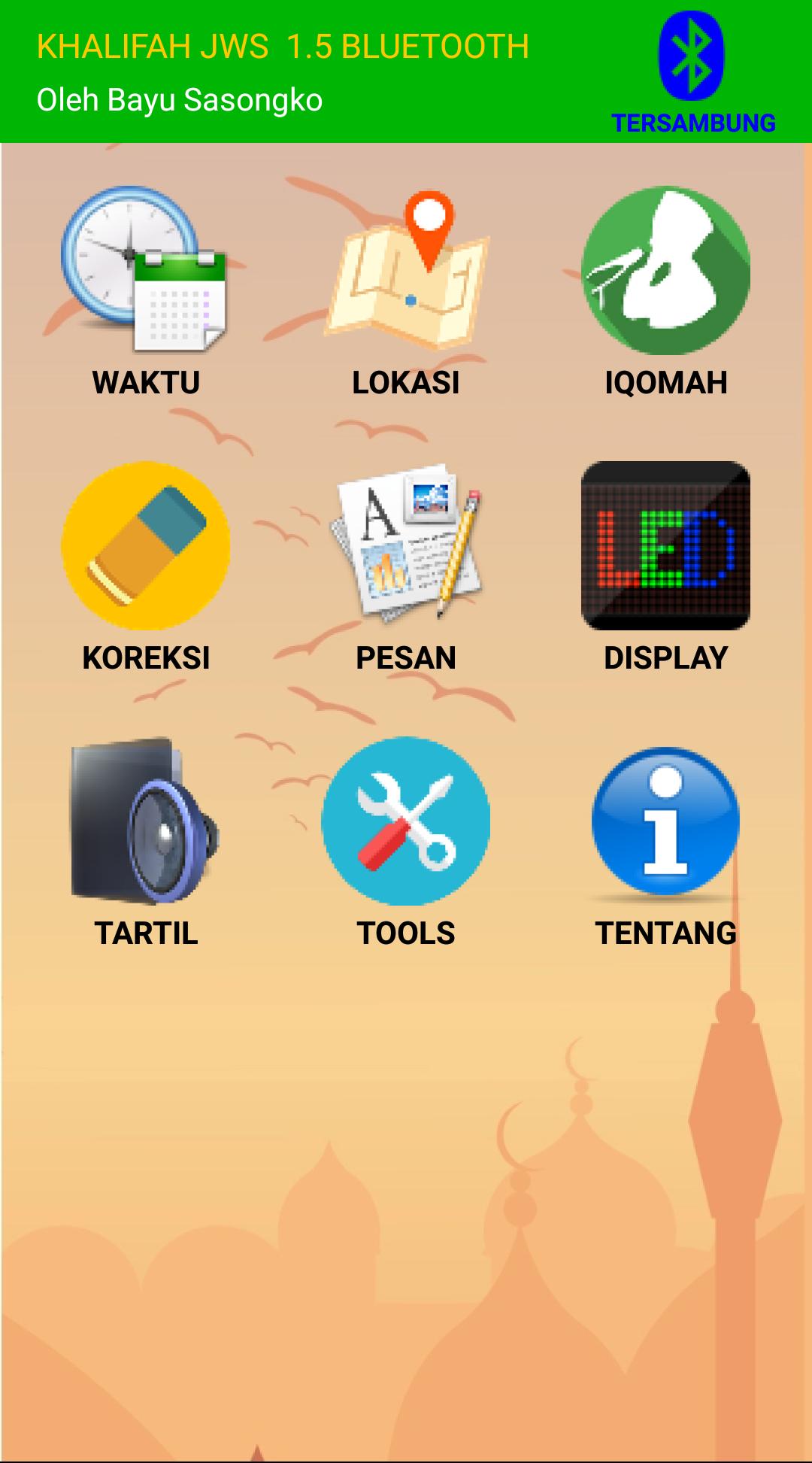
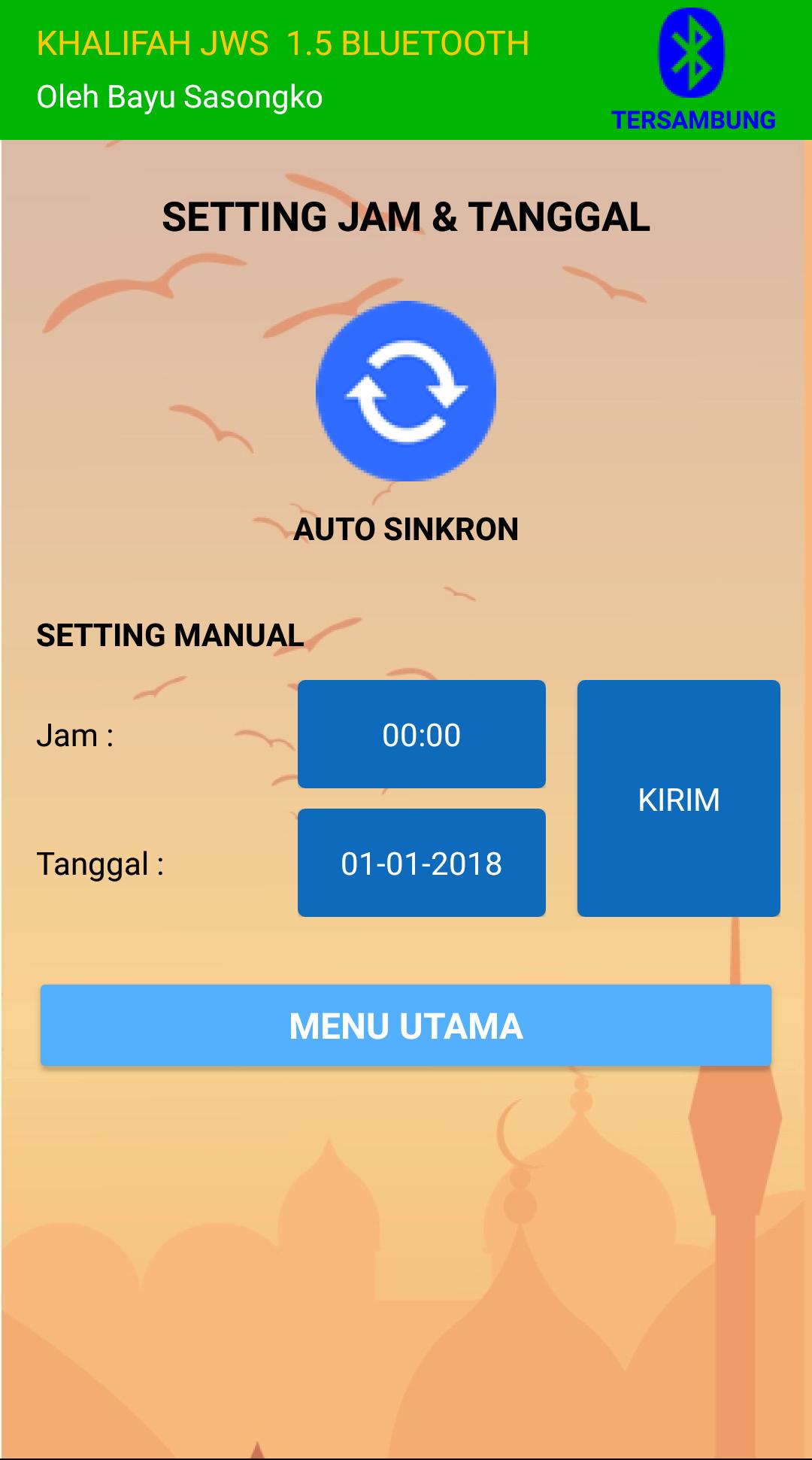
情報
デベロッパー
ArinTech
最新バージョン
1.5
最終更新
2019-11-20
カテゴリー
ツール
上で利用可能
Google Play
もっと見せる
PCでGameLoopを使用してKHALIFAH JWS V1.5 BLUETOOTHをプレイする方法
1. 公式WebサイトからGameLoopをダウンロードし、exeファイルを実行してGameLoopをインストールします
2. GameLoopを開いて「KHALIFAH JWS V1.5 BLUETOOTH」を検索し、検索結果でKHALIFAH JWS V1.5 BLUETOOTHを見つけて、「インストール」をクリックします。
3. GameLoopでKHALIFAH JWS V1.5 BLUETOOTHを楽しんでください
Minimum requirements
OS
Windows 8.1 64-bit or Windows 10 64-bit
GPU
GTX 1050
CPU
i3-8300
Memory
8GB RAM
Storage
1GB available space
Recommended requirements
OS
Windows 8.1 64-bit or Windows 10 64-bit
GPU
GTX 1050
CPU
i3-9320
Memory
16GB RAM
Storage
1GB available space