KeyMaster PC
Perme Design
GameLoopエミュレーターを使用してPCにKeyMasterをダウンロードします
KeyMaster PC版
開発者Perme DesignからのKeyMasterは、過去にAndroidsystermで実行されています。
これで、GameLoopを搭載したPCでKeyMasterをスムーズにプレイできます。
GameLoopライブラリまたは検索結果にダウンロードしてください。 バッテリーに目を向けたり、間違った時間にイライラしたりすることはもうありません。
大画面でKeyMasterPCを無料でお楽しみください!
KeyMaster 序章
## NOTICE: This app is not available to everyone. Only the invited can be registered.
KeyMaster is an app that keeps private data in secret
by utilizing the standard techniques in cryptography.
KeyMaster protects your data by...
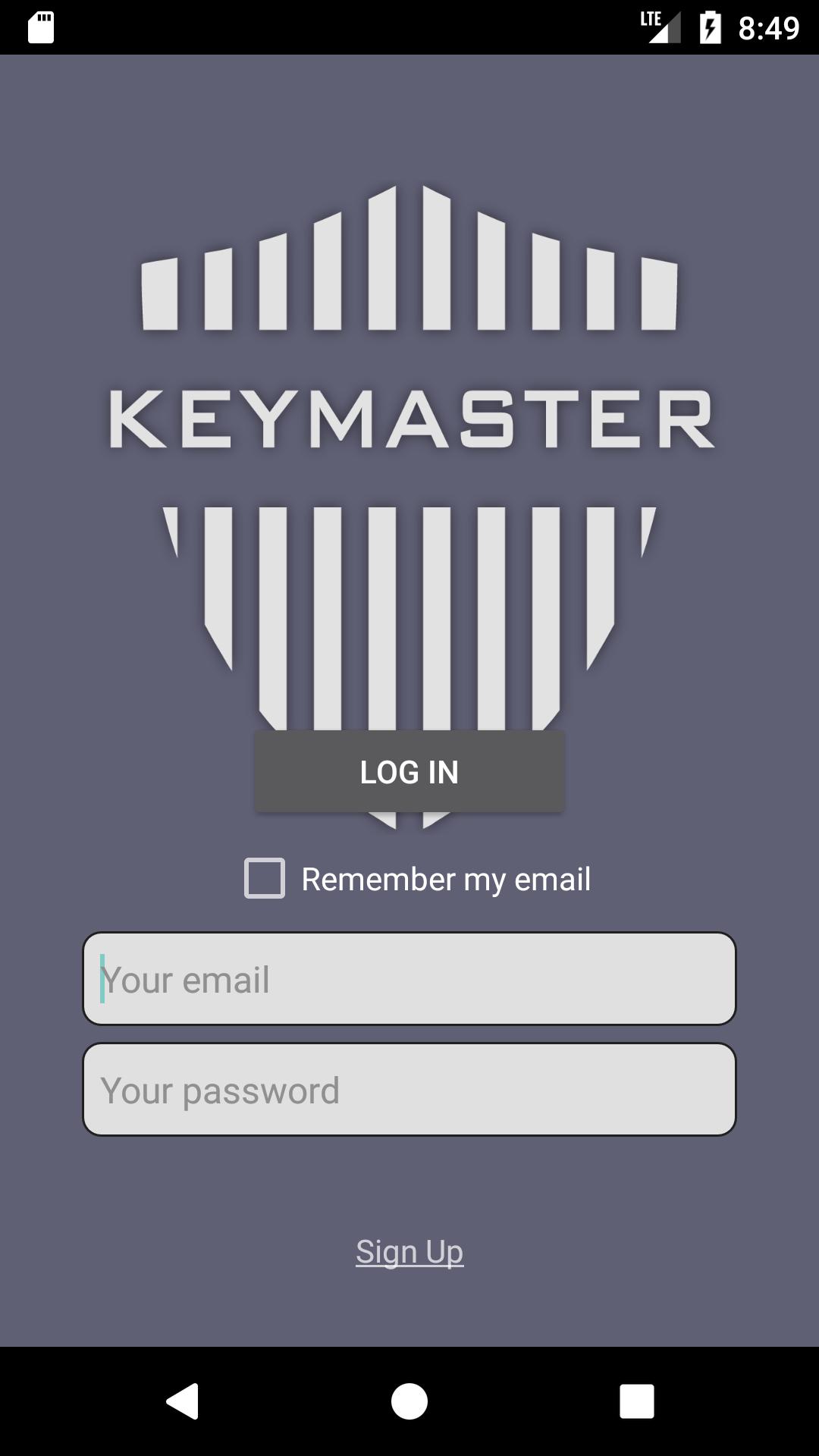
- using two-factor authentication process
- encrypting/decrypting your data with symmetric-key algorithm (AES/CBC)
- transferring your data to a safe cloud-based database
- disabling your device's screenshot functionality
- not storing any of your data in your local device
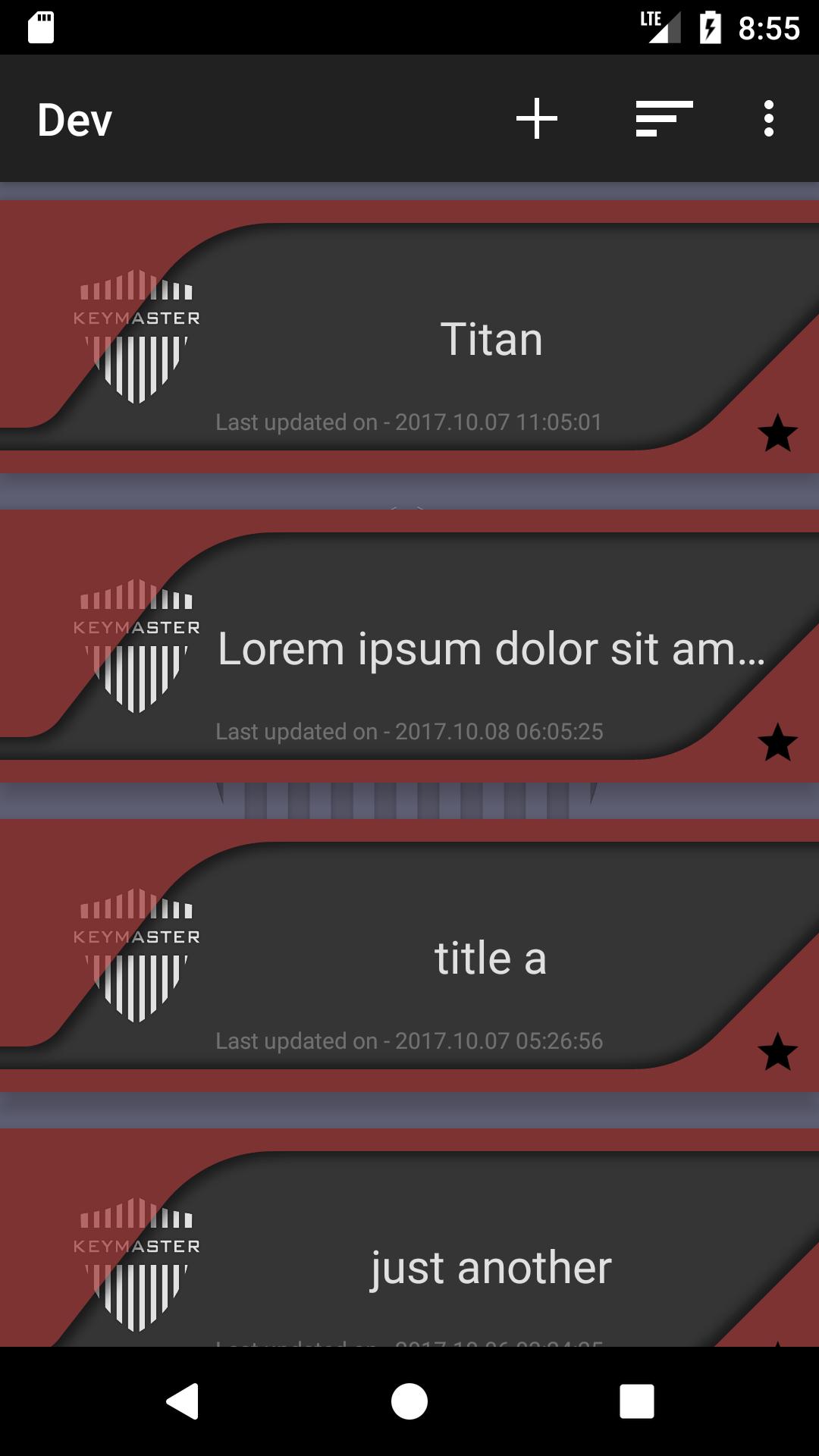
KeyMaster stores data in a simple format, [title]-[content].
Features
1. adding/saving/updating/deleting data
2. sorting by time/alphabet
3. checking/updating the user's profile
# Word of caution:
KeyMaster uses Password-Base Encryption(PBE) to encrypt users' data.
Only the users who have their password can access to the data.
It is the user's responsibility to maintain KeyMaster's password.
If you forget your password, there is no way to decrypt your data.
In that case, You will lose all of your data.
プレビュー
タグ
ツール情報
デベロッパー
Perme Design
最新バージョン
1.0.6
最終更新
2017-10-16
カテゴリー
ツール
上で利用可能
Google Play
もっと見せる
PCでGameLoopを使用してKeyMasterをプレイする方法
1. 公式WebサイトからGameLoopをダウンロードし、exeファイルを実行してGameLoopをインストールします
2. GameLoopを開いて「KeyMaster」を検索し、検索結果でKeyMasterを見つけて、「インストール」をクリックします。
3. GameLoopでKeyMasterを楽しんでください
Minimum requirements
OS
Windows 8.1 64-bit or Windows 10 64-bit
GPU
GTX 1050
CPU
i3-8300
Memory
8GB RAM
Storage
1GB available space
Recommended requirements
OS
Windows 8.1 64-bit or Windows 10 64-bit
GPU
GTX 1050
CPU
i3-9320
Memory
16GB RAM
Storage
1GB available space