
Keyboard Emoji PC
Apps Technologies
GameLoopエミュレーターを使用してPCにKeyboard Emojiをダウンロードします
Keyboard Emoji PC版
開発者Apps TechnologiesからのKeyboard Emojiは、過去にAndroidsystermで実行されています。
これで、GameLoopを搭載したPCでKeyboard Emojiをスムーズにプレイできます。
GameLoopライブラリまたは検索結果にダウンロードしてください。 バッテリーに目を向けたり、間違った時間にイライラしたりすることはもうありません。
大画面でKeyboard EmojiPCを無料でお楽しみください!
Keyboard Emoji 序章
Features
✔ Adjust the keyboard size.
✔ Select the typing sound and vibration.
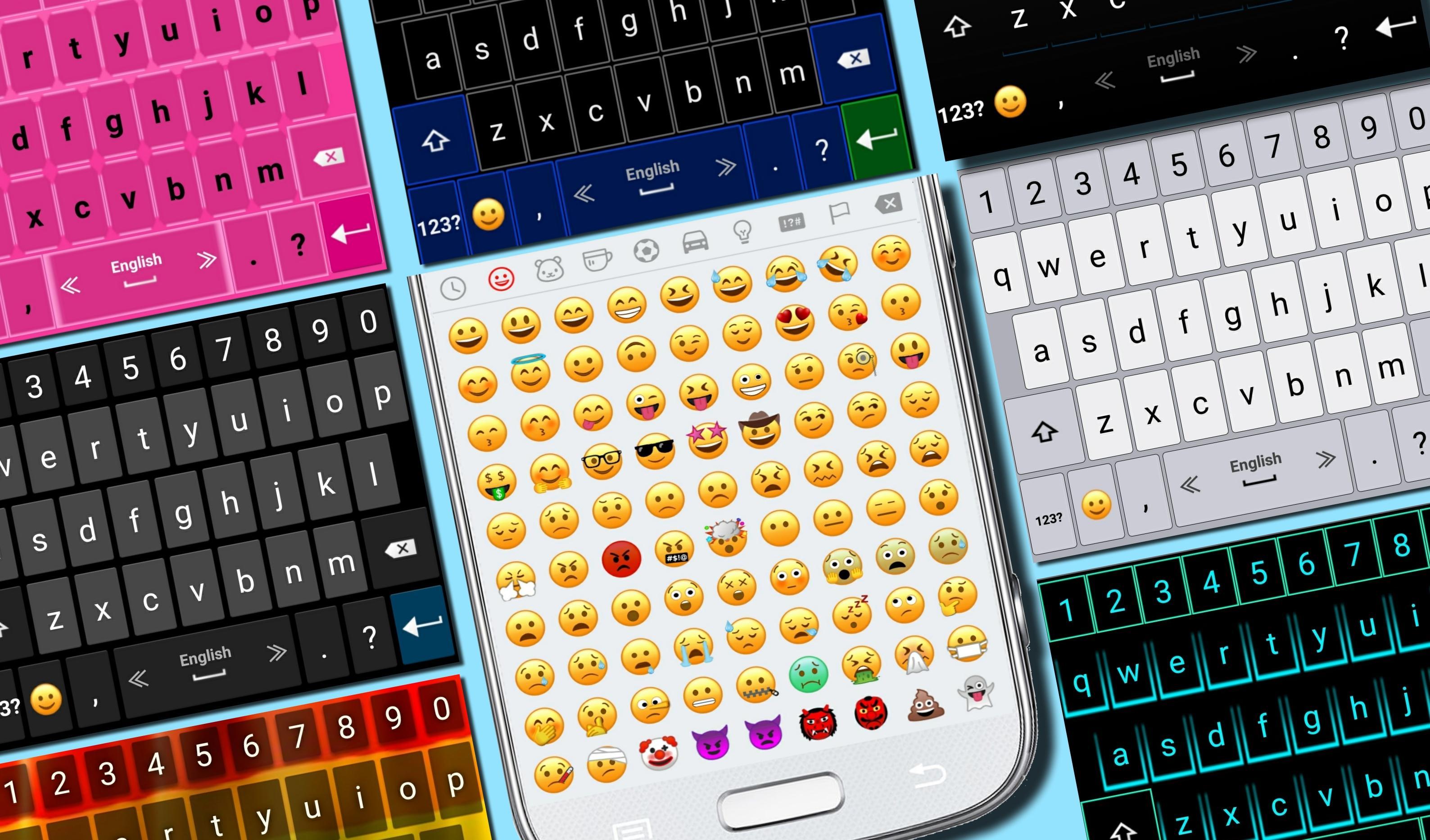
✔ Select your favorite theme.
✔ Select the top and bottom rows of the New Emoji Keyboard.
✔ The newest emojis.
✔ Emoji skin color.
✔ Microphone - translate speech into text.
✔ Settings of typing and display.
✔ Dictionary settings.
✔ Supports multiple languages.
Tips
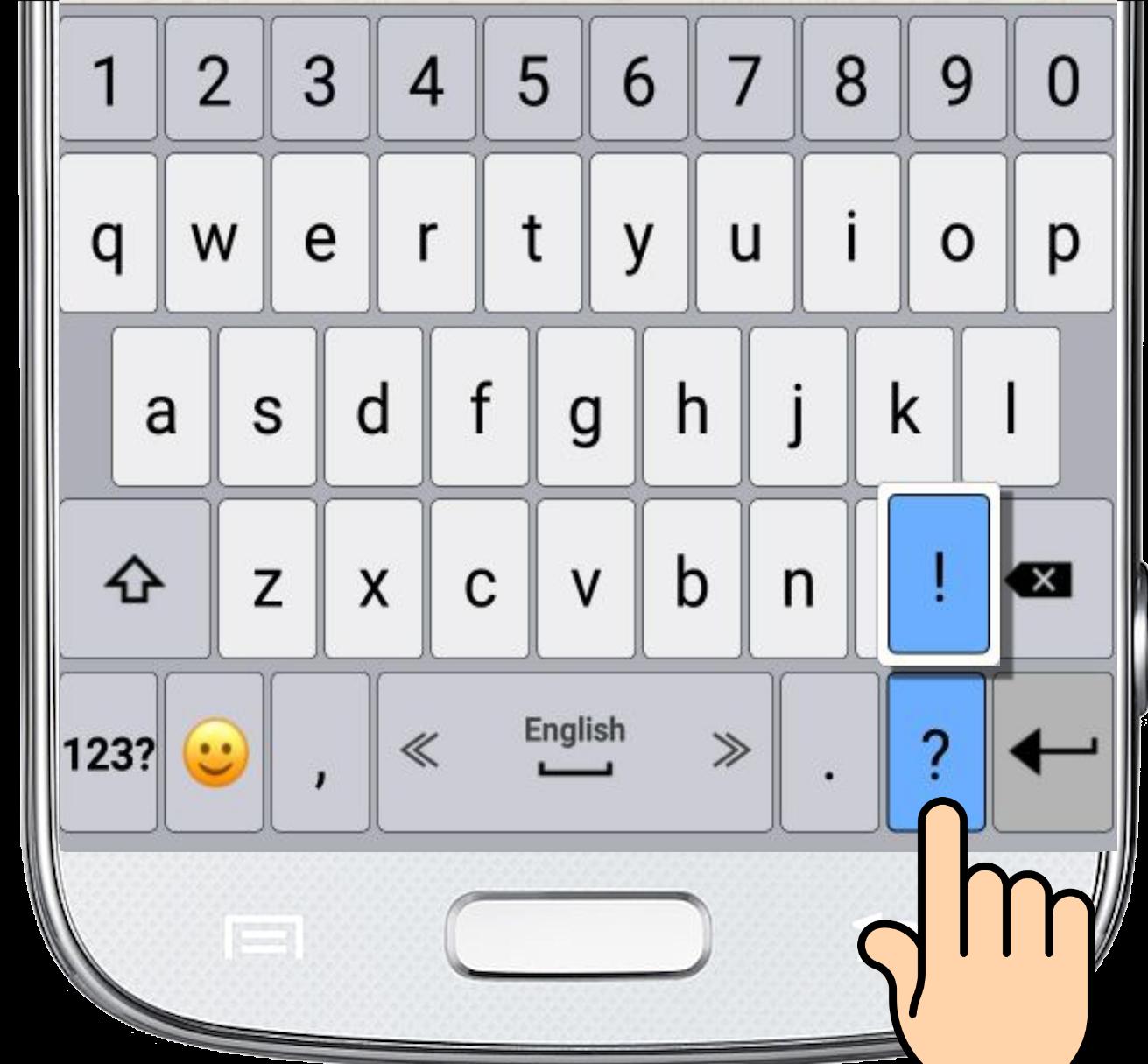
• For switching between languages, swipe the spacebar from side to side.
• To open the keyboard settings, press and hold the "Enter" button.
• Press and hold the emoji button for textual emoji.
• Press and hold every key for additional characters.
• Microphone - Press and hold the comma button to translate your speech into text.
プレビュー
情報
デベロッパー
Apps Technologies
最新バージョン
5.0
最終更新
2019-02-12
カテゴリー
ツール
上で利用可能
Google Play
もっと見せる
PCでGameLoopを使用してKeyboard Emojiをプレイする方法
1. 公式WebサイトからGameLoopをダウンロードし、exeファイルを実行してGameLoopをインストールします
2. GameLoopを開いて「Keyboard Emoji」を検索し、検索結果でKeyboard Emojiを見つけて、「インストール」をクリックします。
3. GameLoopでKeyboard Emojiを楽しんでください
Minimum requirements
OS
Windows 8.1 64-bit or Windows 10 64-bit
GPU
GTX 1050
CPU
i3-8300
Memory
8GB RAM
Storage
1GB available space
Recommended requirements
OS
Windows 8.1 64-bit or Windows 10 64-bit
GPU
GTX 1050
CPU
i3-9320
Memory
16GB RAM
Storage
1GB available space