
JF Connect PC
Junkfood Arcades
GameLoopエミュレーターを使用してPCにJF Connectをダウンロードします
JF Connect PC版
開発者Junkfood ArcadesからのJF Connectは、過去にAndroidsystermで実行されています。
これで、GameLoopを搭載したPCでJF Connectをスムーズにプレイできます。
GameLoopライブラリまたは検索結果にダウンロードしてください。 バッテリーに目を向けたり、間違った時間にイライラしたりすることはもうありません。
大画面でJF ConnectPCを無料でお楽しみください!
JF Connect 序章
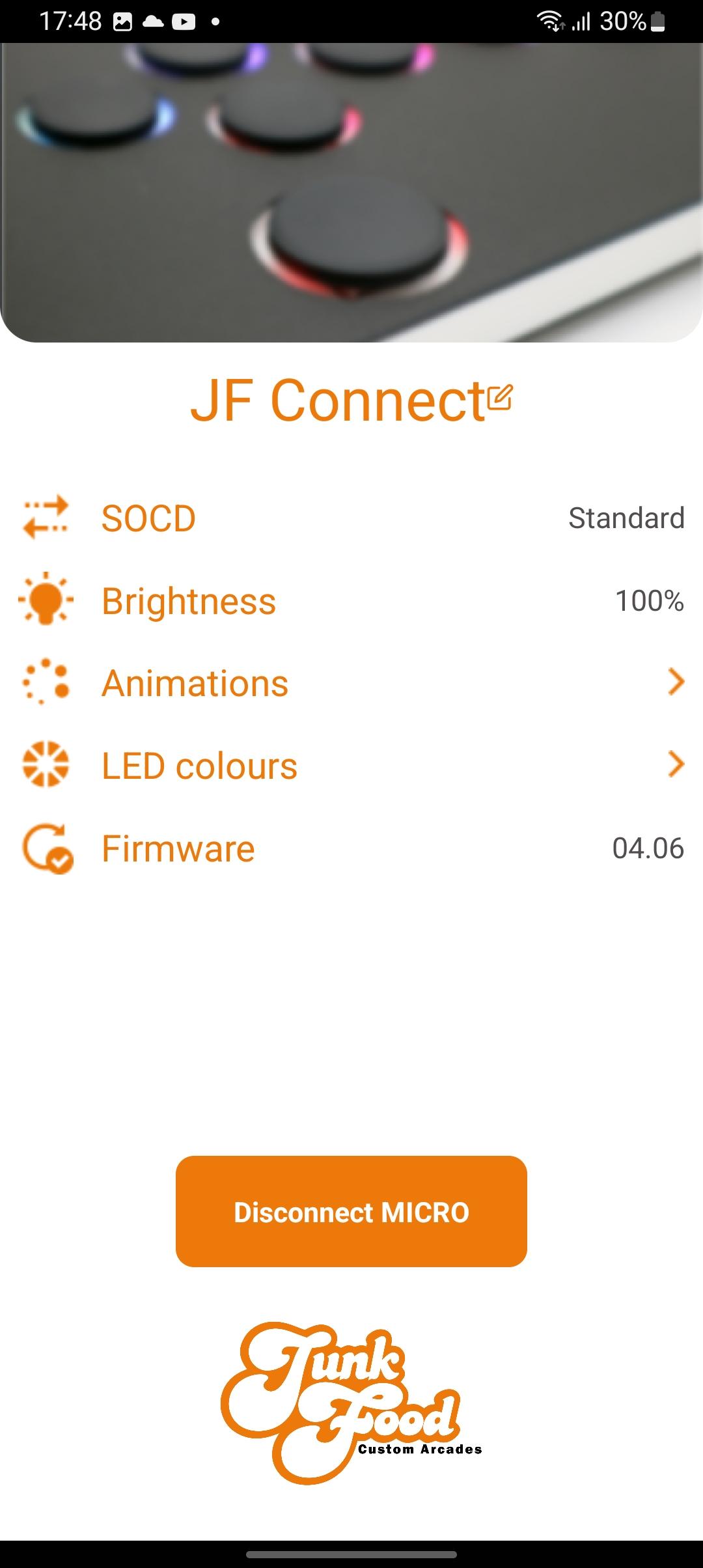
The JF Connect app helps make the MICRO your own! Take control of the features on your Snack Box Micro.
Works with the second generation of the Snack Box MICRO PCB (the white “M2” series PCB). This app gives you control over important features
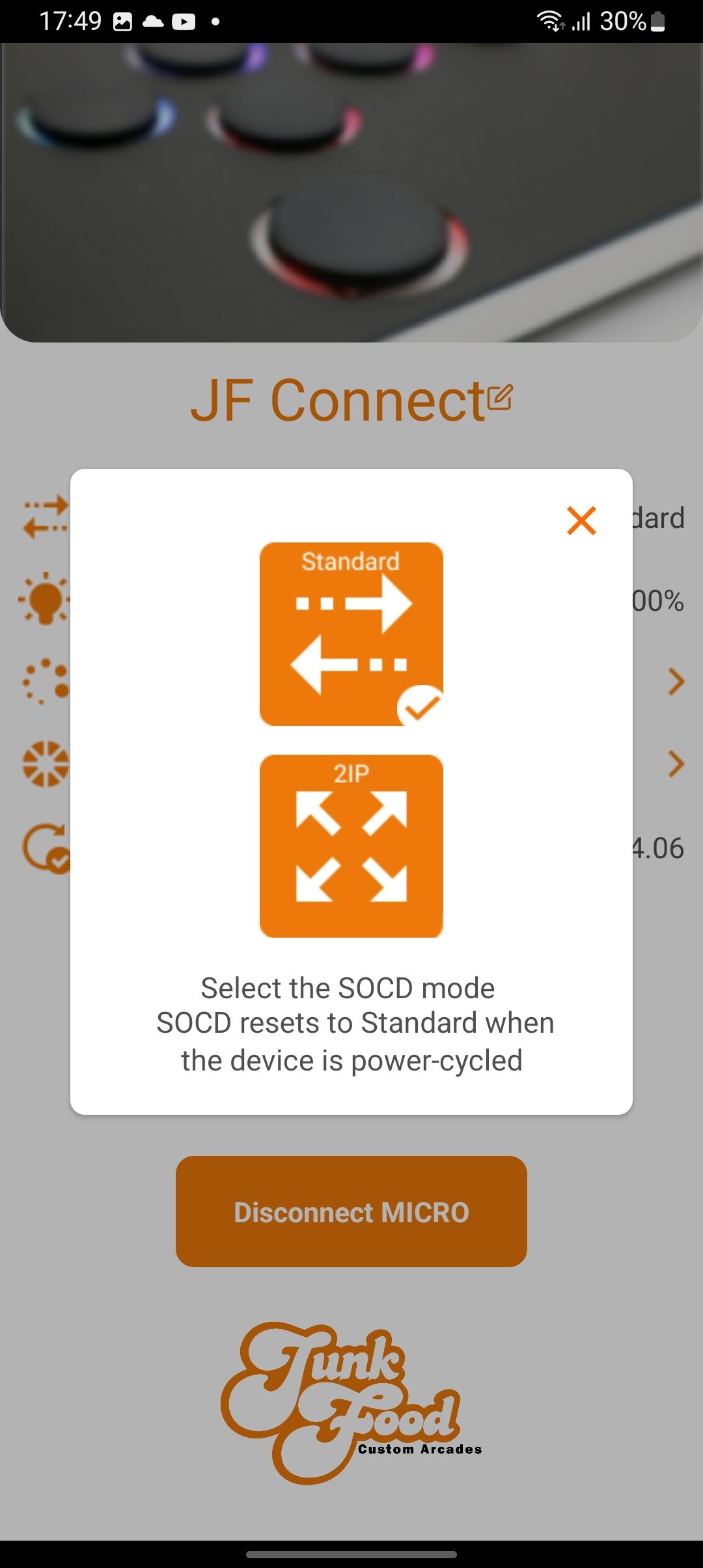
• Toggle between SOCD modes
• Adjust LED brightness
• Pick a primary/secondary LED colors
• Choose your favorite LED animation
• Update the Micro’s JFA firmware
Additional info:
The MICRO must be in edit mode to allow the app to change settings. This ensures that no one can change settings remotely without physical access to the device. To enter hold the edit mode button down while plugging in the USBC cable. Afterwards you can start the JF Connect app.
A video explaining the features of the app can be found on the JunkFood Arcades YouTube channel.
More features are planned for future updates! Stay tuned!
プレビュー
タグ
ツール情報
デベロッパー
Junkfood Arcades
最新バージョン
3.33
最終更新
2023-10-06
カテゴリー
ツール
上で利用可能
Google Play
もっと見せる
PCでGameLoopを使用してJF Connectをプレイする方法
1. 公式WebサイトからGameLoopをダウンロードし、exeファイルを実行してGameLoopをインストールします
2. GameLoopを開いて「JF Connect」を検索し、検索結果でJF Connectを見つけて、「インストール」をクリックします。
3. GameLoopでJF Connectを楽しんでください
Minimum requirements
OS
Windows 8.1 64-bit or Windows 10 64-bit
GPU
GTX 1050
CPU
i3-8300
Memory
8GB RAM
Storage
1GB available space
Recommended requirements
OS
Windows 8.1 64-bit or Windows 10 64-bit
GPU
GTX 1050
CPU
i3-9320
Memory
16GB RAM
Storage
1GB available space