iOS Launcher: Control Center PC
MuVid Apps
GameLoopエミュレーターを使用してPCにiOS Launcher: Control Centerをダウンロードします
iOS Launcher: Control Center PC版
開発者MuVid AppsからのiOS Launcher: Control Centerは、過去にAndroidsystermで実行されています。
これで、GameLoopを搭載したPCでiOS Launcher: Control Centerをスムーズにプレイできます。
GameLoopライブラリまたは検索結果にダウンロードしてください。 バッテリーに目を向けたり、間違った時間にイライラしたりすることはもうありません。
大画面でiOS Launcher: Control CenterPCを無料でお楽しみください!
iOS Launcher: Control Center 序章
Are You Lover of I phone? You wants to convert your android mobile in ios?
You are at the right place. This Android Application is designed for all iphone lover who want experience Apple Phone on Android.. This ios Luncher is makes your phone better than before.
Control Center: you can swipe up to open control center, set wifi, Brightness, Volume, flashlight, etc.
Weather and Suggestion widget: We provide a Weather and Suggestion widget, you can get the weather forecast in recent days.
Smart search: Simple search by swiping down anywhere on the screen.
In Our Application We Provide various Stylish Theme Adaptive to the themes you select, which can bring you smooth interface like iOS 13 like experience. ios Launcher is a fast and lightweight App designed especially for Android phone launchers and tablet launchers.
This Launcher is totally free for all android user. You can fell like your phone is iphone 13.
Features of iOS Launcher:-
- Beautiful Wallpaper to decorate your android screen.
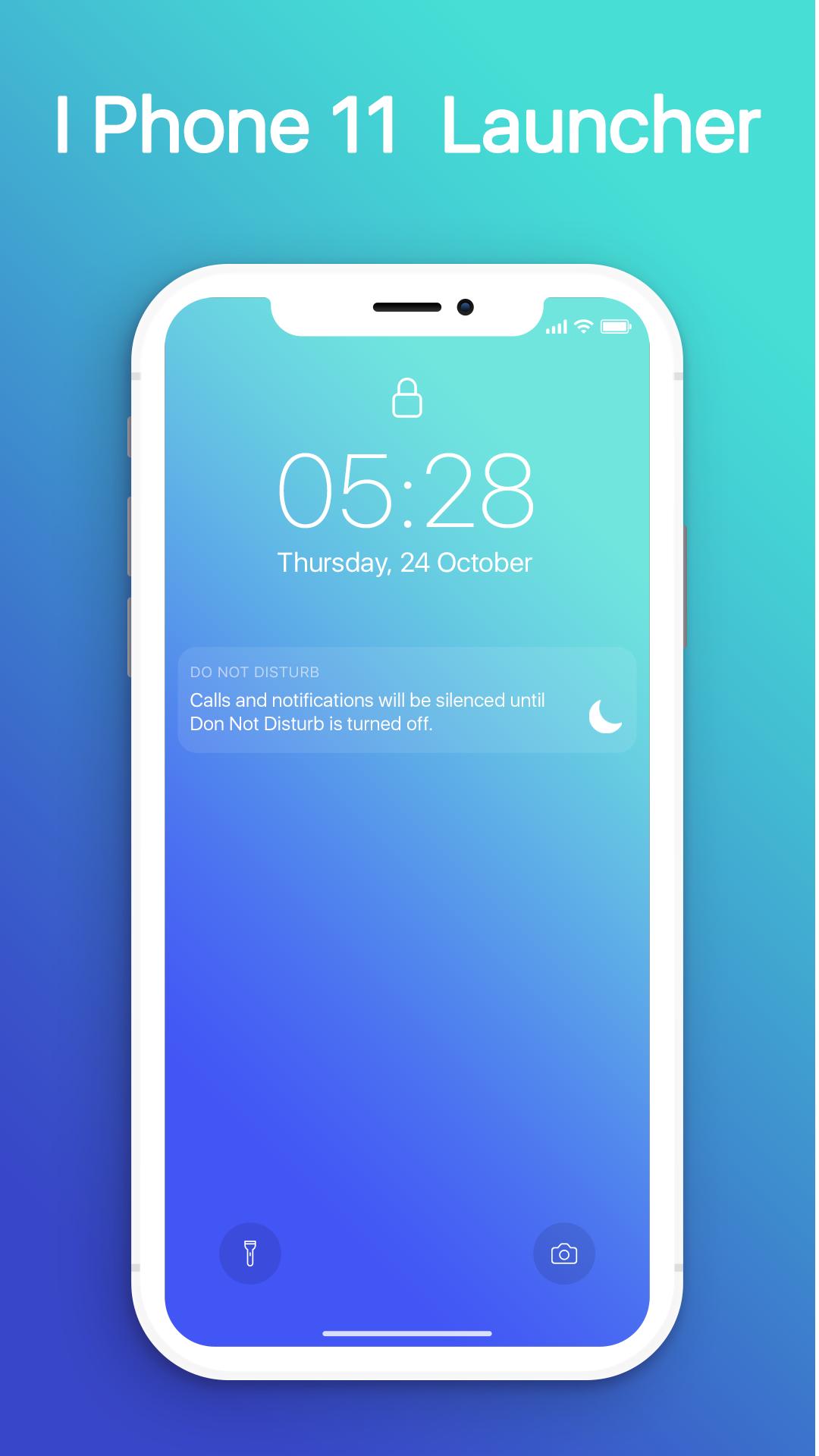
- Swipe down to display notification bar like iPhone 13.
- Control Center like iOS 13.
- Hide application use 3D touch or add in app settings.
- Smart Search: quickly find anything on your device.
- Free to use.
- Stylish Theme, icon pack for iOS 13.
- Notification Center: Show you notification history.
プレビュー
情報
デベロッパー
MuVid Apps
最新バージョン
1.3
最終更新
2019-11-16
カテゴリー
ツール
上で利用可能
Google Play
もっと見せる
PCでGameLoopを使用してiOS Launcher: Control Centerをプレイする方法
1. 公式WebサイトからGameLoopをダウンロードし、exeファイルを実行してGameLoopをインストールします
2. GameLoopを開いて「iOS Launcher: Control Center」を検索し、検索結果でiOS Launcher: Control Centerを見つけて、「インストール」をクリックします。
3. GameLoopでiOS Launcher: Control Centerを楽しんでください
Minimum requirements
OS
Windows 8.1 64-bit or Windows 10 64-bit
GPU
GTX 1050
CPU
i3-8300
Memory
8GB RAM
Storage
1GB available space
Recommended requirements
OS
Windows 8.1 64-bit or Windows 10 64-bit
GPU
GTX 1050
CPU
i3-9320
Memory
16GB RAM
Storage
1GB available space