Headshot and GFX Tool for FF Sensitivity Guide PC
Digital Apps Developers
GameLoopエミュレーターを使用してPCにHeadshot and GFX Tool for FF Sensitivity Guideをダウンロードします
Headshot and GFX Tool for FF Sensitivity Guide PC版
開発者Digital Apps DevelopersからのHeadshot and GFX Tool for FF Sensitivity Guideは、過去にAndroidsystermで実行されています。
これで、GameLoopを搭載したPCでHeadshot and GFX Tool for FF Sensitivity Guideをスムーズにプレイできます。
GameLoopライブラリまたは検索結果にダウンロードしてください。 バッテリーに目を向けたり、間違った時間にイライラしたりすることはもうありません。
大画面でHeadshot and GFX Tool for FF Sensitivity GuidePCを無料でお楽しみください!
Headshot and GFX Tool for FF Sensitivity Guide 序章
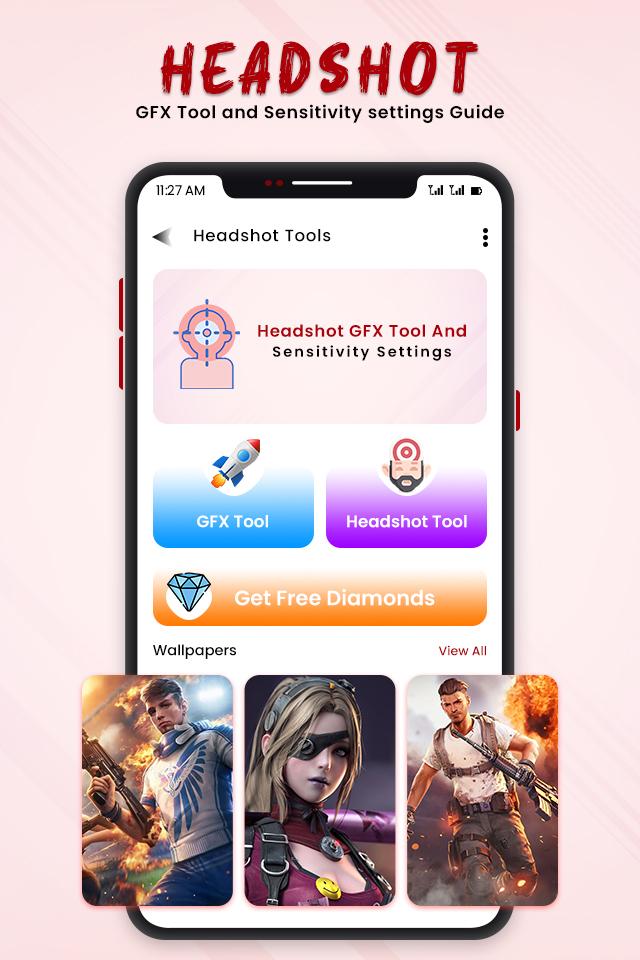
The best tool optimize battle game play ,this is the app which brings you best gaming experience and gives you best tool for taking best sensitivity.
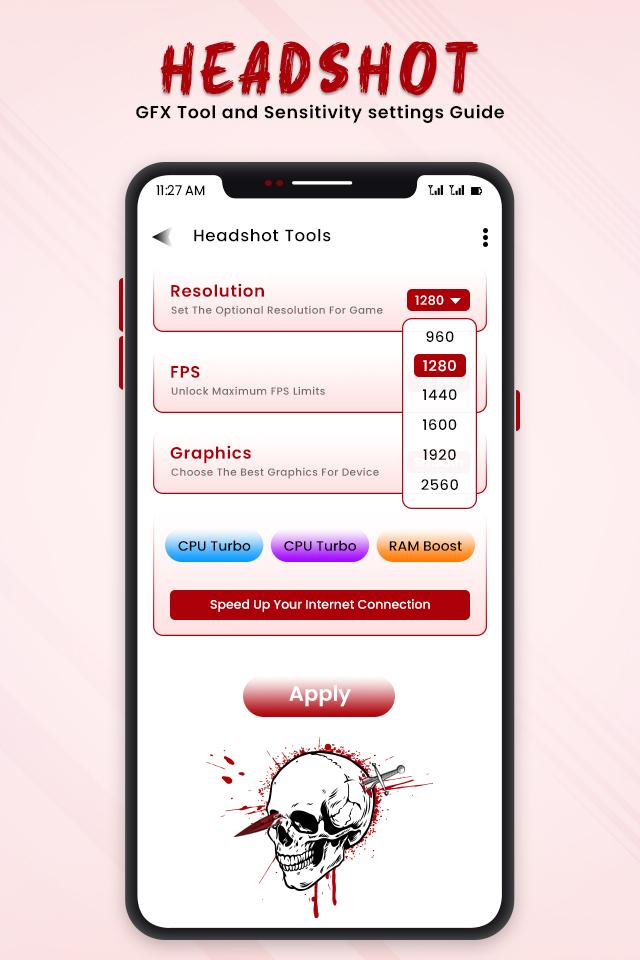
This GFX tool application will helps you for boosting your gaming experience and find out sensitivity for free fire pro player.
This application helps like GFX tool for free fire ultra graphics. This is the one of the best GFX tool for free fire.
All functions which are Headshot GFX Tool and Sensitivity settings , tool for free fire, unlimited diamond for free fire and GFX gun skin for free fire having in this application.
Disclaimer:
All content and copyrights in this application are owned by each copyright holder. The images in this application are collected from respective owners , if we violate copyright let us know and we will immediately delete them.
Download Headshot and GFX Tool for FF Sensitivity Guide with excellent features such as a handy free and safe application.
Let’s enjoy this app and play with fun. Experience the difference with Headshot and GFX Tool for FF Sensitivity Guide.
Thanks for using this app, leave us your feedback and give review we will consider them for future updates!
THANK YOU...
プレビュー
情報
デベロッパー
Digital Apps Developers
最新バージョン
1.0
最終更新
2021-07-13
カテゴリー
ツール
上で利用可能
Google Play
もっと見せる
PCでGameLoopを使用してHeadshot and GFX Tool for FF Sensitivity Guideをプレイする方法
1. 公式WebサイトからGameLoopをダウンロードし、exeファイルを実行してGameLoopをインストールします
2. GameLoopを開いて「Headshot and GFX Tool for FF Sensitivity Guide」を検索し、検索結果でHeadshot and GFX Tool for FF Sensitivity Guideを見つけて、「インストール」をクリックします。
3. GameLoopでHeadshot and GFX Tool for FF Sensitivity Guideを楽しんでください
Minimum requirements
OS
Windows 8.1 64-bit or Windows 10 64-bit
GPU
GTX 1050
CPU
i3-8300
Memory
8GB RAM
Storage
1GB available space
Recommended requirements
OS
Windows 8.1 64-bit or Windows 10 64-bit
GPU
GTX 1050
CPU
i3-9320
Memory
16GB RAM
Storage
1GB available space