Headphone volume booster & High Loud Equalizer PC
The unique dev
GameLoopエミュレーターを使用してPCにHeadphone volume booster & High Loud Equalizerをダウンロードします
Headphone volume booster & High Loud Equalizer PC版
開発者The unique devからのHeadphone volume booster & High Loud Equalizerは、過去にAndroidsystermで実行されています。
これで、GameLoopを搭載したPCでHeadphone volume booster & High Loud Equalizerをスムーズにプレイできます。
GameLoopライブラリまたは検索結果にダウンロードしてください。 バッテリーに目を向けたり、間違った時間にイライラしたりすることはもうありません。
大画面でHeadphone volume booster & High Loud EqualizerPCを無料でお楽しみください!
Headphone volume booster & High Loud Equalizer 序章
Headphone volume booster and Volume sound booster Equalizer will make your phone sound and overall volume stronger by 60% depending on your device!
Simply tap on the icon and let the app calibrate your sound settings!
This Volume sound booster Equalizer will increase volume your overall sound quality and make your Android phone sound like a professional media player.
Headphone volume booster - Volume Booster, free bass booster and equalizer booster for phone, allow you easy to adjust the volume level and make phone sound louder than default setting. Rather than a sound booster, Volume Booster 2018 also works as bass booster and equalizer booster, which make music, audio and movies,... more enjoyable. Simply download Volume Booster 2018 - the best sound booster, sound louder for android and let this app do his job for you.
KEY FUNCTIONS OF VOLUME BOOSTER 2018:
✔ Headphone volume booster and Volume booster - sound enhancer: Of course, the main purpose of Volume Booster app is to make phone sound louder. You can easily adjust the speaker and headphone volume louder than the default maximum that your device can play.
✔ Headphone volume booster - Volume control: Volume Booster 2018 allows you to adjust the volume level of your device right on the app with one tap. You can show/hide volume control bar at Settings.
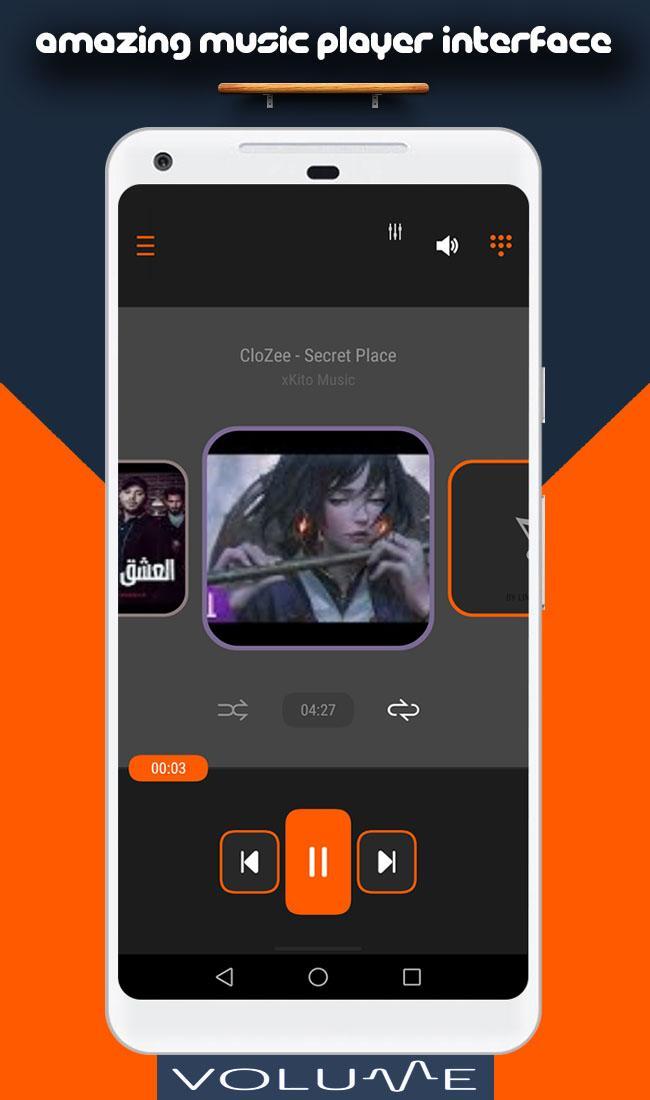
✔Headphone volume booster - Bass booster - Equalizer sound booster: the best and loudest sound boost for music, video, media,... bringing you the highest quality sound. Moreover, our sound booster - music booster is also integrated with equalizer and visualizer in an amazing song player even no internet, so let down the app of sound booster to boost music volume on your phone right now.
✔ Headphone volume booster - Boost on boot: This useful functions of Volume Booster means that the app will start right after the device is turned on. The amplifier for phone speaker and equalizer must be activated before turning off the device.
WHY VOLUME BOOSTER BECOMES THE BEST SOUND LOUDER APP 2018:
✔ Use Volume Booster easily and quickly, sound booster make speaker louder to maximum 100% than default maximum
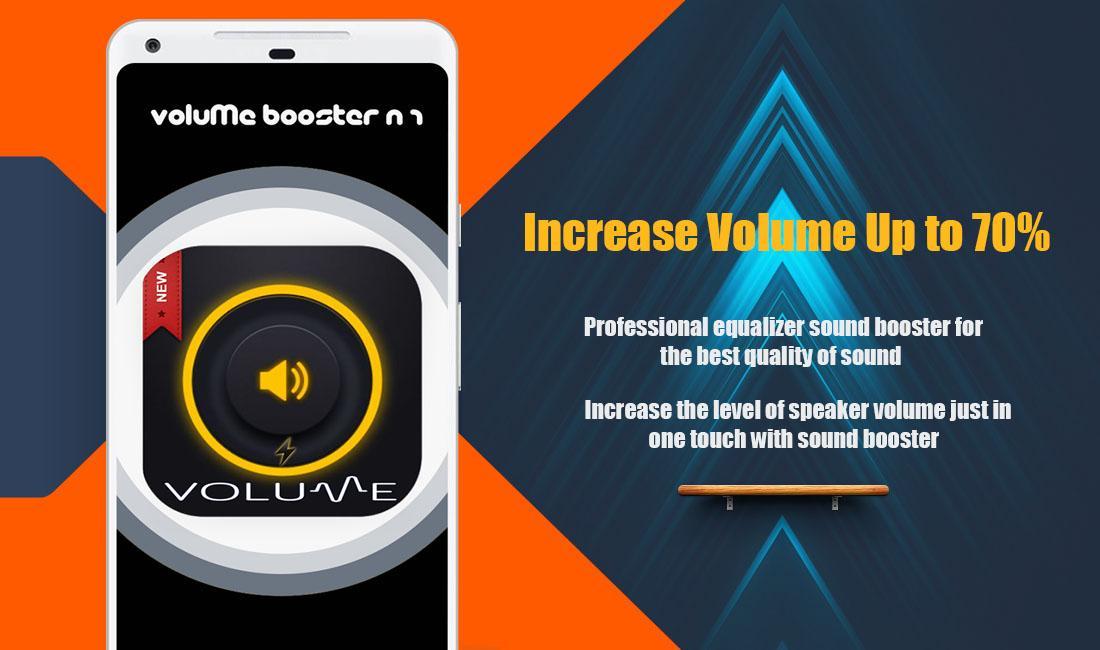
✔ Increase the level of speaker volume just in one touch with sound booster
✔ Audio, video, music booster volume loud for android
✔ When you set the boost to 0, Volume Booster will be turned off
✔ Easy to turn off notification icon: The notification icon of the app sound booster - sound louder is just for ease of launching. If you do not want to see the notification when Volume Booster is off, go to the Settings of this app to resetting
✔ Professional equalizer sound booster for the best quality of sound
✔ Bass booster equalizer with high quality
✔ Headphone volume booster
✔ Simple interface, easy to control Volume Booster, bass booster and equalizer sound booster
✔ Volume Booster 2018 is very lightweight. Installing the app of sound louder - speaker louder is so quickly.
Volume sound booster Equalizer can sound booster super louder in three modes:
★ increase volume
★ speaker booster
★ sound booster
★ Headphone volume booster
With several seconds, you can install Volume Booster - the best sound booster, sound louder app for your phone. If you have any question or suggestion about our Volume Booster app, please leave comment below. Rate 5* to support us!
プレビュー
情報
デベロッパー
The unique dev
最新バージョン
1.2.8
最終更新
2018-11-06
カテゴリー
ツール
上で利用可能
Google Play
もっと見せる
PCでGameLoopを使用してHeadphone volume booster & High Loud Equalizerをプレイする方法
1. 公式WebサイトからGameLoopをダウンロードし、exeファイルを実行してGameLoopをインストールします
2. GameLoopを開いて「Headphone volume booster & High Loud Equalizer」を検索し、検索結果でHeadphone volume booster & High Loud Equalizerを見つけて、「インストール」をクリックします。
3. GameLoopでHeadphone volume booster & High Loud Equalizerを楽しんでください
Minimum requirements
OS
Windows 8.1 64-bit or Windows 10 64-bit
GPU
GTX 1050
CPU
i3-8300
Memory
8GB RAM
Storage
1GB available space
Recommended requirements
OS
Windows 8.1 64-bit or Windows 10 64-bit
GPU
GTX 1050
CPU
i3-9320
Memory
16GB RAM
Storage
1GB available space