
Globe At Home (Prepaid Utility App) PC
Helios Software Developer
GameLoopエミュレーターを使用してPCにGlobe At Home (Prepaid Utility App)をダウンロードします
Globe At Home (Prepaid Utility App) PC版
開発者Helios Software DeveloperからのGlobe At Home (Prepaid Utility App)は、過去にAndroidsystermで実行されています。
これで、GameLoopを搭載したPCでGlobe At Home (Prepaid Utility App)をスムーズにプレイできます。
GameLoopライブラリまたは検索結果にダウンロードしてください。 バッテリーに目を向けたり、間違った時間にイライラしたりすることはもうありません。
大画面でGlobe At Home (Prepaid Utility App)PCを無料でお楽しみください!
Globe At Home (Prepaid Utility App) 序章
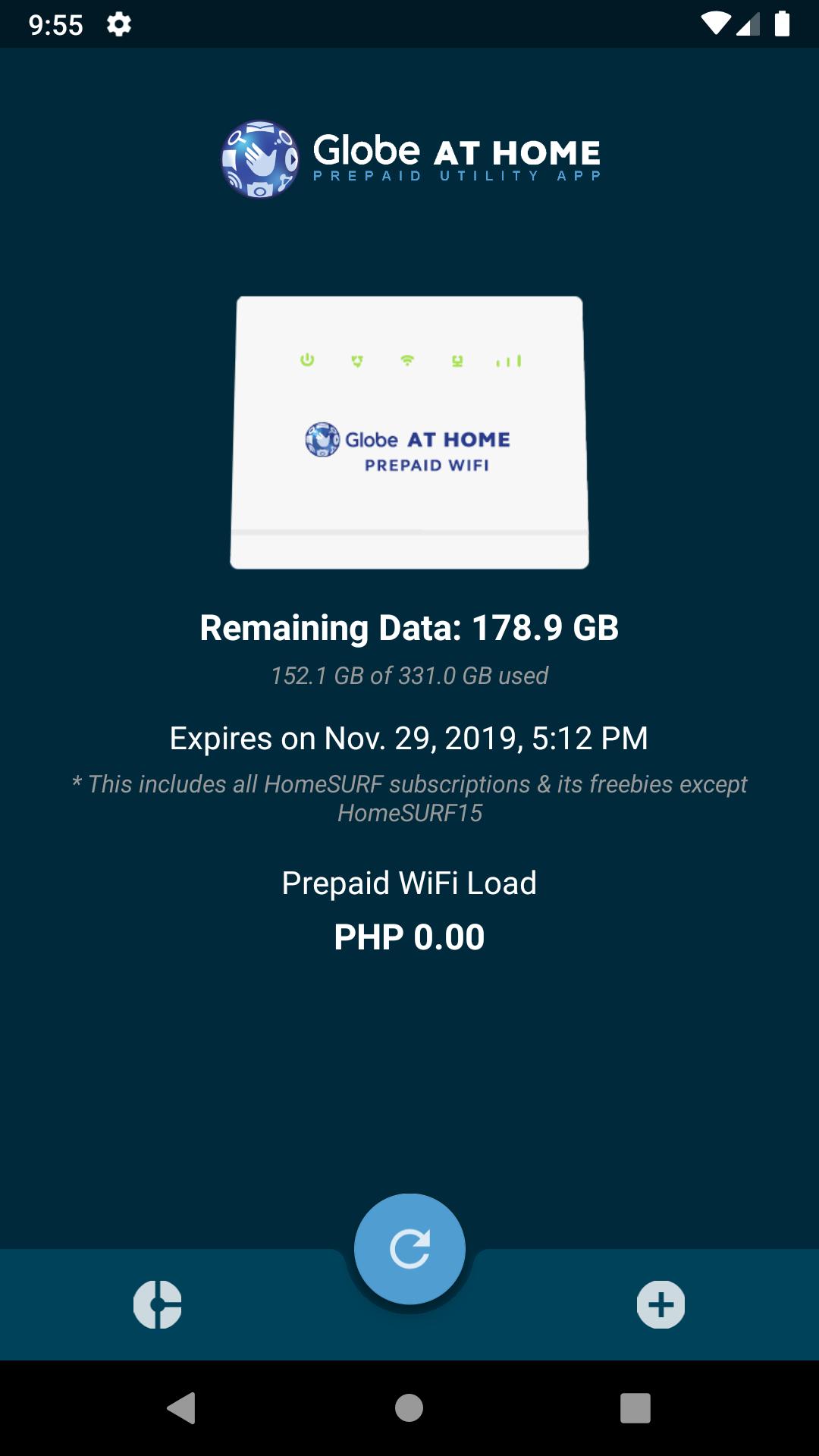
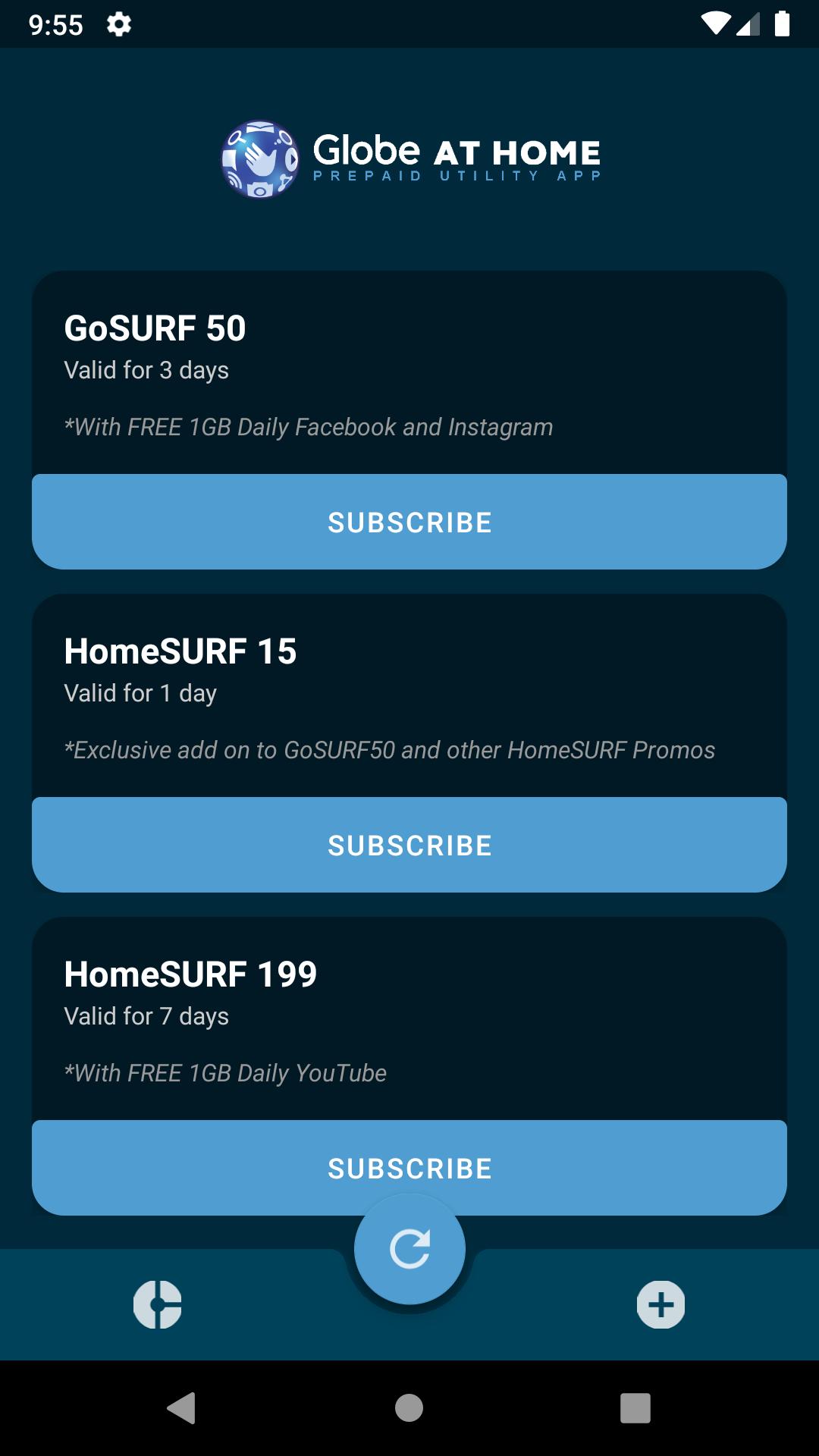
Globe At Home (Prepaid Utility App) enables the user to view the data usage in real time. It also has the ability to display the current remaining load of the prepaid WiFi which is also up-to-date. Aside from those amazing features, it also has the functionality to execute share-a-promo which enables the user to register to a promo. Currently, we only support share-a-promo but we will try our best to release an update to enable the user to register using the prepaid WiFi load.
Globe At Home (Prepaid Utility App) is created to provide a simple utility application for globe-at-home prepaid WiFi users.
プレビュー
情報
デベロッパー
Helios Software Developer
最新バージョン
1.3
最終更新
2019-11-28
カテゴリー
ツール
上で利用可能
Google Play
もっと見せる
PCでGameLoopを使用してGlobe At Home (Prepaid Utility App)をプレイする方法
1. 公式WebサイトからGameLoopをダウンロードし、exeファイルを実行してGameLoopをインストールします
2. GameLoopを開いて「Globe At Home (Prepaid Utility App)」を検索し、検索結果でGlobe At Home (Prepaid Utility App)を見つけて、「インストール」をクリックします。
3. GameLoopでGlobe At Home (Prepaid Utility App)を楽しんでください
Minimum requirements
OS
Windows 8.1 64-bit or Windows 10 64-bit
GPU
GTX 1050
CPU
i3-8300
Memory
8GB RAM
Storage
1GB available space
Recommended requirements
OS
Windows 8.1 64-bit or Windows 10 64-bit
GPU
GTX 1050
CPU
i3-9320
Memory
16GB RAM
Storage
1GB available space