
GFX Tool for Cross Fire Legends PC
HM Creations
GameLoopエミュレーターを使用してPCにGFX Tool for Cross Fire Legendsをダウンロードします
GFX Tool for Cross Fire Legends PC版
開発者HM CreationsからのGFX Tool for Cross Fire Legendsは、過去にAndroidsystermで実行されています。
これで、GameLoopを搭載したPCでGFX Tool for Cross Fire Legendsをスムーズにプレイできます。
GameLoopライブラリまたは検索結果にダウンロードしてください。 バッテリーに目を向けたり、間違った時間にイライラしたりすることはもうありません。
大画面でGFX Tool for Cross Fire LegendsPCを無料でお楽しみください!
GFX Tool for Cross Fire Legends 序章
GFX Tool for All Devices
Time to experience a totally different and exhilarating battle royale with GFX Tool specially designed and made compatible for Cross Fire Legends! Try nerf this!
Unlock Max FPS upto 60 and have an out of world heavenly experience in lag free gaming.
Survive the Cross Fire with this GFX Tool which lets you battle without disruption due to lags caused by low end phones, low RAM.
**NEW FEATURES OF GFX TOOL - CROSS FIRE LEGENDS:
√ No Lags
√ No bans
√ Unlock max frame rate
√ Light effects
√ Battery Efficient
√ No heating of phones
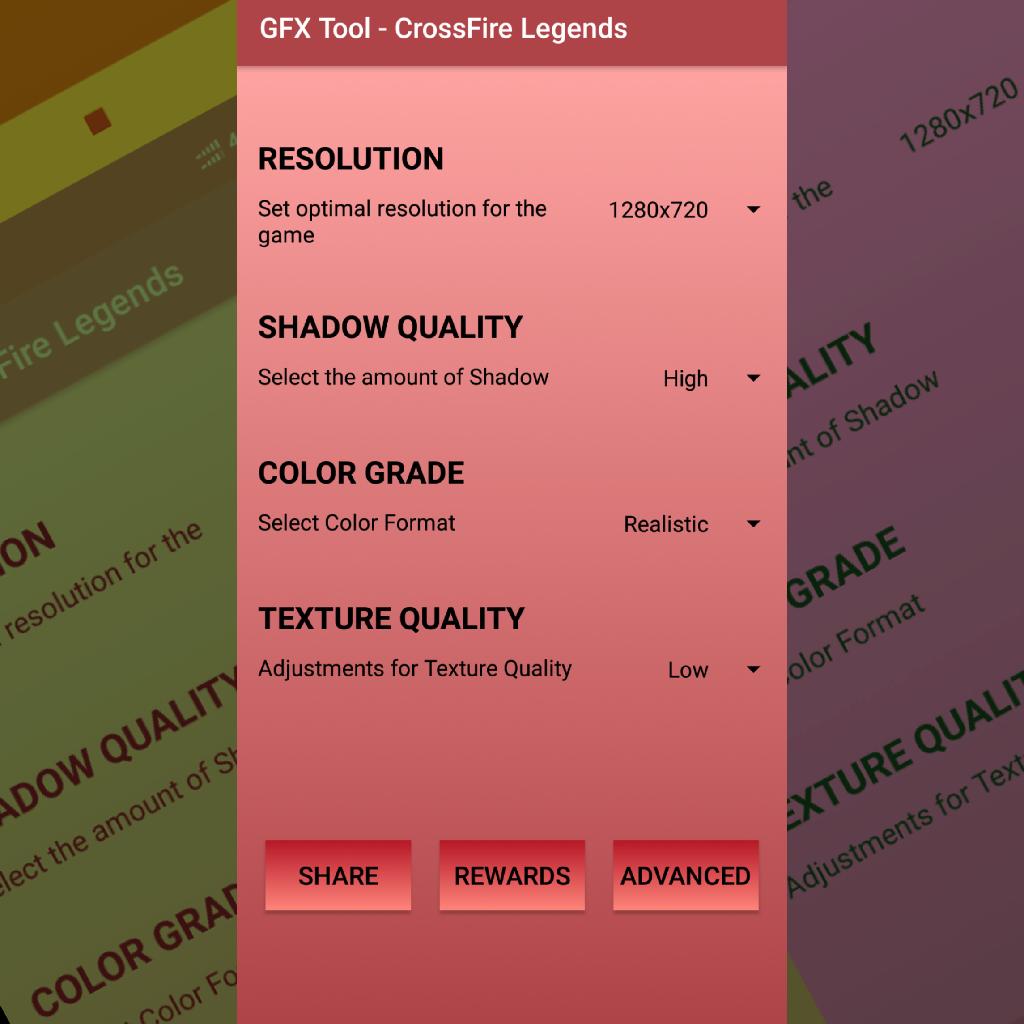
√ Resolution
√ Shadow Effects
√ Auto Optimization
✔️ Resolution
This GFX Tool supports from 950x540 to 2560x1440 pixels resolution which covers even HDR quality video games.
✔️ Graphics
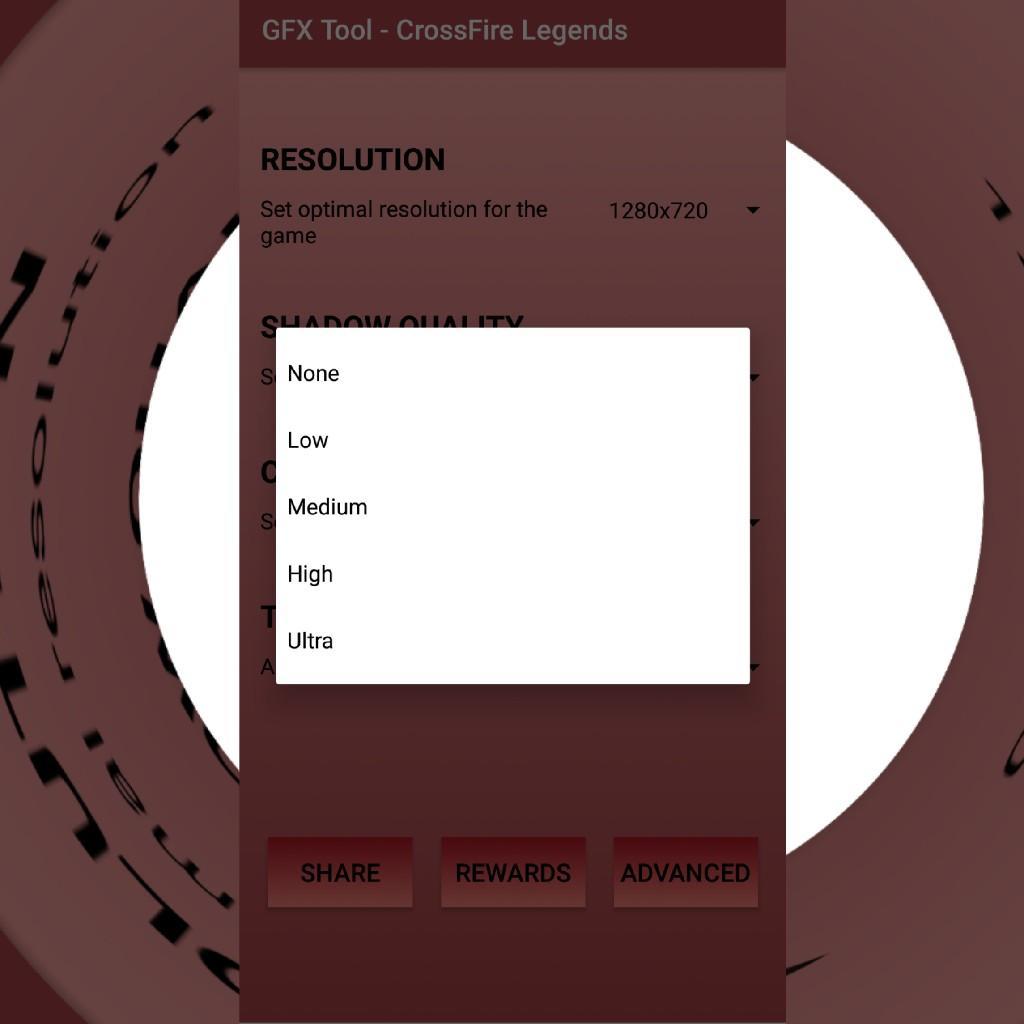
In this GFX Tool, there are multiple graphic improvement options from smooth to HDR.
You can choose your compatible option, but for that you will to select the supportive resolution.
For example, you have selected HD graphics, then you will have to select 1920x1080 pixels resolution.
✔️ Auto Graphics
In this GFX Tool, you can either enable or disable the automatic graphics settings which shall automatically detect and set the most optimal and compatible graphics for your device and shall let you enjoy gaming without any lags.
✔️ Happy Gaming
*Note
All trademarked names and images are only used as references and we do not intend to violate or take ownership of these names and images.
If you have any issue with the app, please contact us on
hitesh319@gmail.com
Thank You
プレビュー
情報
デベロッパー
HM Creations
最新バージョン
1.0
最終更新
2019-09-01
カテゴリー
ツール
上で利用可能
Google Play
もっと見せる
PCでGameLoopを使用してGFX Tool for Cross Fire Legendsをプレイする方法
1. 公式WebサイトからGameLoopをダウンロードし、exeファイルを実行してGameLoopをインストールします
2. GameLoopを開いて「GFX Tool for Cross Fire Legends」を検索し、検索結果でGFX Tool for Cross Fire Legendsを見つけて、「インストール」をクリックします。
3. GameLoopでGFX Tool for Cross Fire Legendsを楽しんでください
Minimum requirements
OS
Windows 8.1 64-bit or Windows 10 64-bit
GPU
GTX 1050
CPU
i3-8300
Memory
8GB RAM
Storage
1GB available space
Recommended requirements
OS
Windows 8.1 64-bit or Windows 10 64-bit
GPU
GTX 1050
CPU
i3-9320
Memory
16GB RAM
Storage
1GB available space