
Game Booster : 2X Gaming Speed PC
HighTwilight
GameLoopエミュレーターを使用してPCにGame Booster : 2X Gaming Speedをダウンロードします
Game Booster : 2X Gaming Speed PC版
開発者HighTwilightからのGame Booster : 2X Gaming Speedは、過去にAndroidsystermで実行されています。
これで、GameLoopを搭載したPCでGame Booster : 2X Gaming Speedをスムーズにプレイできます。
GameLoopライブラリまたは検索結果にダウンロードしてください。 バッテリーに目を向けたり、間違った時間にイライラしたりすることはもうありません。
大画面でGame Booster : 2X Gaming SpeedPCを無料でお楽しみください!
Game Booster : 2X Gaming Speed 序章
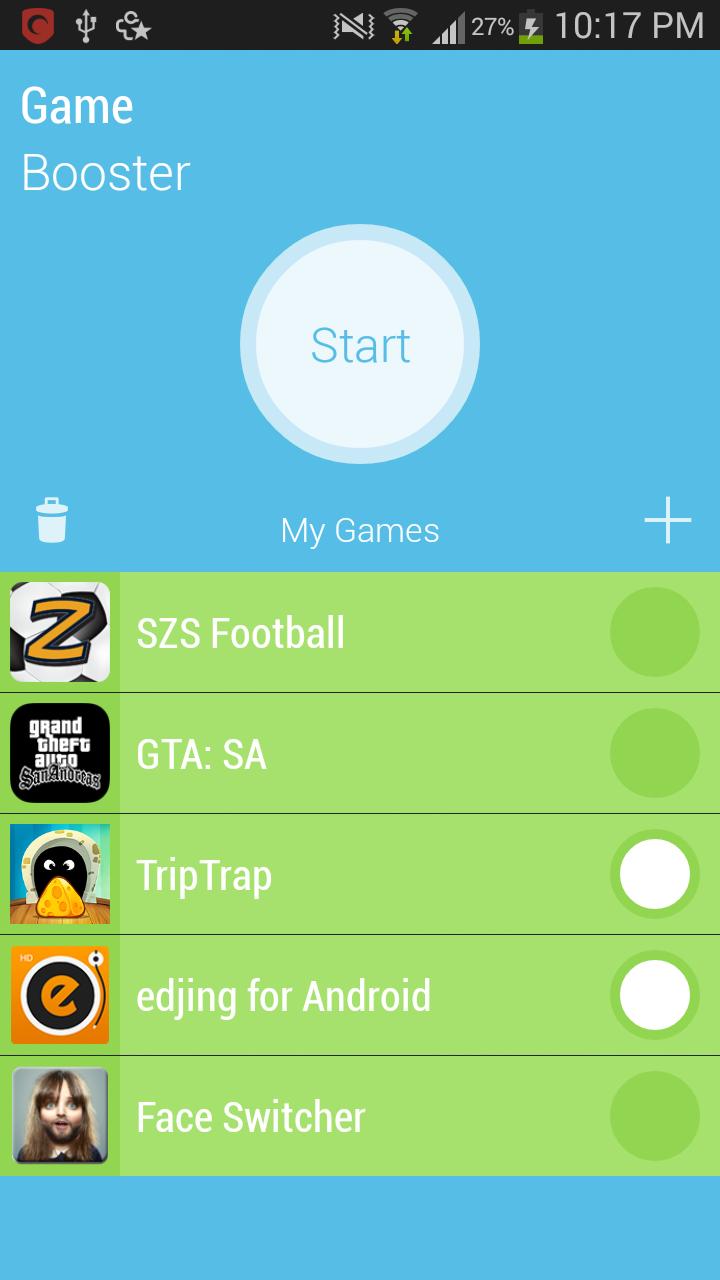
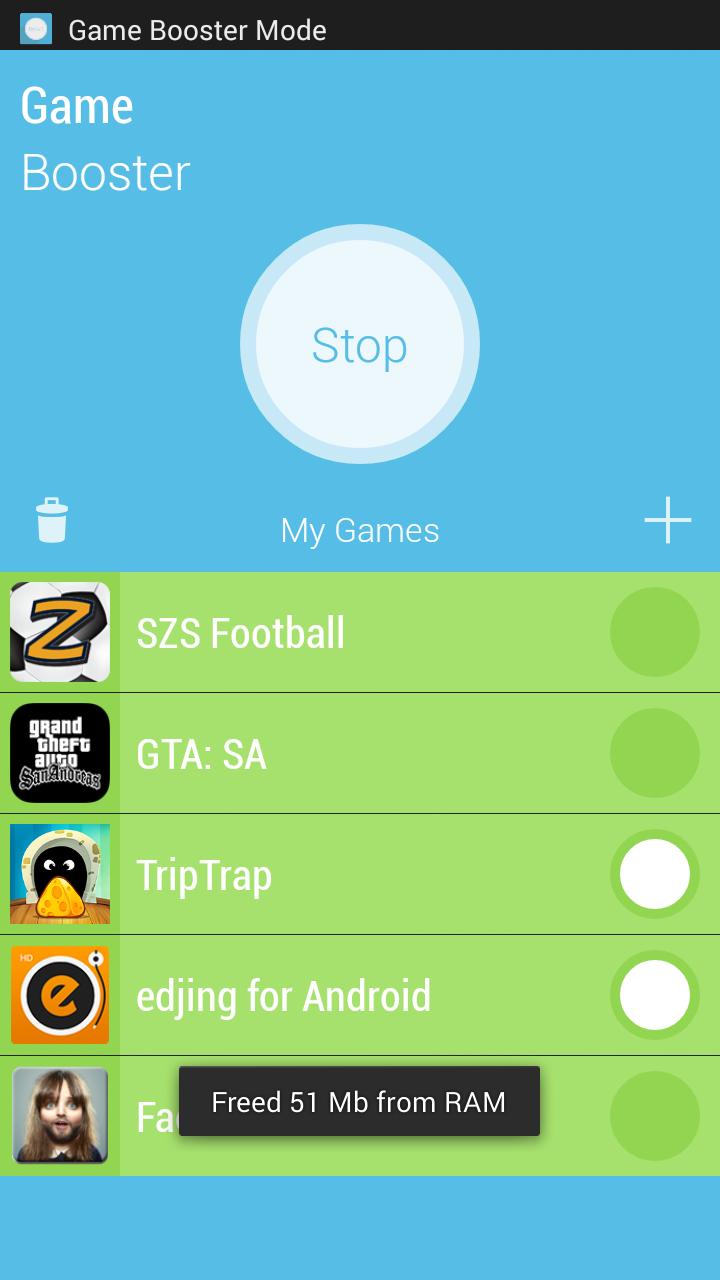
Game booster 2X Gaming Speed allows you to play Android games in your device smoothly. If you are experiencing a slow/ laggy gaming experience, this app will solve those problems for you. You can play all resource hungry games in a way that you never played them before.
With Game booster, you will experience 20%-40% performance increase.
How to use Game Booster Ultimate
- Launch the app and add your games to the ‘My Games’ list.
- Then tap the start button and start playing your favorite game.
When you start the game booster, it reduces the RAM usage of other background apps so your game can use more RAM than usual. It also prioritizes your game than other apps so that the game can use more CPU power. It also stops unwanted background network tasks so if you play multiplayer games, you can get the maximum of your network speed. With all of these things, you will experience a lot smooth and high FPS game play.
プレビュー
情報
デベロッパー
HighTwilight
最新バージョン
1.2
最終更新
2018-11-28
カテゴリー
ツール
上で利用可能
Google Play
もっと見せる
PCでGameLoopを使用してGame Booster : 2X Gaming Speedをプレイする方法
1. 公式WebサイトからGameLoopをダウンロードし、exeファイルを実行してGameLoopをインストールします
2. GameLoopを開いて「Game Booster : 2X Gaming Speed」を検索し、検索結果でGame Booster : 2X Gaming Speedを見つけて、「インストール」をクリックします。
3. GameLoopでGame Booster : 2X Gaming Speedを楽しんでください
Minimum requirements
OS
Windows 8.1 64-bit or Windows 10 64-bit
GPU
GTX 1050
CPU
i3-8300
Memory
8GB RAM
Storage
1GB available space
Recommended requirements
OS
Windows 8.1 64-bit or Windows 10 64-bit
GPU
GTX 1050
CPU
i3-9320
Memory
16GB RAM
Storage
1GB available space