
Gallery lock - Gallery photo locker PC
NEOTEAM
GameLoopエミュレーターを使用してPCにGallery lock - Gallery photo lockerをダウンロードします
Gallery lock - Gallery photo locker PC版
開発者NEOTEAMからのGallery lock - Gallery photo lockerは、過去にAndroidsystermで実行されています。
これで、GameLoopを搭載したPCでGallery lock - Gallery photo lockerをスムーズにプレイできます。
GameLoopライブラリまたは検索結果にダウンロードしてください。 バッテリーに目を向けたり、間違った時間にイライラしたりすることはもうありません。
大画面でGallery lock - Gallery photo lockerPCを無料でお楽しみください!
Gallery lock - Gallery photo locker 序章
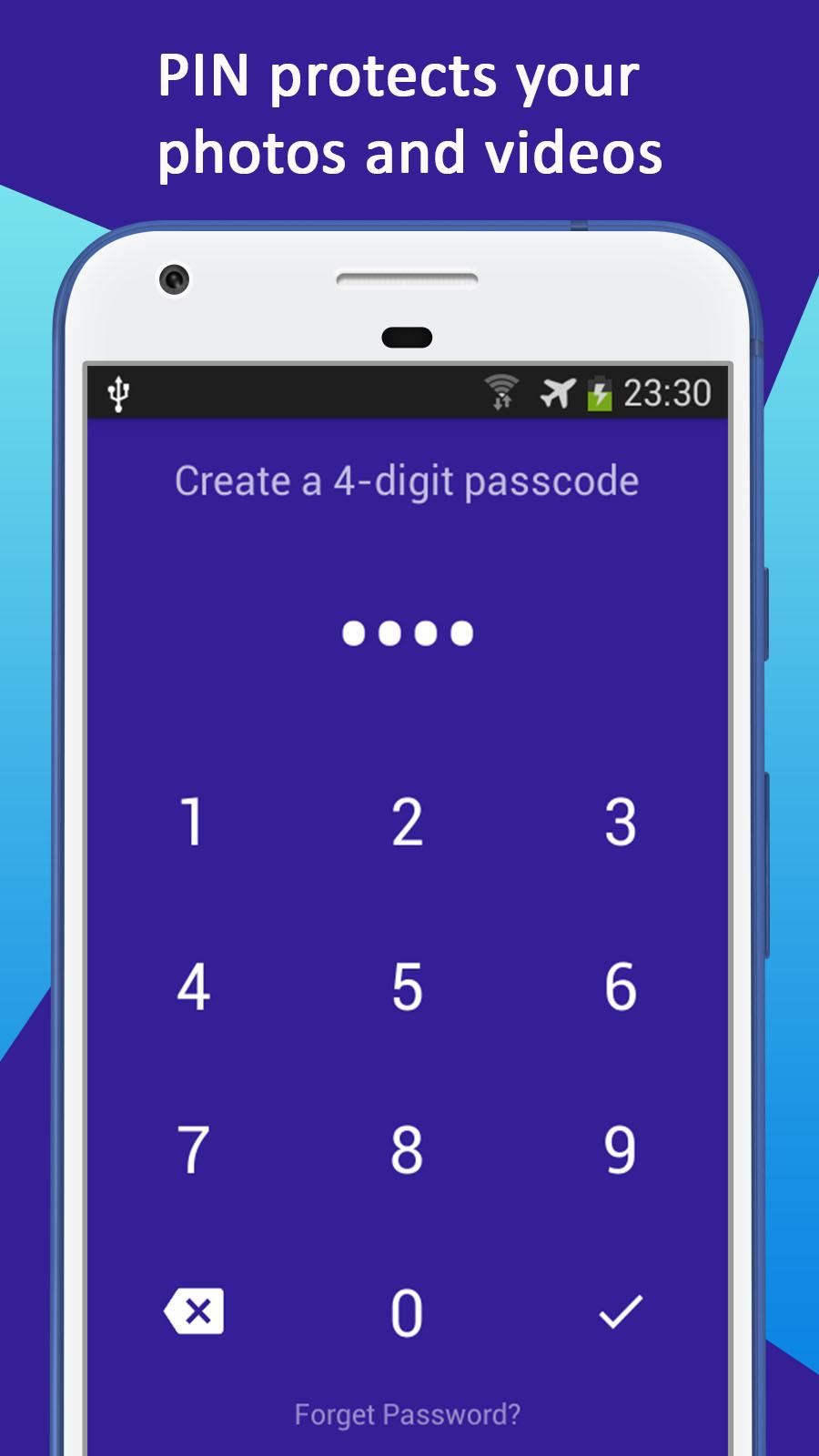
Gallery Lock - Hide Photos is a fantastic privacy protection app that makes it easy to hide and encrypt your photos, videos, application lock & fingerprint support.
The photos you have selected disappear from your public gallery, as if by magic! Your friends, family and co-workers will only see fire: they will be able to access your public gallery normally ... but NOT the content blocked by Gallery Lock. Do not let anyone fall on your personal photos! Your privacy does not look at anyone but you!
Gallery Lock is the best app to hide your photos and personal videos:
• Hide your photos, videos and lock application.
• Ability to hide the Gallery Lock icon so that nobody else knows about it.
• Fingerprint unlock support (only for devices equipped with a fingerprint reader)
• Compatible with phones and tablets
• Create custom albums and name them
• Slideshow function
• Use the built-in camera to take pictures directly from the Gallery Lock interface
• No storage limit to hide your photos and videos
• Fabulous, enjoyable and stylish user experience
permissions
¦ One-touch protection: Analyze and repair the risks detected on your phone (requires access to the system)
¦ Contacts: view calls
¦ Camera: shortcut for taking photos
¦ Album: customize your wallpapers
¦ GPS & Wi-Fi status: broadcast local weather
¦ Run at startup: Protect your device immediately after reboot
¦ Friendly reminder: this app contains advertisements.
Gallery Lock uses the authorization administrator of the device.
To enable Advanced Protection, enable Gallery Lock as the "Device Administrator". It is only used to prevent intruders from uninstalling Gallery Lock. Please rest assured that Gallery Lock will never use this permission to access your privacy data.
------- Contact us -----------
Email : neo.oud@gmail.com
Privacy Policy: https://sites.google.com/view/neo-oud-privacy
プレビュー

情報
デベロッパー
NEOTEAM
最新バージョン
2.0.1
最終更新
2018-04-16
カテゴリー
ツール
上で利用可能
Google Play
もっと見せる
PCでGameLoopを使用してGallery lock - Gallery photo lockerをプレイする方法
1. 公式WebサイトからGameLoopをダウンロードし、exeファイルを実行してGameLoopをインストールします
2. GameLoopを開いて「Gallery lock - Gallery photo locker」を検索し、検索結果でGallery lock - Gallery photo lockerを見つけて、「インストール」をクリックします。
3. GameLoopでGallery lock - Gallery photo lockerを楽しんでください
Minimum requirements
OS
Windows 8.1 64-bit or Windows 10 64-bit
GPU
GTX 1050
CPU
i3-8300
Memory
8GB RAM
Storage
1GB available space
Recommended requirements
OS
Windows 8.1 64-bit or Windows 10 64-bit
GPU
GTX 1050
CPU
i3-9320
Memory
16GB RAM
Storage
1GB available space