
Flash VPN: Fast Secure Privacy PC
JeameHut
GameLoopエミュレーターを使用してPCにFlash VPN: Fast Secure Privacyをダウンロードします
Flash VPN: Fast Secure Privacy PC版
開発者JeameHutからのFlash VPN: Fast Secure Privacyは、過去にAndroidsystermで実行されています。
これで、GameLoopを搭載したPCでFlash VPN: Fast Secure Privacyをスムーズにプレイできます。
GameLoopライブラリまたは検索結果にダウンロードしてください。 バッテリーに目を向けたり、間違った時間にイライラしたりすることはもうありません。
大画面でFlash VPN: Fast Secure PrivacyPCを無料でお楽しみください!
Flash VPN: Fast Secure Privacy 序章
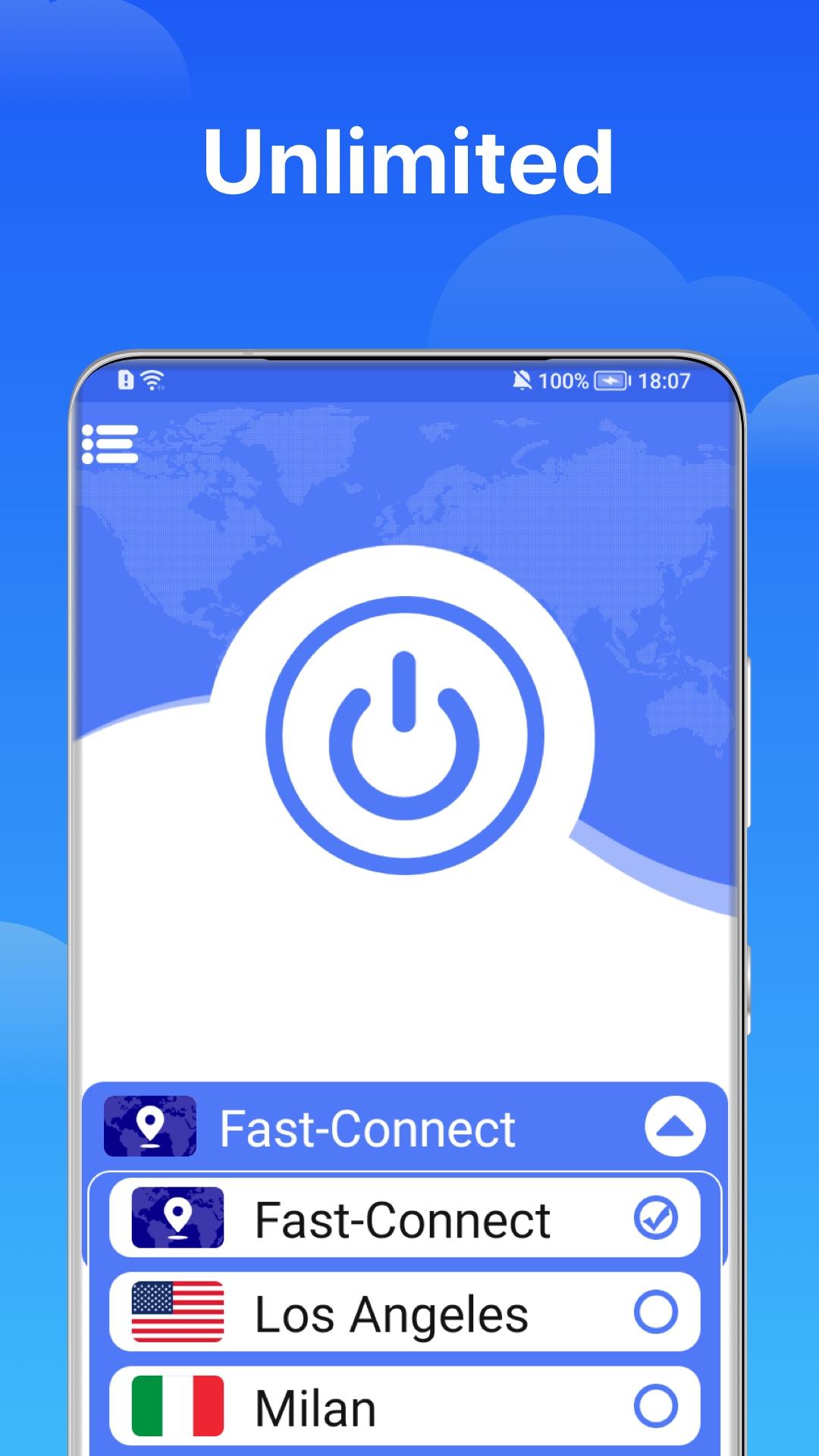
Flash applies detailed non-data logging logs to protect your privacy. The impact of collection-data and protect your private data when you use public public data WiFi networks.
✔ Bypass restrictions: Surfshark covers more than 1000 servers in more than 70 countries/regions to ensure that the global proxy server has high-speed and unlimited connections.
✔ speed of your Android device to ensure an ultra fast online browsing experience and enjoy a high-speed connection.
✔ Make it yours: using a whitelist, you can allow applications and websites to bypass the server.
✔ Leak protection: we take privacy to a new level through private DNS on each server.
✔ Customer Satisfaction. 15 million satisfied customers worldwide.
✔ 24/7 Customer Support. PIA provides a dedicated resource library, email support, and 24/7 live chat.
✔ Biggest Network. 30,000 servers in over 77 countries and more being added daily.
Light up fast and secure mobile security applications to unlock websites and applications, protect WiFi hotspots and surf the Internet safely and anonymously. If you are looking for privacy, Flash VPN is the best application connection for your phone. Use secure WiFi hotspots to watch your favorite videos, unlock the site, and browse privately and anonymously at a very fast speed. Flash VPN ultra fast, unlimited private service network will ensure the security and protection of your online data. Flash VPN can be used for online surfing, streaming media, seed downloading and unlocking websites.
プレビュー

情報
デベロッパー
JeameHut
最新バージョン
1.0.4
最終更新
2021-11-24
カテゴリー
ツール
上で利用可能
Google Play
もっと見せる
PCでGameLoopを使用してFlash VPN: Fast Secure Privacyをプレイする方法
1. 公式WebサイトからGameLoopをダウンロードし、exeファイルを実行してGameLoopをインストールします
2. GameLoopを開いて「Flash VPN: Fast Secure Privacy」を検索し、検索結果でFlash VPN: Fast Secure Privacyを見つけて、「インストール」をクリックします。
3. GameLoopでFlash VPN: Fast Secure Privacyを楽しんでください
Minimum requirements
OS
Windows 8.1 64-bit or Windows 10 64-bit
GPU
GTX 1050
CPU
i3-8300
Memory
8GB RAM
Storage
1GB available space
Recommended requirements
OS
Windows 8.1 64-bit or Windows 10 64-bit
GPU
GTX 1050
CPU
i3-9320
Memory
16GB RAM
Storage
1GB available space