
LED Flashlight - Flash On Call PC
UF Apps WIng
GameLoopエミュレーターを使用してPCにLED Flashlight - Flash On Callをダウンロードします
LED Flashlight - Flash On Call PC版
開発者UF Apps WIngからのLED Flashlight - Flash On Callは、過去にAndroidsystermで実行されています。
これで、GameLoopを搭載したPCでLED Flashlight - Flash On Callをスムーズにプレイできます。
GameLoopライブラリまたは検索結果にダウンロードしてください。 バッテリーに目を向けたり、間違った時間にイライラしたりすることはもうありません。
大画面でLED Flashlight - Flash On CallPCを無料でお楽しみください!
LED Flashlight - Flash On Call 序章
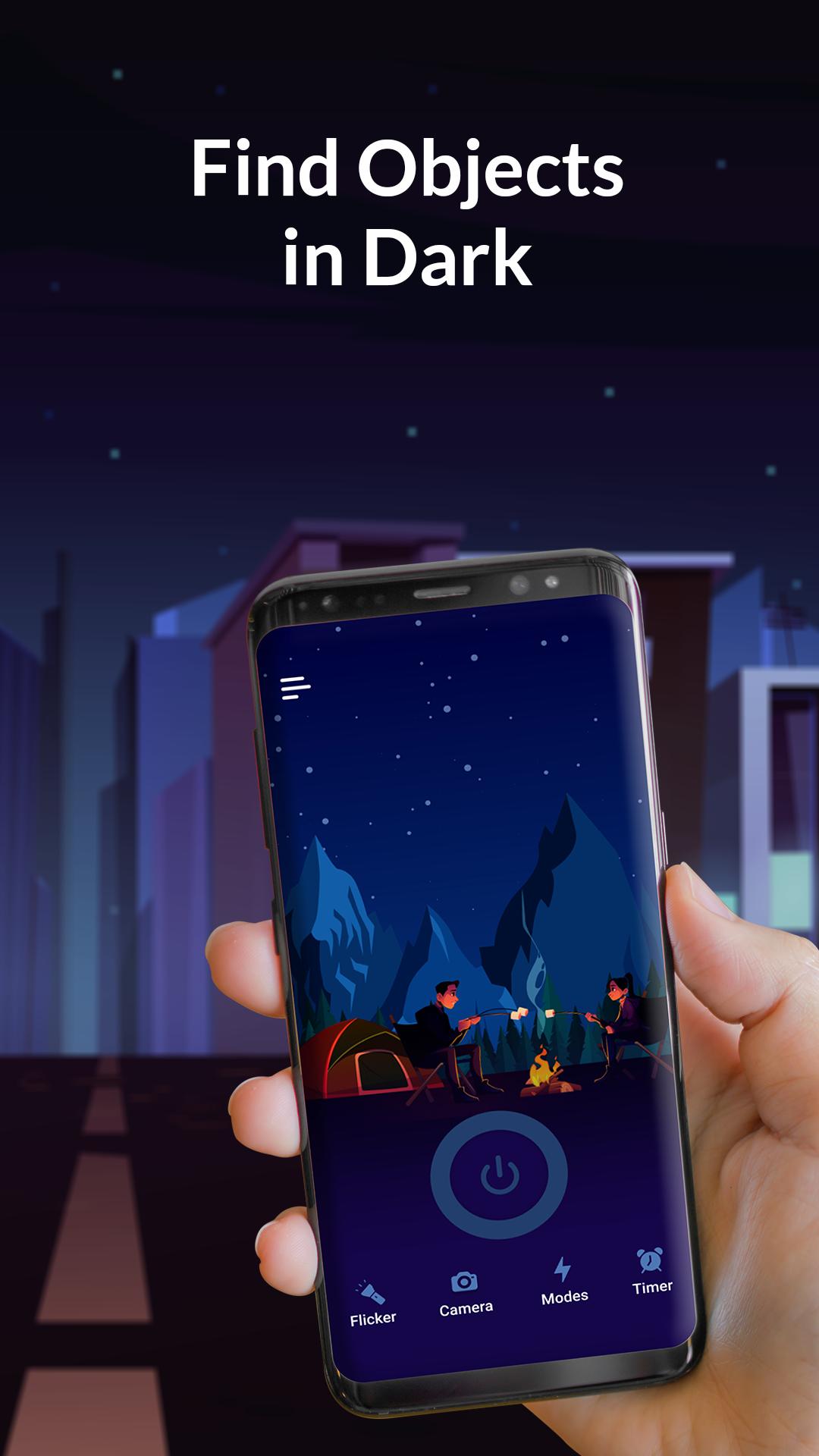
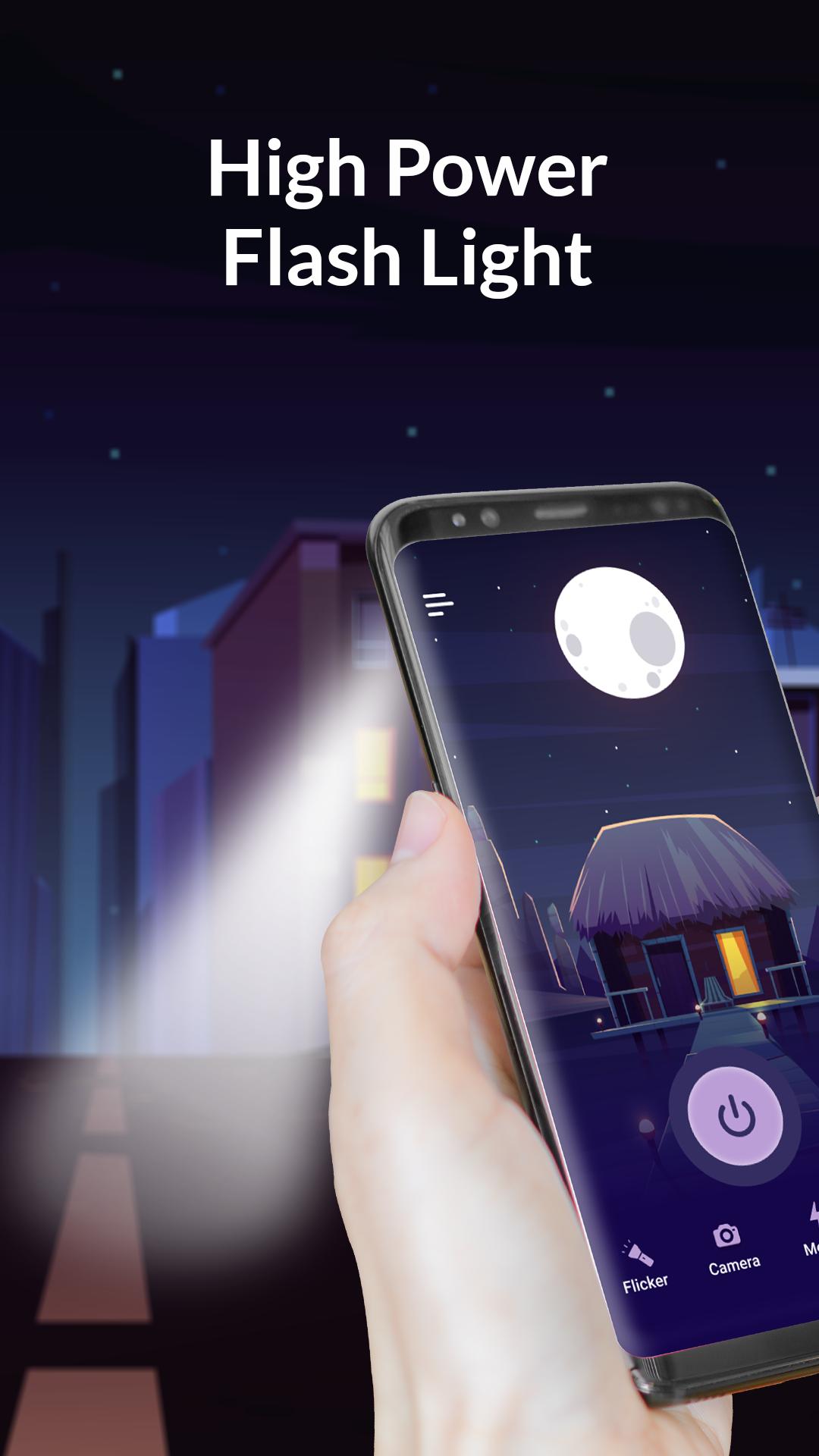
Flash on Call: LED Light 🔦 provides a quick solution to glow up any space with our bright torchlight. The flashlight application comes with numerous unique features to make it stand out in the crowd. It has an extra bright flash that can be used as a torch or in the case of an SOS emergency. The user interface of the flashlight is attractive with different theme options to make the usage of the torch fun.
The flash app has the option to switch on or off the flash light by simply shaking the phone. The flashlight also has the option to switch on the flash alert due to which you can be alerted about the incoming call and messages with the help of the bright LED flash.
FLICKER FLASHLIGHT OPTION 🔅
🔦 The mobile flashlight application has the option to use flash in flicker mode. Another interesting fact of this feature is that you can change the frequency of the flickering light from 1x to 10x. The frequency you choose is the number of times the flash light will flicker when you turn on the flash.
DIFFERENT FLASHLIGHT MODES 🎉
💪 The flashlight can be used in different modes. It can be used as a torch, SOS, interval strobe, and music strobe. The innovative feature allows you to use the flash light in any situation you want according to your choice.
TIMER FOR FLASH ⏰
👍Now, you do not have to worry about battery wastage due to the excessive use of a flashlight. You can put a timer for as much time as you want to use your torch for and after that time the light will be turned off, hence, saving the phone battery.
NEW FLASHLIGHT FEATURES 👌
🔔 You can receive flash alerts with the help of our torch light application for incoming messages and calls. Your phone will flash on call by enabling this feature on the flashlight app. Moreover, you can also use the camera with flash on in an SOS situation.
ADDITIONAL FEATURES
✔ Cute Themes for Background 🌌
✔ Shake Detection 📱
✔ Flash Alerts 🔔
✔ Flickering Flashlight 🔦
✔ Camera with Flash 📷
✔ Different Flash Modes 🎉
✔ Flash Timer ⏳
プレビュー
タグ
ツール情報
デベロッパー
UF Apps WIng
最新バージョン
1.0.6
最終更新
2022-05-23
カテゴリー
ツール
上で利用可能
Google Play
もっと見せる
PCでGameLoopを使用してLED Flashlight - Flash On Callをプレイする方法
1. 公式WebサイトからGameLoopをダウンロードし、exeファイルを実行してGameLoopをインストールします
2. GameLoopを開いて「LED Flashlight - Flash On Call」を検索し、検索結果でLED Flashlight - Flash On Callを見つけて、「インストール」をクリックします。
3. GameLoopでLED Flashlight - Flash On Callを楽しんでください
Minimum requirements
OS
Windows 8.1 64-bit or Windows 10 64-bit
GPU
GTX 1050
CPU
i3-8300
Memory
8GB RAM
Storage
1GB available space
Recommended requirements
OS
Windows 8.1 64-bit or Windows 10 64-bit
GPU
GTX 1050
CPU
i3-9320
Memory
16GB RAM
Storage
1GB available space