Fix Play Store & Play Services PC
Dollar Colony
GameLoopエミュレーターを使用してPCにFix Play Store & Play Servicesをダウンロードします
Fix Play Store & Play Services PC版
開発者Dollar ColonyからのFix Play Store & Play Servicesは、過去にAndroidsystermで実行されています。
これで、GameLoopを搭載したPCでFix Play Store & Play Servicesをスムーズにプレイできます。
GameLoopライブラリまたは検索結果にダウンロードしてください。 バッテリーに目を向けたり、間違った時間にイライラしたりすることはもうありません。
大画面でFix Play Store & Play ServicesPCを無料でお楽しみください!
Fix Play Store & Play Services 序章
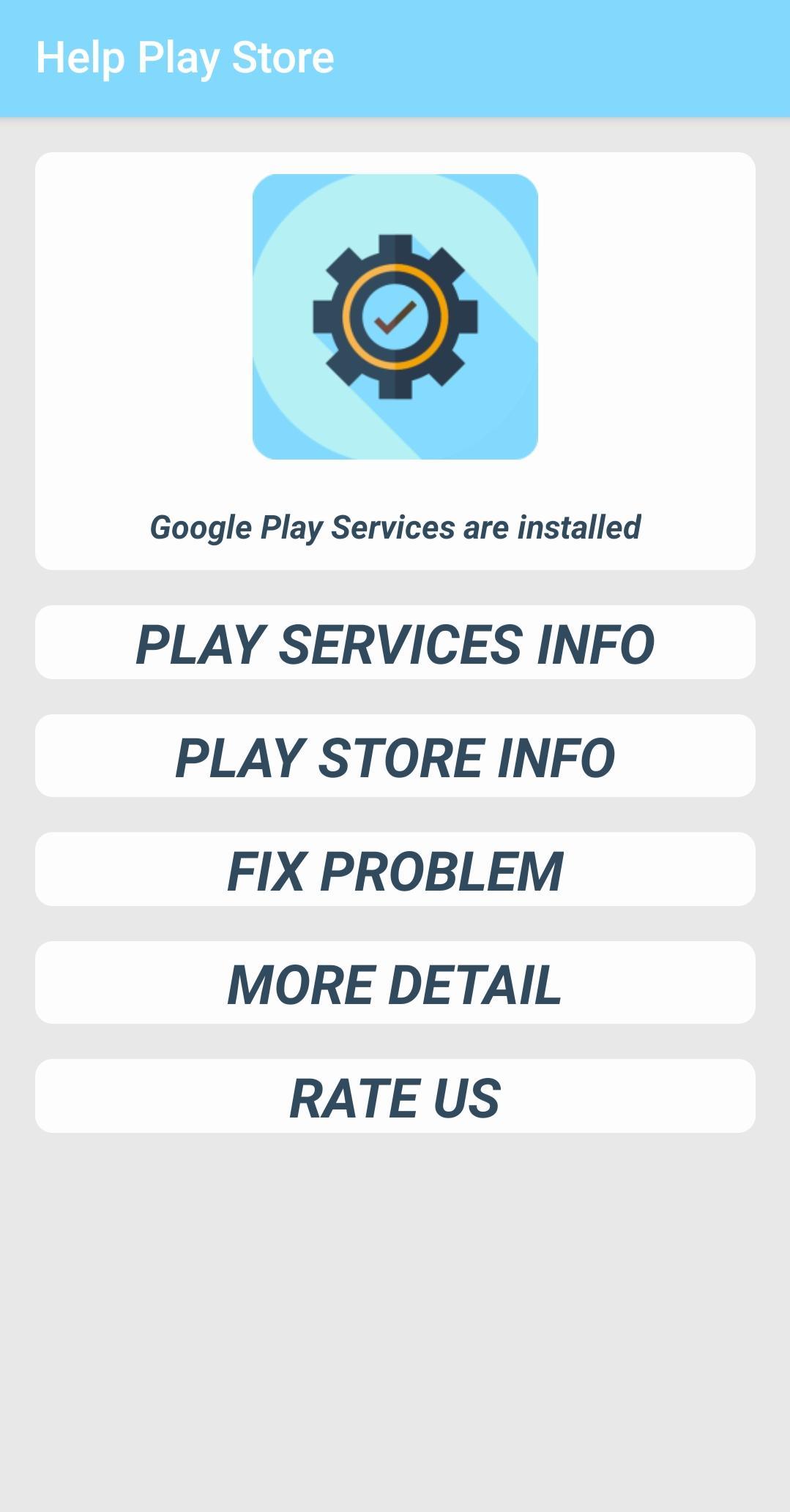
このアプリは、Google PlayサービスとGoogle Playstoreのバージョンを知るのに役立ちます。PlayサービスとPlayストアのインストール日と最後の更新日を確認できます。
「Google Play Servicesが停止しました」エラー、「Google Playストアが停止しました」エラーおよびその他のアプリのインストールまたは更新エラーを修正し、アプリ情報を開いて「キャッシュをクリア」または「データをクリア」を選択できます。
&
「Google Play Servicesが停止しました」エラーを修正するには、play services情報ダイアログを開いて、「キャッシュをクリア」を選択してください。それでも解決しない場合は、「アップデートのアンインストール」オプションを試してください。次に、Playストアリンクを使用して、Google Play開発者サービスの最新バージョンをダウンロードして再インストールします。
プレビュー
タグ
ツール情報
デベロッパー
Dollar Colony
最新バージョン
1.0
最終更新
2019-12-26
カテゴリー
ツール
上で利用可能
Google Play
もっと見せる
PCでGameLoopを使用してFix Play Store & Play Servicesをプレイする方法
1. 公式WebサイトからGameLoopをダウンロードし、exeファイルを実行してGameLoopをインストールします
2. GameLoopを開いて「Fix Play Store & Play Services」を検索し、検索結果でFix Play Store & Play Servicesを見つけて、「インストール」をクリックします。
3. GameLoopでFix Play Store & Play Servicesを楽しんでください
Minimum requirements
OS
Windows 8.1 64-bit or Windows 10 64-bit
GPU
GTX 1050
CPU
i3-8300
Memory
8GB RAM
Storage
1GB available space
Recommended requirements
OS
Windows 8.1 64-bit or Windows 10 64-bit
GPU
GTX 1050
CPU
i3-9320
Memory
16GB RAM
Storage
1GB available space