File Encrypter/Decrypter for Android PC
KangDroid(Jason Kang)
GameLoopエミュレーターを使用してPCにFile Encrypter/Decrypter for Androidをダウンロードします
File Encrypter/Decrypter for Android PC版
開発者KangDroid(Jason Kang)からのFile Encrypter/Decrypter for Androidは、過去にAndroidsystermで実行されています。
これで、GameLoopを搭載したPCでFile Encrypter/Decrypter for Androidをスムーズにプレイできます。
GameLoopライブラリまたは検索結果にダウンロードしてください。 バッテリーに目を向けたり、間違った時間にイライラしたりすることはもうありません。
大画面でFile Encrypter/Decrypter for AndroidPCを無料でお楽しみください!
File Encrypter/Decrypter for Android 序章
DES/AES FILE Encrypter/Decrypter for Android.
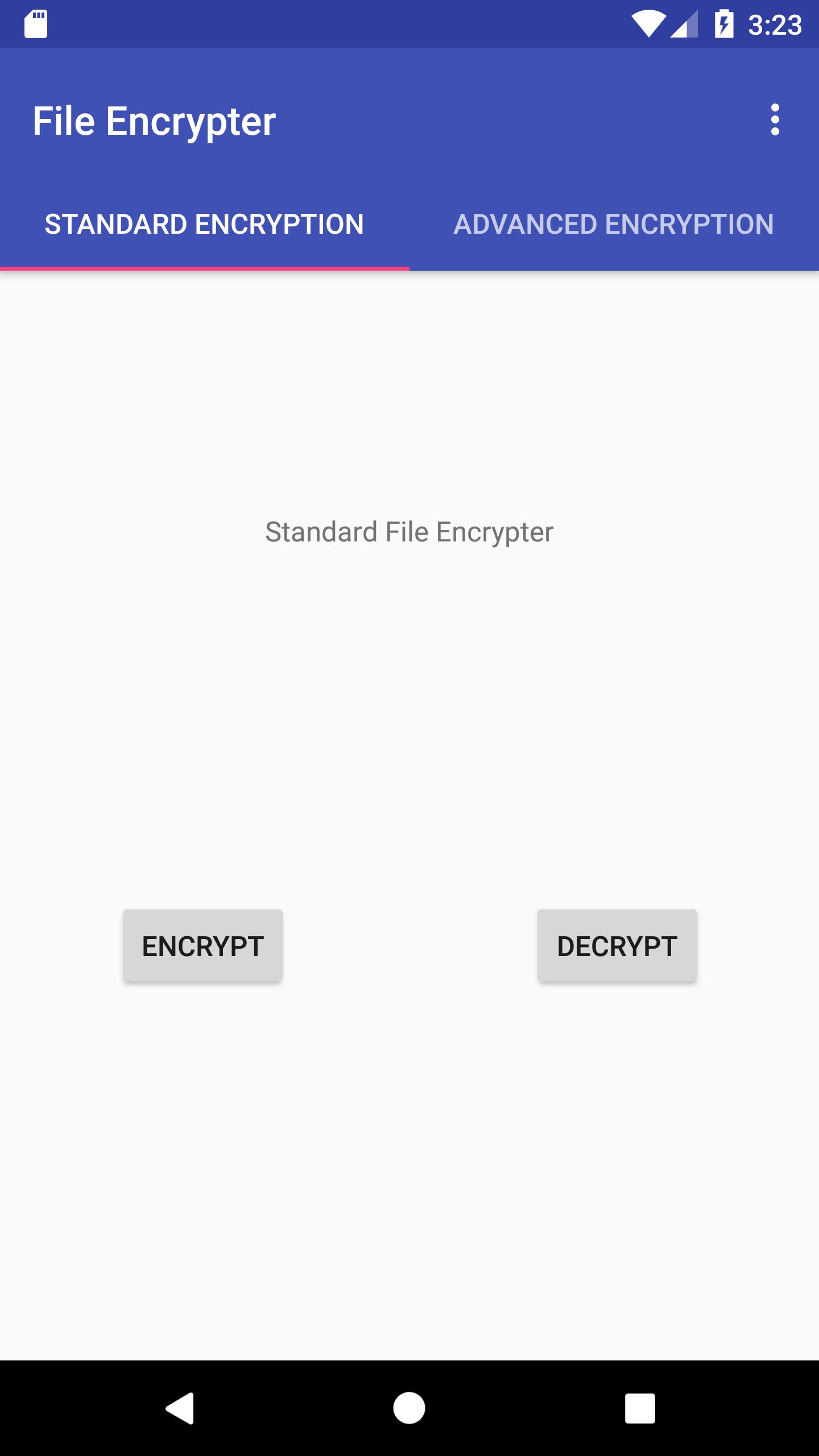
: Standard(DES) encryption support.
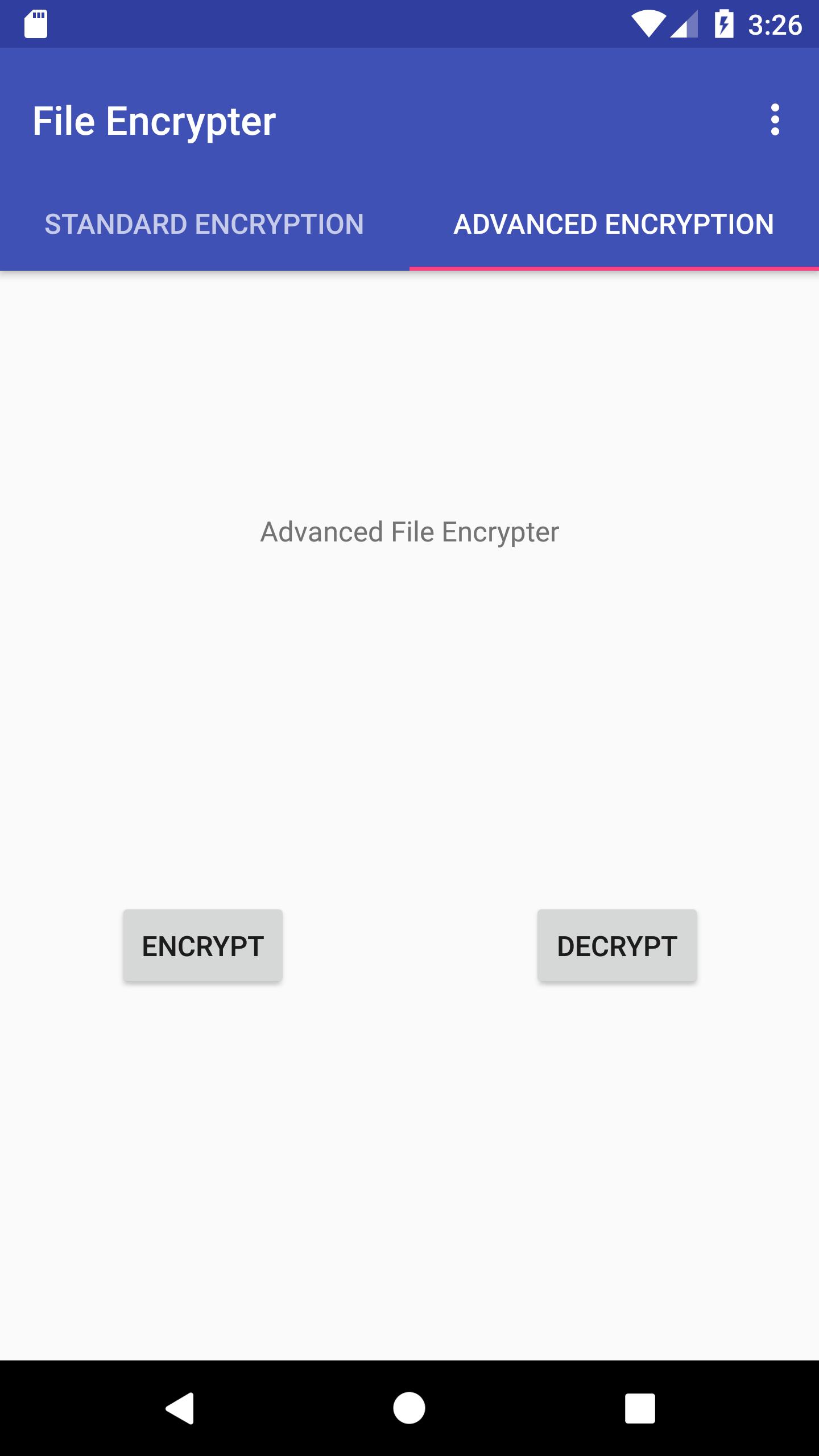
: Advanced(AES) encryption support!
Explanation:
It will basically create /sdcard/KangDroid/(advanced or standard)/(encryption or decryption) when you choose file and put password in it.
You can encrypt file on osx as well! Encrypt on phone, Decrypt on computer!
You can download Java File Encrypter from : https://github.com/KangDroid/Java_fileEncrypt/raw/master/FileEncrypter.jar
WARNING(minor bugs):
1. File with multiple extensions(eg: test.test.tar.gz) WORKS but when you decrypt it, decrypt works as well but you have to rename decrypted file to normal manually in decrypt folder.
eg: test.tar.gz.enc(encrypted) -- > test.tar.gz.enc(decrypted in decrypt folder, rename to test.tar.gz)
Bug reports are always welcome! send bug report to: hyunwoo286@gmail.com
プレビュー
情報
デベロッパー
KangDroid(Jason Kang)
最新バージョン
1.0.4
最終更新
2018-03-24
カテゴリー
ツール
上で利用可能
Google Play
もっと見せる
PCでGameLoopを使用してFile Encrypter/Decrypter for Androidをプレイする方法
1. 公式WebサイトからGameLoopをダウンロードし、exeファイルを実行してGameLoopをインストールします
2. GameLoopを開いて「File Encrypter/Decrypter for Android」を検索し、検索結果でFile Encrypter/Decrypter for Androidを見つけて、「インストール」をクリックします。
3. GameLoopでFile Encrypter/Decrypter for Androidを楽しんでください
Minimum requirements
OS
Windows 8.1 64-bit or Windows 10 64-bit
GPU
GTX 1050
CPU
i3-8300
Memory
8GB RAM
Storage
1GB available space
Recommended requirements
OS
Windows 8.1 64-bit or Windows 10 64-bit
GPU
GTX 1050
CPU
i3-9320
Memory
16GB RAM
Storage
1GB available space