
Emoji Keyboard and Stickers PC
Smart Technologies Apps
GameLoopエミュレーターを使用してPCにEmoji Keyboard and Stickersをダウンロードします
Emoji Keyboard and Stickers PC版
開発者Smart Technologies AppsからのEmoji Keyboard and Stickersは、過去にAndroidsystermで実行されています。
これで、GameLoopを搭載したPCでEmoji Keyboard and Stickersをスムーズにプレイできます。
GameLoopライブラリまたは検索結果にダウンロードしてください。 バッテリーに目を向けたり、間違った時間にイライラしたりすることはもうありません。
大画面でEmoji Keyboard and StickersPCを無料でお楽しみください!
Emoji Keyboard and Stickers 序章
Features
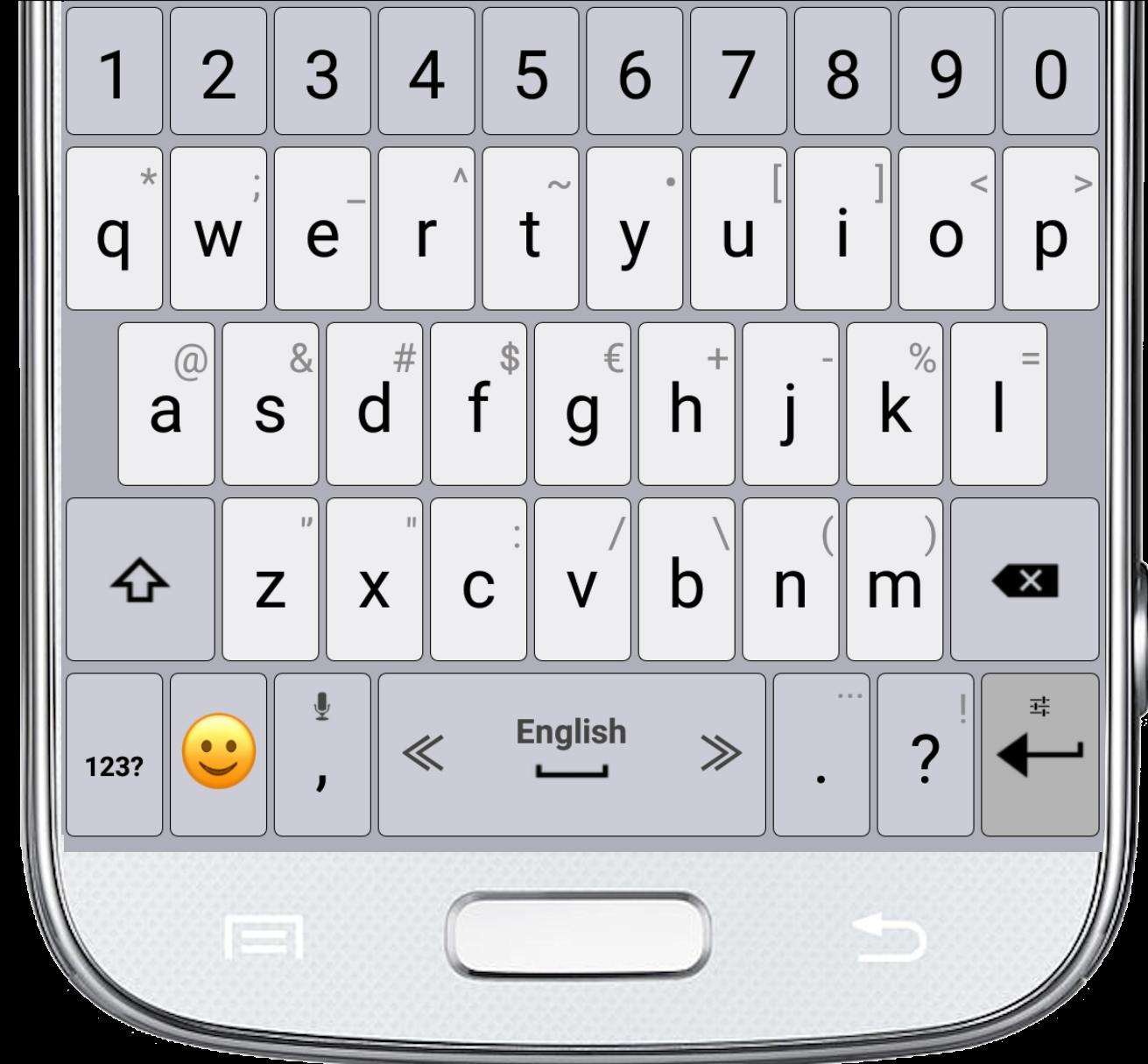
✔ Adjust the keyboard size.
✔ Select the typing sound and vibration.
✔ Select your favorite theme.
✔ Select the top and bottom rows of the Emoji Keyboard and Stickers.
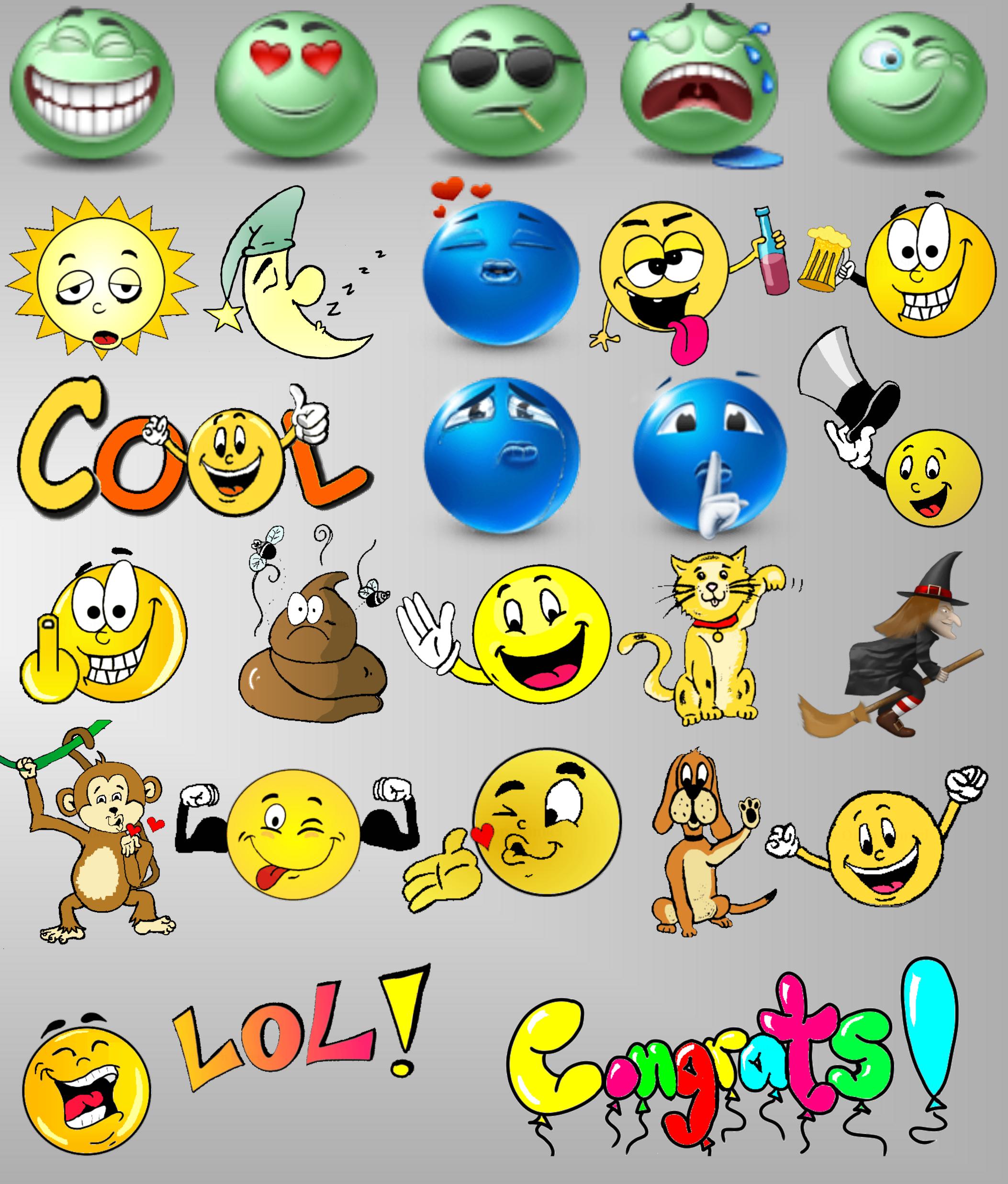
✔ The newest emojis.
✔ Emoji skin color.
✔ Microphone - translate speech into text.
✔ Settings of typing and display.
✔ Dictionary settings.
✔ Supports multiple languages.
Tips
• For switching between languages, swipe the spacebar from side to side.
• To open the keyboard settings, press and hold the "Enter" button.
• Press and hold the emoji button for textual emoji.
• Press and hold every key for additional characters.
• Microphone - Press and hold the comma button to translate your speech into text.
プレビュー
情報
デベロッパー
Smart Technologies Apps
最新バージョン
6.1
最終更新
2019-12-23
カテゴリー
ツール
上で利用可能
Google Play
もっと見せる
PCでGameLoopを使用してEmoji Keyboard and Stickersをプレイする方法
1. 公式WebサイトからGameLoopをダウンロードし、exeファイルを実行してGameLoopをインストールします
2. GameLoopを開いて「Emoji Keyboard and Stickers」を検索し、検索結果でEmoji Keyboard and Stickersを見つけて、「インストール」をクリックします。
3. GameLoopでEmoji Keyboard and Stickersを楽しんでください
Minimum requirements
OS
Windows 8.1 64-bit or Windows 10 64-bit
GPU
GTX 1050
CPU
i3-8300
Memory
8GB RAM
Storage
1GB available space
Recommended requirements
OS
Windows 8.1 64-bit or Windows 10 64-bit
GPU
GTX 1050
CPU
i3-9320
Memory
16GB RAM
Storage
1GB available space