Screenshot Easy – Quick Capture Screen Free PC
DEV Tool Studio
GameLoopエミュレーターを使用してPCにScreenshot Easy – Quick Capture Screen Freeをダウンロードします
Screenshot Easy – Quick Capture Screen Free PC版
開発者DEV Tool StudioからのScreenshot Easy – Quick Capture Screen Freeは、過去にAndroidsystermで実行されています。
これで、GameLoopを搭載したPCでScreenshot Easy – Quick Capture Screen Freeをスムーズにプレイできます。
GameLoopライブラリまたは検索結果にダウンロードしてください。 バッテリーに目を向けたり、間違った時間にイライラしたりすることはもうありません。
大画面でScreenshot Easy – Quick Capture Screen FreePCを無料でお楽しみください!
Screenshot Easy – Quick Capture Screen Free 序章
Screen Capture is the easiest and simplest way to capture. It help you take the screenshot easily with one touch on the overlay icon. Let you easily edit and markup your screenshots and quickly share it with your friends!
✍ Screenshot Easy highlight feature:
☞ Easy and user friendly interface
☞ Image cropper (Crop ratio, rotate)
☞ Notification icon click
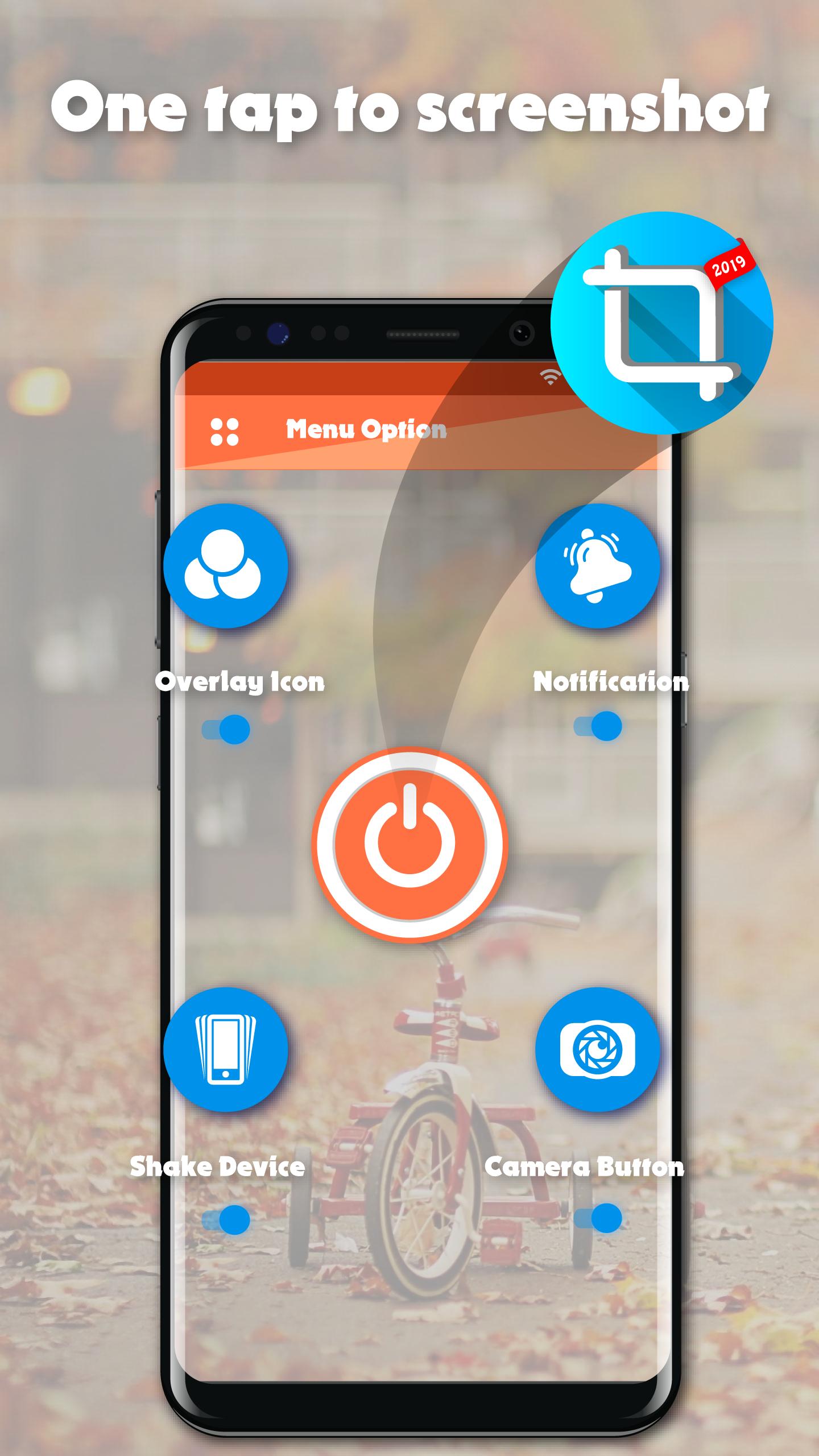
☞ Capture screenshot by one touch (Notification area, overlay icon, shaking).
★Screenshot Easy basic feature:
☞ Capture by touch (Notification area, overlay icon, shaking the device)
☞ Photo viewer
☞ Image cropper (Crop ratio, rotate)
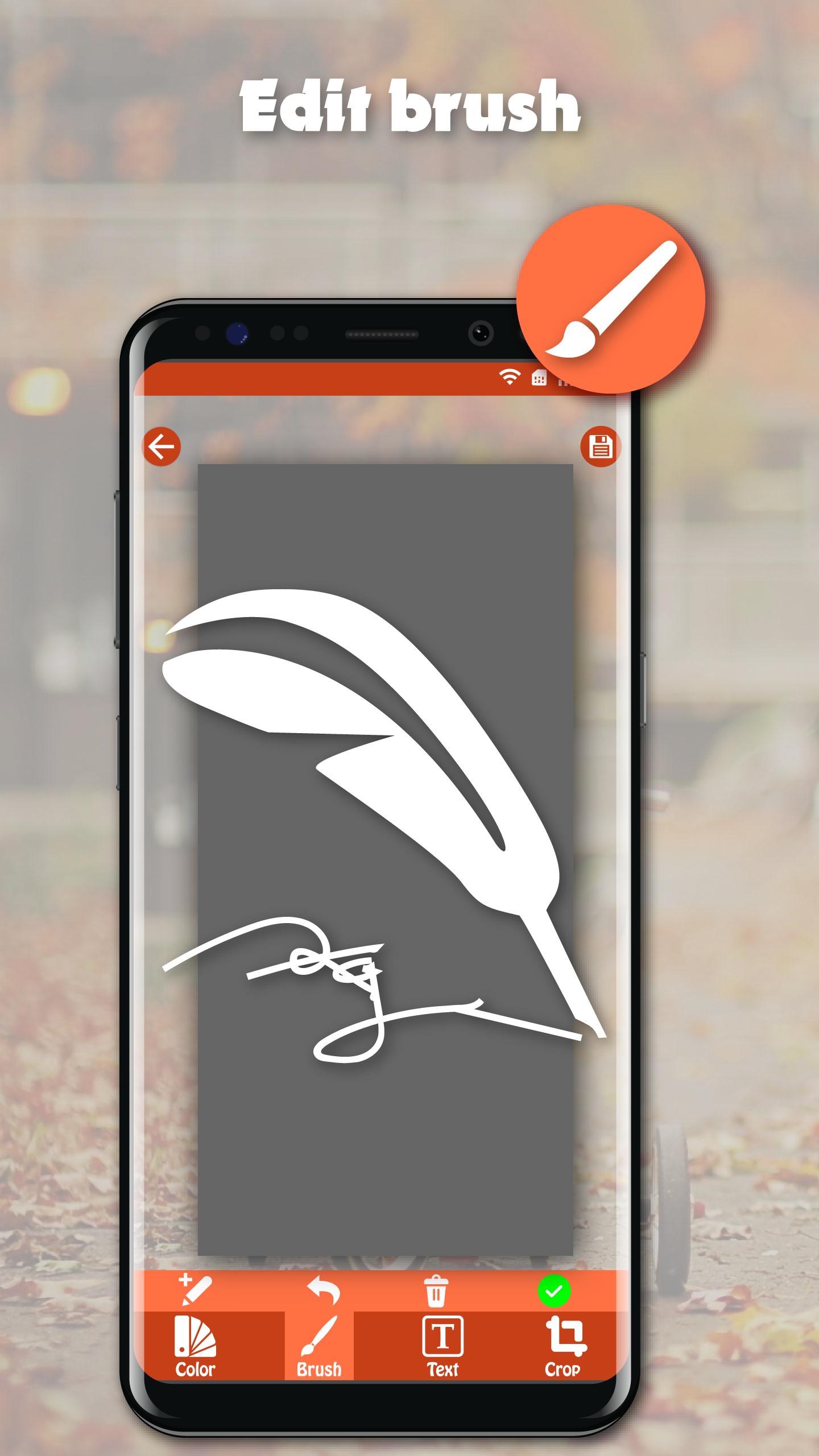
☞ Draw on captured image (Pen, Text, Rectangle, Circle, Stamp, Opacity and so on)
☞ Sharing screenshot images to other installed apps (user controlled)
☞ Persistent notification (optional): This allows the notification to always remain present which cannot be swiped away. It quickens the accessibility of Screenshot touch
★How to take screenshot?
Application provides many easy method to take screenshot without physical button, so you can take screenshot even while physical button is damaged
☞ Floating button: The simple button that is displayed on top of everything, just one-click to take a screenshot
☞ Shaking device: Shaking your device to take a screenshot
☞ Notification: Drag down status bar, then click on notification to take a screenshot.
☞ Camera button: Click on camera button to take a screenshot (if your device have camera button)
★Note: Screenshot Easy – Quick Capture Screen Free is only available for devices running android 5.0 or above.
プレビュー
情報
デベロッパー
DEV Tool Studio
最新バージョン
1.0
最終更新
2020-03-16
カテゴリー
ツール
上で利用可能
Google Play
もっと見せる
PCでGameLoopを使用してScreenshot Easy – Quick Capture Screen Freeをプレイする方法
1. 公式WebサイトからGameLoopをダウンロードし、exeファイルを実行してGameLoopをインストールします
2. GameLoopを開いて「Screenshot Easy – Quick Capture Screen Free」を検索し、検索結果でScreenshot Easy – Quick Capture Screen Freeを見つけて、「インストール」をクリックします。
3. GameLoopでScreenshot Easy – Quick Capture Screen Freeを楽しんでください
Minimum requirements
OS
Windows 8.1 64-bit or Windows 10 64-bit
GPU
GTX 1050
CPU
i3-8300
Memory
8GB RAM
Storage
1GB available space
Recommended requirements
OS
Windows 8.1 64-bit or Windows 10 64-bit
GPU
GTX 1050
CPU
i3-9320
Memory
16GB RAM
Storage
1GB available space