Easy Reader PC
QuickDoc
GameLoopエミュレーターを使用してPCにEasy Readerをダウンロードします
Easy Reader PC版
開発者QuickDocからのEasy Readerは、過去にAndroidsystermで実行されています。
これで、GameLoopを搭載したPCでEasy Readerをスムーズにプレイできます。
GameLoopライブラリまたは検索結果にダウンロードしてください。 バッテリーに目を向けたり、間違った時間にイライラしたりすることはもうありません。
大画面でEasy ReaderPCを無料でお楽しみください!
Easy Reader 序章
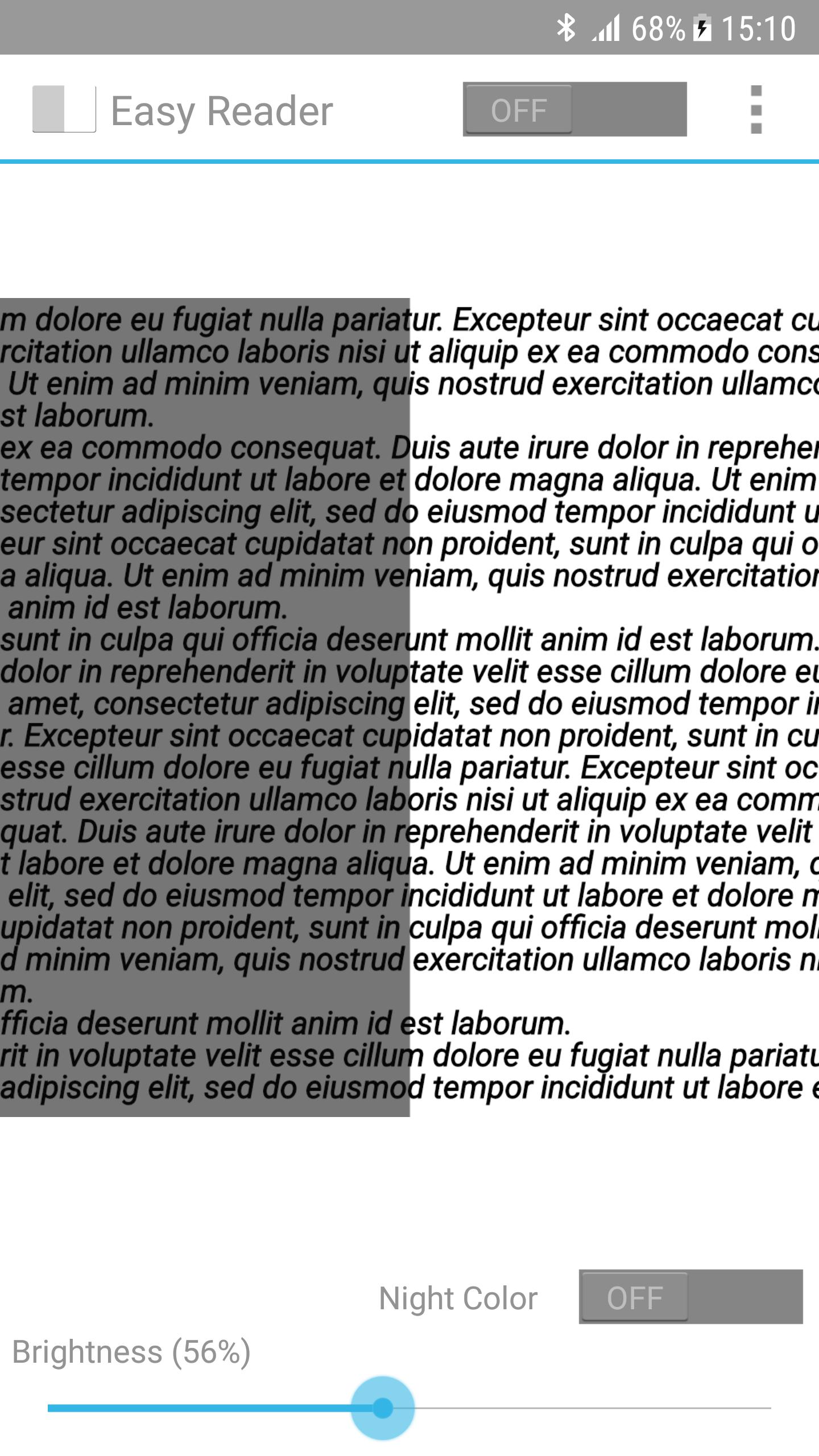
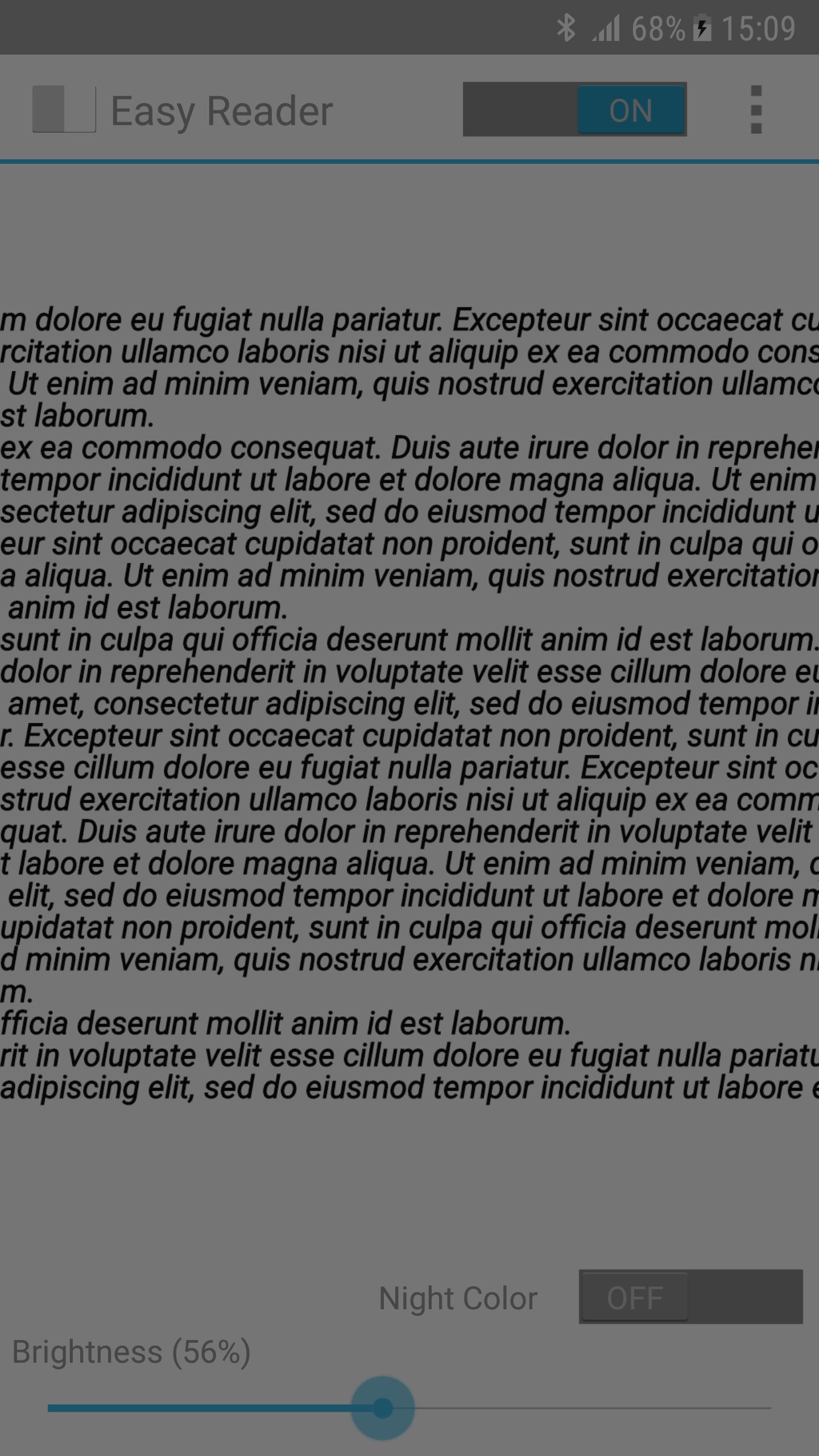
Easy Reader allows you complete control over your screen brightness to allow comfortable reading by night.
Easy Reader differs from other Apps that control screen brightness:
★ Adjusts both brightness and contrast - this gives a much more balanced and comfortable reading experience. Others Apps just can not compete!
★ Night color mode (Pro feature) which further reduces eye strain
I initially made Easy Reader for personal use - I am extremely pleased with the result and I am sure you will like it too.
プレビュー
情報
デベロッパー
QuickDoc
最新バージョン
1.0
最終更新
2017-12-21
カテゴリー
ツール
上で利用可能
Google Play
もっと見せる
PCでGameLoopを使用してEasy Readerをプレイする方法
1. 公式WebサイトからGameLoopをダウンロードし、exeファイルを実行してGameLoopをインストールします
2. GameLoopを開いて「Easy Reader」を検索し、検索結果でEasy Readerを見つけて、「インストール」をクリックします。
3. GameLoopでEasy Readerを楽しんでください
Minimum requirements
OS
Windows 8.1 64-bit or Windows 10 64-bit
GPU
GTX 1050
CPU
i3-8300
Memory
8GB RAM
Storage
1GB available space
Recommended requirements
OS
Windows 8.1 64-bit or Windows 10 64-bit
GPU
GTX 1050
CPU
i3-9320
Memory
16GB RAM
Storage
1GB available space