Easy Hindi English Keyboard : Offline Keyboard PC
Phawk Developer
GameLoopエミュレーターを使用してPCにEasy Hindi English Keyboard : Offline Keyboardをダウンロードします
Easy Hindi English Keyboard : Offline Keyboard PC版
開発者Phawk DeveloperからのEasy Hindi English Keyboard : Offline Keyboardは、過去にAndroidsystermで実行されています。
これで、GameLoopを搭載したPCでEasy Hindi English Keyboard : Offline Keyboardをスムーズにプレイできます。
GameLoopライブラリまたは検索結果にダウンロードしてください。 バッテリーに目を向けたり、間違った時間にイライラしたりすることはもうありません。
大画面でEasy Hindi English Keyboard : Offline KeyboardPCを無料でお楽しみください!
Easy Hindi English Keyboard : Offline Keyboard 序章
This Easy Hindi English Keyboard : Offline Keyboard Is a Special keyboard for Hindi lovers who want to use Hindi through default English keyboard.
With This Easy Hindi English Keyboard : Offline Keyboard App you Can chat on social mediaAnd it is Easy to use and not compalsary to change
keyboard setting or keyboard.
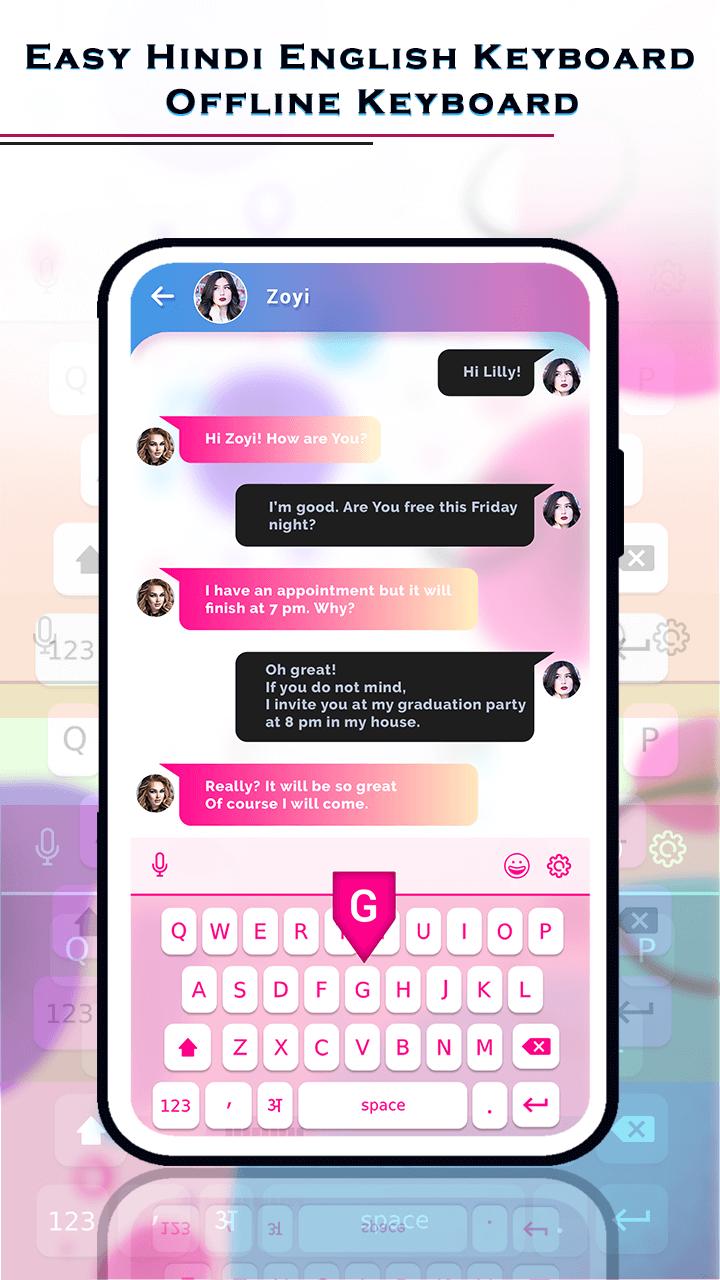
You write in Roman and easy Hindi keyboard change in to Hindi. You can also choose keyboard themes which you like most.
With this Easy Hindi English Keyboard : Offline Keyboard App you Have no need to write msgs, text and emails. You can Do Just speak and send.
Easy Hindi English Keyboard : Offline Keyboard allows offline,without internet voice to text feature.
Only One Click On the Mic and Speak And then All will converted to selected language English / Hindi
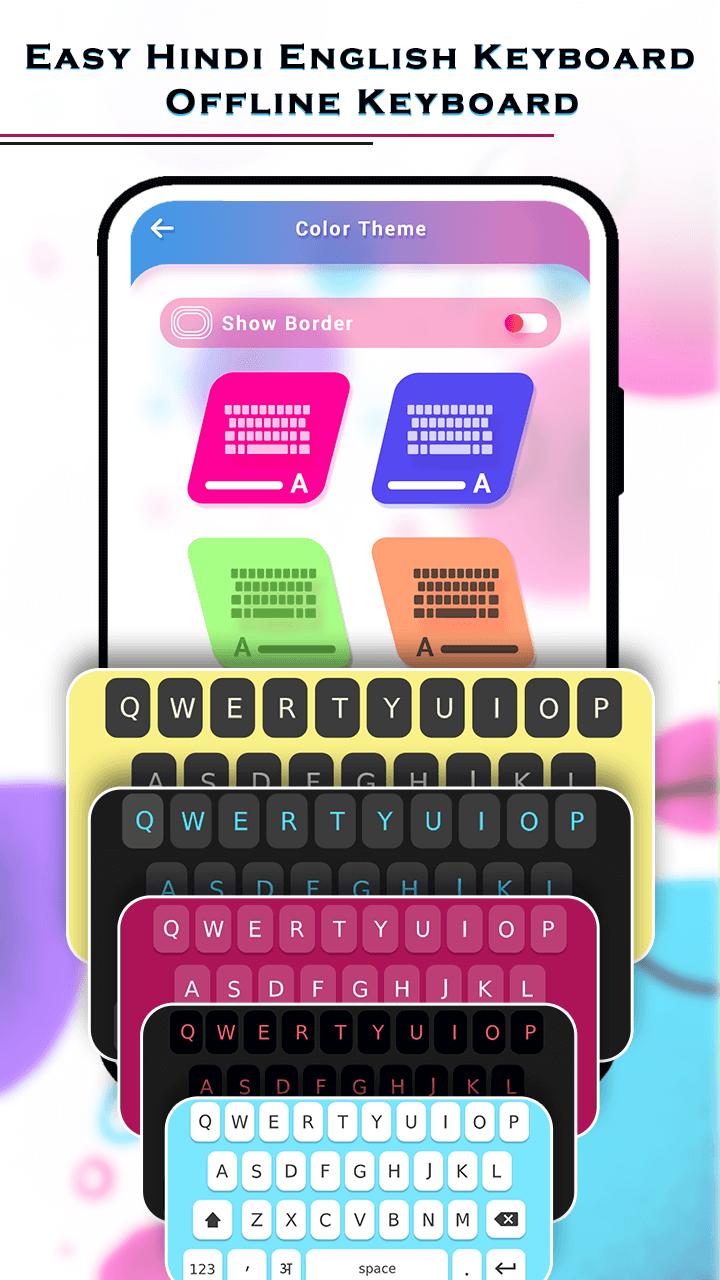
This Easy Hindi English Keyboard : Offline Keyboard App provides Most Wonderful And Amazing background themes.
And You Can Click Only One And Set Anyone Theme out of 10 Differant Themes And Apply For your Keyboard.
With This Easy Hindi English Keyboard : Offline Keyboard app typing with theme change and also Best option for offline lovers And have a best
Solution of sharing Hindi content at social media with all Hindi speakers.
Use Of This Easy Hindi English Keyboard : Offline Keyboard App Easy For Anyone to Anywhere Or anytime without Any Charges!!
You Can Share This Easy Hindi English Keyboard : Offline Keyboard App with Others!!
How To Use?
- Go To The Play Store
- Search and Install This Easy Hindi English Keyboard Offline Keyboard App
- Open This Easy Hindi English Keyboard Offline Keyboard App in Your Device.
- Here You Can do Click On "Permission" and Give Permission
- Then Click On "Select keyboard" And Select Language Hindi / English
- Then Click On "Start" And You See Here 2+ Folders
- Click On "Change Theme"And Here You Click On "Color Theme"
- Then here You Can See 10+ Differants Types Of Wonderful color theme And You can Select Any One Which You like
- And Click On any one Keyboard And You Can Apply This Keyboard
- Then Click On "image Theme" And you Can Select Anyone Image From Your Device
- And You Can Do Also Rotate and Crop Your image
- then apply And You Can set Your Selected Image On Your Keyboard.
FEATURES
- Simple Installation
- Set Keyboard directly from app
- Offline voice to text.
- All Emoji to use.
- Use default keyboard and type in Hindi
- Convert english to Hindi translator
- Correct words suggestion
- No need Internet Connection
- Easy To Use
- Share With Others!!
- FREE!!!
プレビュー
情報
デベロッパー
Phawk Developer
最新バージョン
2.0
最終更新
2021-11-13
カテゴリー
ツール
上で利用可能
Google Play
もっと見せる
PCでGameLoopを使用してEasy Hindi English Keyboard : Offline Keyboardをプレイする方法
1. 公式WebサイトからGameLoopをダウンロードし、exeファイルを実行してGameLoopをインストールします
2. GameLoopを開いて「Easy Hindi English Keyboard : Offline Keyboard」を検索し、検索結果でEasy Hindi English Keyboard : Offline Keyboardを見つけて、「インストール」をクリックします。
3. GameLoopでEasy Hindi English Keyboard : Offline Keyboardを楽しんでください
Minimum requirements
OS
Windows 8.1 64-bit or Windows 10 64-bit
GPU
GTX 1050
CPU
i3-8300
Memory
8GB RAM
Storage
1GB available space
Recommended requirements
OS
Windows 8.1 64-bit or Windows 10 64-bit
GPU
GTX 1050
CPU
i3-9320
Memory
16GB RAM
Storage
1GB available space