
Double Tap Screen On and Off Pro PC
4 mb
GameLoopエミュレーターを使用してPCにDouble Tap Screen On and Off Proをダウンロードします
Double Tap Screen On and Off Pro PC版
開発者4 mbからのDouble Tap Screen On and Off Proは、過去にAndroidsystermで実行されています。
これで、GameLoopを搭載したPCでDouble Tap Screen On and Off Proをスムーズにプレイできます。
GameLoopライブラリまたは検索結果にダウンロードしてください。 バッテリーに目を向けたり、間違った時間にイライラしたりすることはもうありません。
大画面でDouble Tap Screen On and Off ProPCを無料でお楽しみください!
Double Tap Screen On and Off Pro 序章
Double Tap Screen On and Off Pro:
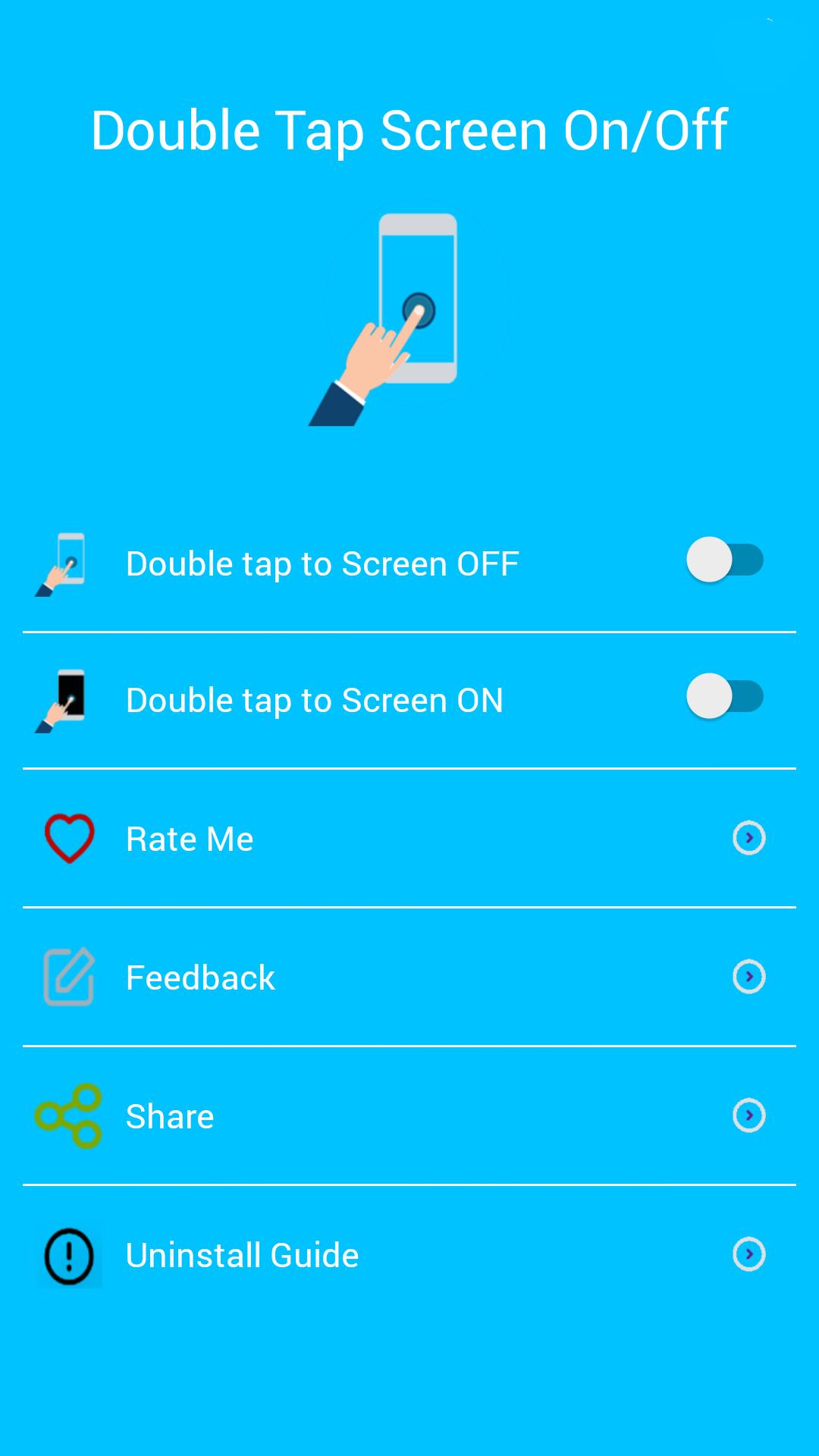
Double Tap Off / ON is an application that helps you protect the power button. Double Tap OFF also allows you to turn off the screen quickly by touching the Home screen twice. Just a touch to lock and turn off the screen.
Sometimes difficult to press the power button, or you want to preserve the physical power button. The Smart Screen On Off app and the feed head float can help minimize the use of the power button anytime and anywhere.
★ Different types of buttons:
- Show on the home screen
- Show in the notification
- Float on other apps!
★ CHARACTERISTICS:
- Double-tap the home screen to turn off the screen.
- Cover the proximity sensor to turn on the screen (if it is not, press Always visible).
- Double-tap the Always On power icon to activate the screen.
- Provide a lock screen shortcut on the home screen.
★ UNINSTALL INSTRUCTIONS DOUBLE TAP APPLICATION:
- Open the Double Tap Off application.
- Select the Uninstall button to uninstall the application.
Note:
This application uses Device Administrator authorization. It is needed and used only to lock the device when using the application. You must enable the administration before you can use it. In addition, you must disable administration before you can uninstall.
FEEDBACK:
If you encounter a problem while using the application, please give us some comments that we will check and update as soon as possible.
プレビュー

情報
デベロッパー
4 mb
最新バージョン
6.0
最終更新
2019-10-31
カテゴリー
ツール
上で利用可能
Google Play
もっと見せる
PCでGameLoopを使用してDouble Tap Screen On and Off Proをプレイする方法
1. 公式WebサイトからGameLoopをダウンロードし、exeファイルを実行してGameLoopをインストールします
2. GameLoopを開いて「Double Tap Screen On and Off Pro」を検索し、検索結果でDouble Tap Screen On and Off Proを見つけて、「インストール」をクリックします。
3. GameLoopでDouble Tap Screen On and Off Proを楽しんでください
Minimum requirements
OS
Windows 8.1 64-bit or Windows 10 64-bit
GPU
GTX 1050
CPU
i3-8300
Memory
8GB RAM
Storage
1GB available space
Recommended requirements
OS
Windows 8.1 64-bit or Windows 10 64-bit
GPU
GTX 1050
CPU
i3-9320
Memory
16GB RAM
Storage
1GB available space