Digital Spirit Level : Level Bubble & Ruler App PC
Grade Star Apps
GameLoopエミュレーターを使用してPCにDigital Spirit Level : Level Bubble & Ruler Appをダウンロードします
Digital Spirit Level : Level Bubble & Ruler App PC版
開発者Grade Star AppsからのDigital Spirit Level : Level Bubble & Ruler Appは、過去にAndroidsystermで実行されています。
これで、GameLoopを搭載したPCでDigital Spirit Level : Level Bubble & Ruler Appをスムーズにプレイできます。
GameLoopライブラリまたは検索結果にダウンロードしてください。 バッテリーに目を向けたり、間違った時間にイライラしたりすることはもうありません。
大画面でDigital Spirit Level : Level Bubble & Ruler AppPCを無料でお楽しみください!
Digital Spirit Level : Level Bubble & Ruler App 序章
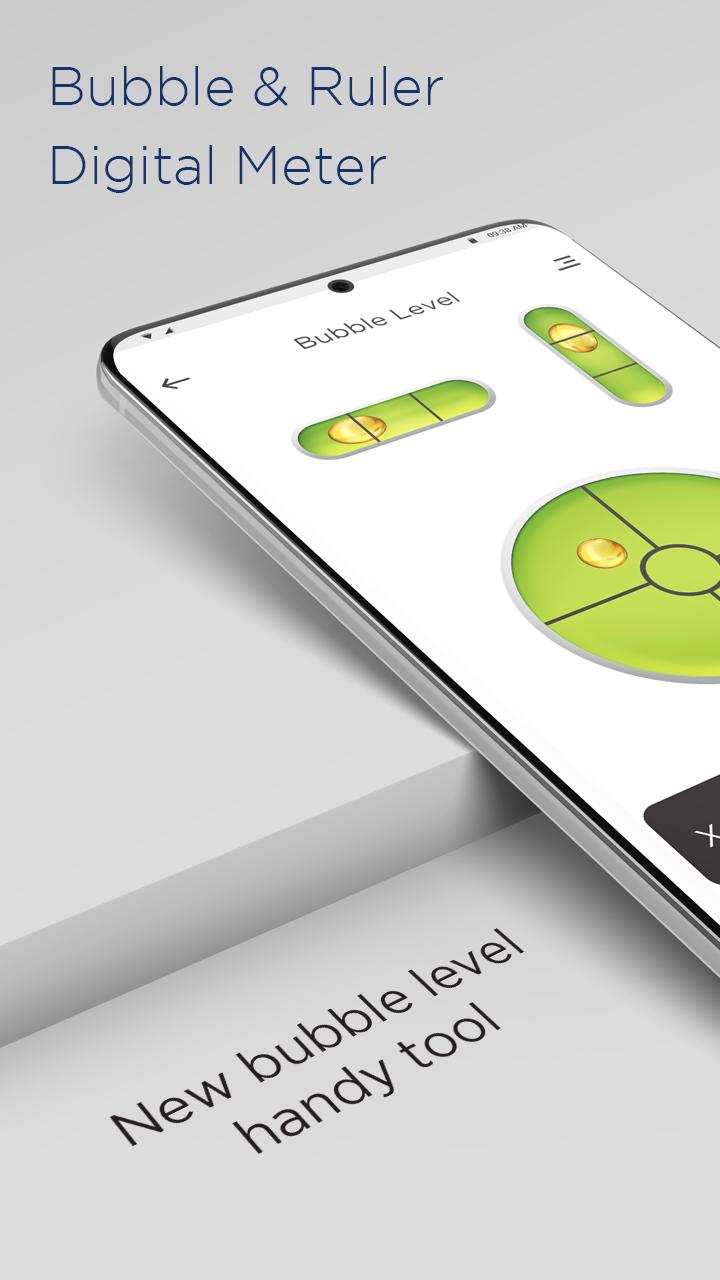
Digital Spirit Level or Ruler app is an app created for anyone to detect if the object is in an horizontal position or vertical state. Spirit level app can be used for recording the horizontal and vertical level plumb of any surface like plane or diagonal. The Bubble Level instrument which is used to record the inclination(90 degree), this app is as simple and easy alternative of it.
A traditional modern level meter has a slightly curved glass tube which is incompletely filled with a liquid, usually a colored spirit or alcohol, leaving a bubble in the tube. At slight inclinations the bubble travels away from the center position, which is usually marked. Bubble Level app tries to mimic the real level meter and displays the data as real level meter would.
For a carpenter, for renovation worker, for stonemason, and household. With a bubble leaving in the tube, the bubble level app will tell inclination if the bubble moves away from the center position. It’s easy to use and operate, just like a ruler or real level meter.
FEATURES OF DIGITAL SPIRIT LEVEL APP :-
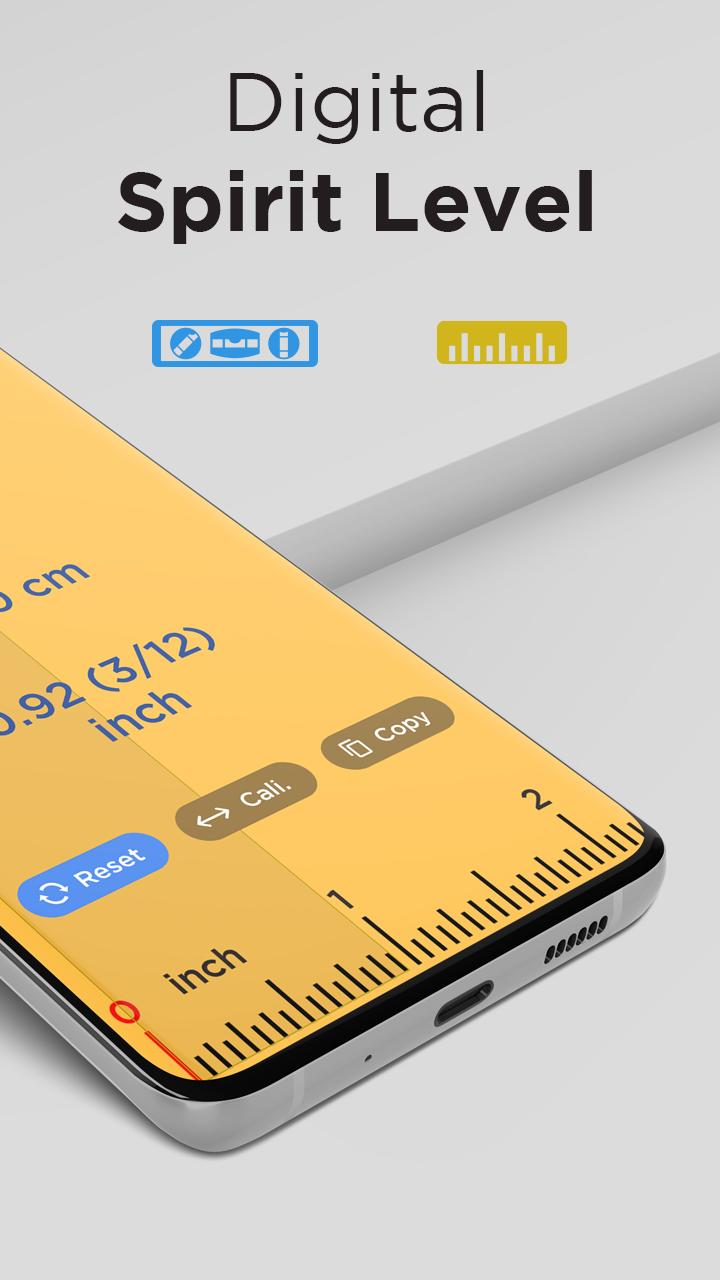
• Calibration - Increases the precision of the spirit level. It compensates for the curvatures of the phone like a protruding camera or buttons. You can calibrate one flat surface (front or back) and one edge. The selected edge will be shown on the bottom-right button.
• Save - Allows you to save the bubble level gauges in a notebook and give it a name.
• Board - Allows you to read the saved bubble level gauges.
• Calibration Time - Allows you to extend the time of calculating results from the sensor giving more stable spirit level results. Devices with a good accelerometer don't need it.
• Secondary Calibration - This option is useful for engineers in extreme cases. If you need to use a different edge or place the phone on the screen (e.g. when working with ceilings), switch the bottom right button to 2 and calibrate for these surfaces. Toggle calibrations depending on the surfaces used.
Download the all new Digital Spirit Level : Level Bubble & Ruler app for FREE!!!
プレビュー
タグ
ツール情報
デベロッパー
Grade Star Apps
最新バージョン
1.2
最終更新
2022-07-28
カテゴリー
ツール
上で利用可能
Google Play
もっと見せる
PCでGameLoopを使用してDigital Spirit Level : Level Bubble & Ruler Appをプレイする方法
1. 公式WebサイトからGameLoopをダウンロードし、exeファイルを実行してGameLoopをインストールします
2. GameLoopを開いて「Digital Spirit Level : Level Bubble & Ruler App」を検索し、検索結果でDigital Spirit Level : Level Bubble & Ruler Appを見つけて、「インストール」をクリックします。
3. GameLoopでDigital Spirit Level : Level Bubble & Ruler Appを楽しんでください
Minimum requirements
OS
Windows 8.1 64-bit or Windows 10 64-bit
GPU
GTX 1050
CPU
i3-8300
Memory
8GB RAM
Storage
1GB available space
Recommended requirements
OS
Windows 8.1 64-bit or Windows 10 64-bit
GPU
GTX 1050
CPU
i3-9320
Memory
16GB RAM
Storage
1GB available space